

Question
FAQ - How to convert to PDF in Creative Cloud Express
FAQ - How do I convert a PDF and Export a PDF using a quick action in Adobe Creative Cloud Express?
Use quick actions to convert your files to PDF or export them to other file formats.
 PDF Quick Actions are not available on Creative Cloud Express on mobile.
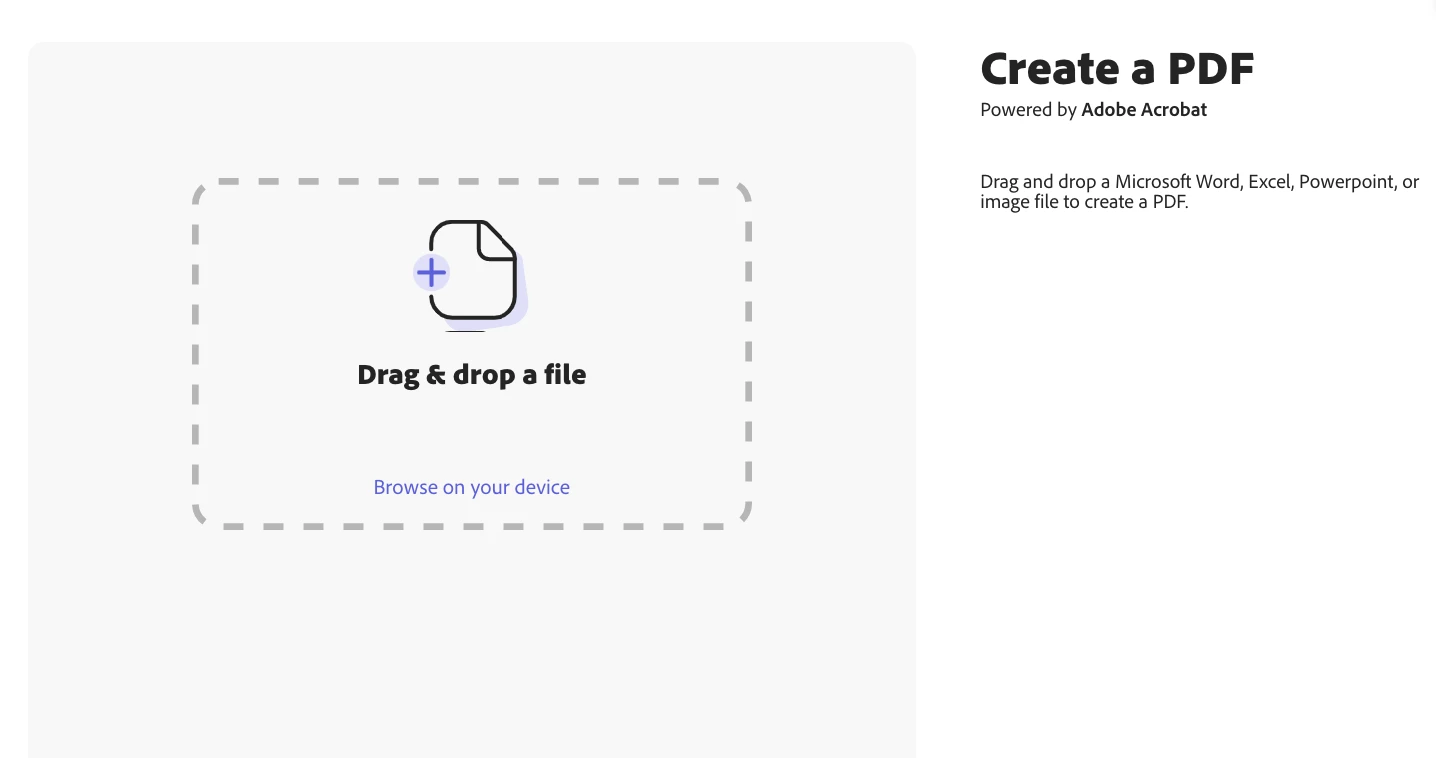
Create a PDF
Drag-and-drop a Microsoft Word, Excel, PowerPoint, or image file to convert to PDF.
Follow these steps:
- In the home page, under Try a quick action > Edit your document, select Create a PDF.
- Drag-and-drop a file or browse your device to select a file.
- Creative Cloud Express converts your file to PDF. Download your PDF file.
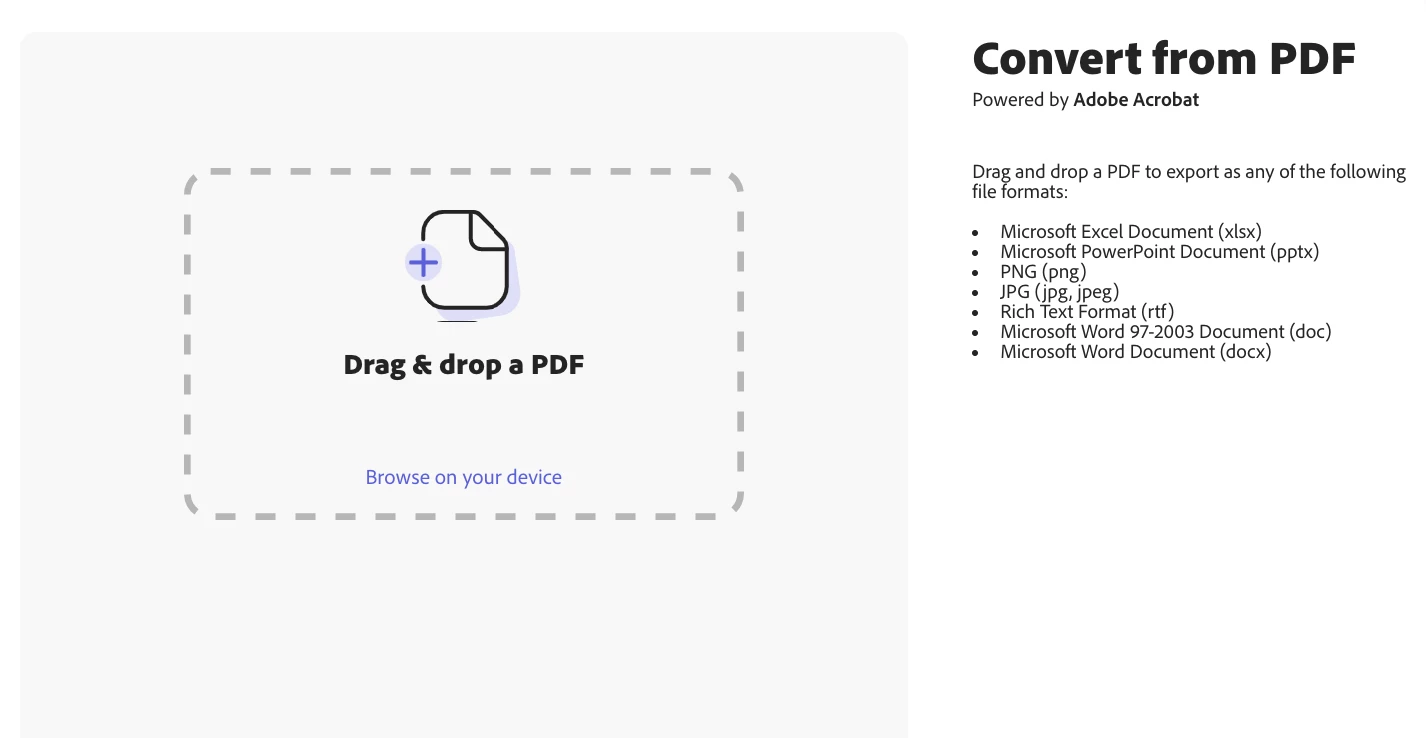
Convert from PDF
Convert your PDF file to a Microsoft Word Document, Microsoft Excel Document, PNG, JPG, or other file format.
Follow these steps:
- In the home page, under Try a quick action > Edit your document, select Convert from PDF.
- Drag-and-drop or browse your device for the file to convert.
- Use the Convert your PDF to drop down to select the file format. Select the language of the file you are converting from the Document language drop down.
- Click Download.
More like this
Documentation is here: https://helpx.adobe.com/express/using/edit-document.html
 AdChoices