


Participant
April 15, 2024
Answered

Help I can't download Adobe Express completed edit project

  • April 15, 2024
  • 1 reply
  • 958 views

Hi all, I've finished editing a video with multiple shots on Adobe Express (paid version) and it won't download 😞 It keeps displaying this, and has been for the past 24 hours:
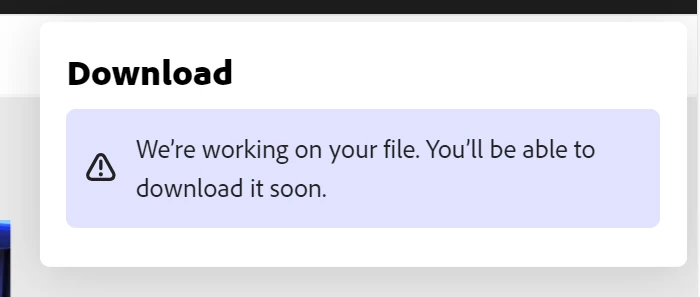
When I try and re-open the project in a different browser there are huge gaps in the timeline and it won't let me download it and says:
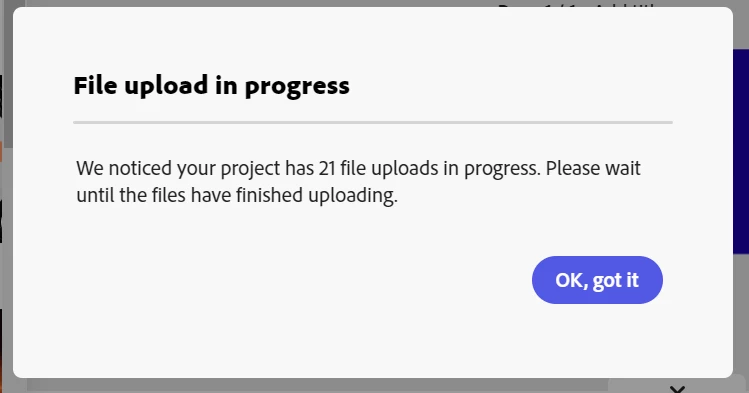
I've waited and waited 24 hours but still no joy.


I have noticed that the missing clips display this symbol in my original timeline:
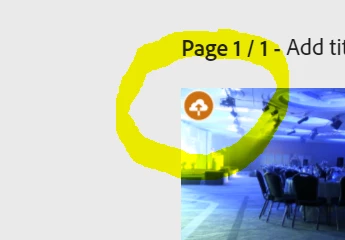
Does anyone know what this means please? Is anyone able to help me retrieve my many hours of work (which oddly plays in the original window but has gaps in elsewhere). I'm editing on a Dell Laptop and it didn't seem to have any problems earlier on today. Thank you in advance!


This topic has been closed for replies.
Correct answer Abhi.G @ ADBE

Hi @Anna36744598drgi 


Sorry to hear you are running into this issue. That symbols indicates that the asset is uploading, which is corroborated by  the "File upload in progress" dialog as well. Are the assets you are using particularly large, or do you have a spotty/slow network?


I would try replacing one of these with the same asset again, and check if the symbol goes away (and the number of pending uploads reported in the dialog goes down). If that happens, you could repeat the process for all assets (though I realize this is a major inconvenience)


Hope this helps

Abhi G

1 reply

Abhi.G @ ADBECorrect answer
Adobe Employee
April 15, 2024

Hi @Anna36744598drgi 


Sorry to hear you are running into this issue. That symbols indicates that the asset is uploading, which is corroborated by  the "File upload in progress" dialog as well. Are the assets you are using particularly large, or do you have a spotty/slow network?


I would try replacing one of these with the same asset again, and check if the symbol goes away (and the number of pending uploads reported in the dialog goes down). If that happens, you could repeat the process for all assets (though I realize this is a major inconvenience)


Hope this helps

Abhi G

Participant
April 16, 2024

Thanks so much @Abhi.G @ ADBE I really appreciate your time in replying to me. I've used the programme before without issue, but to be honest it puts me off using Adobe Express again! Will try your suggestion, thank you, Anna