


Participant
Aug 16, 2023 3:00 PM UTC
Answered

Help layering images

Hello - if my question is already asked I apologise.

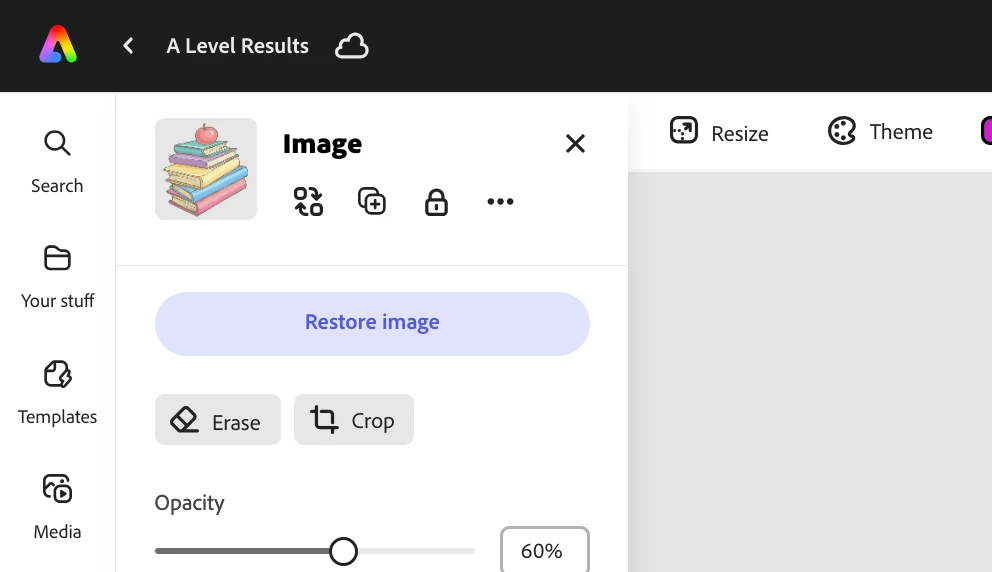
I've being using adobe express for a while now but the tool used to layer images and move them forward and backward is no longer there? It used to be beside the duplicate icon but is not anymore - I've looked all over the website and I can't find it? Very stupid question but I actually am baffled!

This topic is closed to new replies. Start a new post to keep the conversation going.
Another Phil
Another PhilCorrect answer
Inspiring
Aug 16, 2023 3:42 PM UTC

Thanks for your patience as I try to understand your objective. You're right, things have shifted a bit within the updated Adobe Express editor. There are two ways to move images forward or backward. You can either right click the image and select "Bring Forward" or "Send Backwards", or you can drag & drop using the layer tool located in the top right of the editor. See the attached video. Does that help?

- Phil

8 replies

Another Phil
Inspiring
Aug 16, 2023 3:10 PM UTC

Hi @bryan31621090kb4z - This isn't a bad question at all! You can find the layering tool is located in the top right of the editor. See my screenshot below. Is that what you're looking for?


- Phil

Translate
Participant
Aug 16, 2023 3:26 PM UTC

Apologies I don't think I'm using the right terms, I'm referring to the tool that allowed you to move an image forward or backward, for example I currently have image A infront of image B, but I need it behind, there used to be a tool for that but now it's gone? Thanks for your response.

Translate
Another Phil
Another PhilCorrect answer
Inspiring
Aug 16, 2023 3:42 PM UTC

Thanks for your patience as I try to understand your objective. You're right, things have shifted a bit within the updated Adobe Express editor. There are two ways to move images forward or backward. You can either right click the image and select "Bring Forward" or "Send Backwards", or you can drag & drop using the layer tool located in the top right of the editor. See the attached video. Does that help?

- Phil

Translate