
Known Participant
February 12, 2022
Answered

How do you add content below existing content wich you can then scroll down to?

  • February 12, 2022
  • 2 replies
  • 1441 views

In Spark it was easy to add content at the bottom of your page so that viewers could scroll down.  How do you do this in CCExpress?  Or is it less functional than Spark?
This topic has been closed for replies.
Correct answer David__B

Hi Tom,


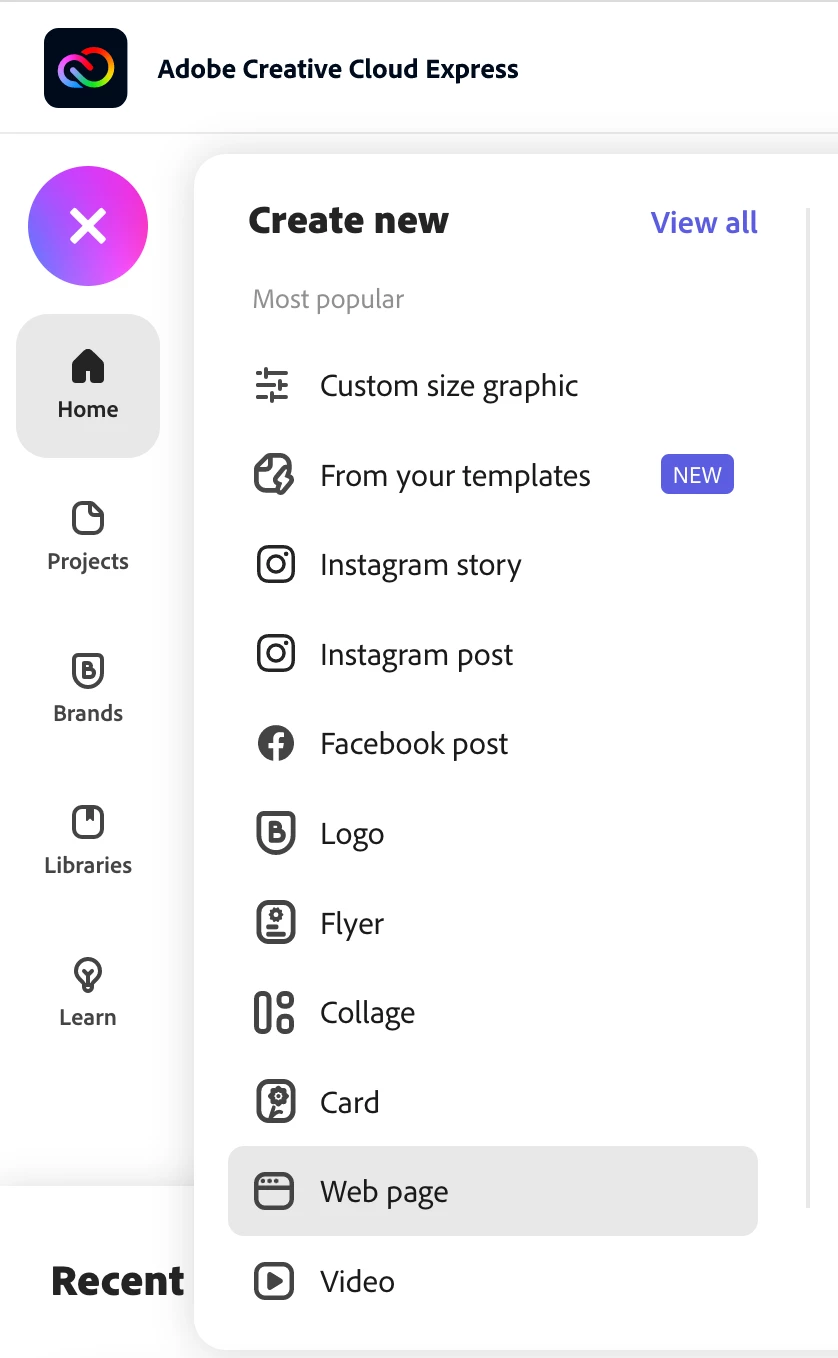
I wondered if what you were looking for is the scrolling webpage functionality which was formerly available in Spark Page. This functionality is still available in Creative Cloud Express by starting a new Web page project.  If you go here: https://express.adobe.com/sp/ and select a Web page project this may be what you're looking for. Maybe test and let us know. You shoud also see any of your former Spark Page projects there as well.


Best,
Dave

2 replies

MoiraDunworth
Participant
February 26, 2022

Yes, in my experience it is less functional than Spark. In fact, I don't see the point of CCExpress at all. When I load a photo, it is there, centred and I can't do anything with it. How useless is that? Canva (free) would be better

Known Participant
February 27, 2022

Hi Moira

Take a look at David B s suggestion above. The webpage new document is the replacement for Spark, plus there are a lot of other types of document you can use. There are a lot of templates you can adapt, but I have not explored how to create one yet. The webpage is a lot like Spark - ie you have limited scope for creativity in exchange for quickly building respectable pages. 

Hope you get to grips with it now!

MoiraDunworth
Participant
February 27, 2022

Thanks TopCat2000 - I will try that. Need to be psychic to use CCExpress, it seems. I pay quite a lot for my CC subscription so this carry-on is disappointing to say the least but thanks for your help. 

Community Manager
February 15, 2022

Hi there,


Thank you for reaching out to us. We will be happy to assist you. Could you please explain a bit more than what exactly you are trying to do? In which category would you like to perform this task? This explanation will help us to assist you with the best resolution. We will be looking forward to your response.


Thanks,

Manmeet

Known Participant
February 15, 2022

Thanks Manmeet.


I was trying to create a page of a number of photos of an event, to share with a number of people.  It seems that it was not possible to add photos below what could be seen on the screen, and which could be scrolled down to.  In Spark this was simply not an issue, and I have previously created a number of pages using Spark where this happened.  CCexpress did not seem to allow me to scroll down (or sideways either, for that matter). Is this a limitation of CC expresss, or am I missing something?


Many thanks

Tom

David__B
Adobe Employee
David__BCorrect answer
Adobe Employee
February 16, 2022

Hi Tom,


I wondered if what you were looking for is the scrolling webpage functionality which was formerly available in Spark Page. This functionality is still available in Creative Cloud Express by starting a new Web page project.  If you go here: https://express.adobe.com/sp/ and select a Web page project this may be what you're looking for. Maybe test and let us know. You shoud also see any of your former Spark Page projects there as well.


Best,
Dave