Inspiring
April 2, 2026
Answered

How do you delete a middle section in the webpage builder?

  • April 2, 2026
  • 1 reply
  • 37 views

I have a stray section in the middle of my website builder I want to delete altogether. Can’t find where to do this anywhere and it’s too late to “Undo”. Is there a simple menu I am missing?


 

    Correct answer Amitej S

    Hi ​@Eimilia, thanks for posting on our Adobe Express community!

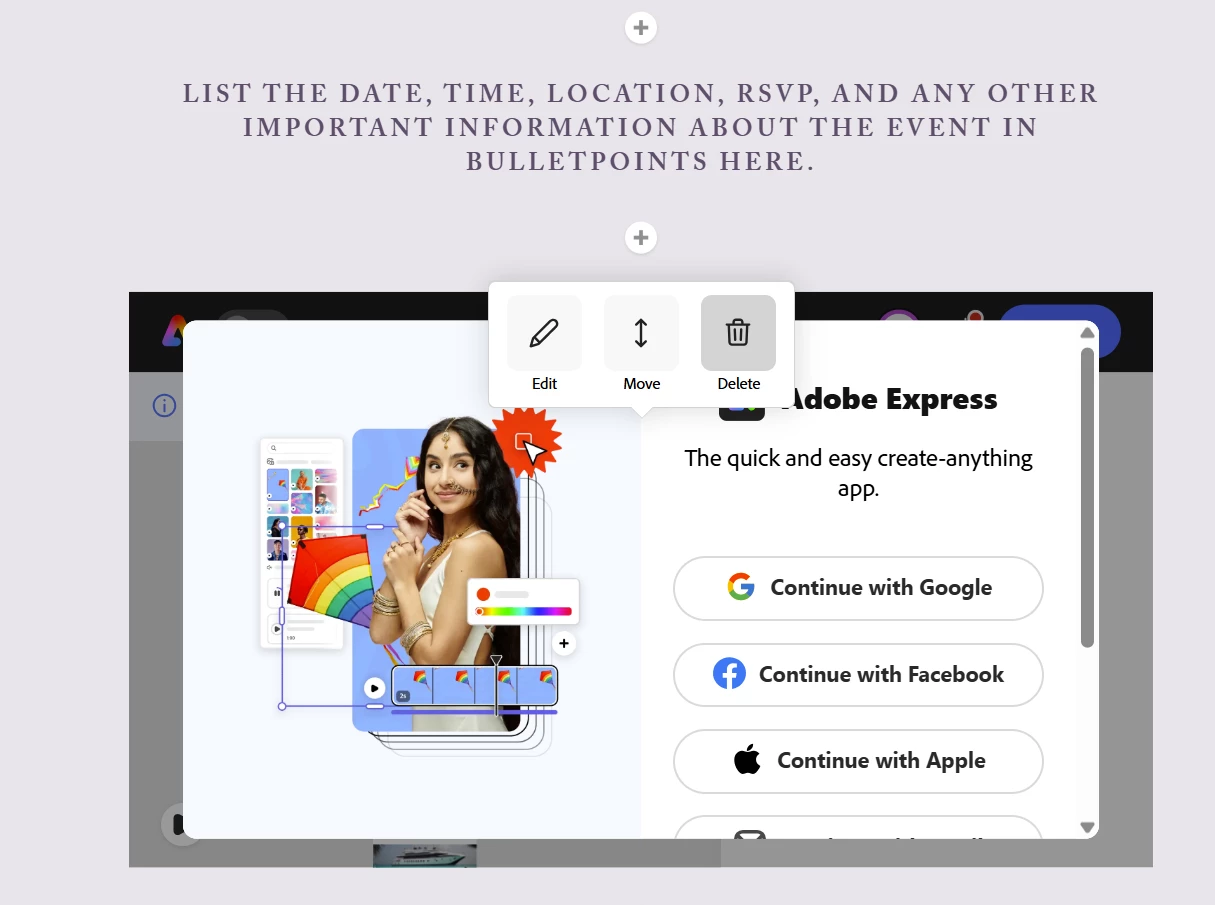
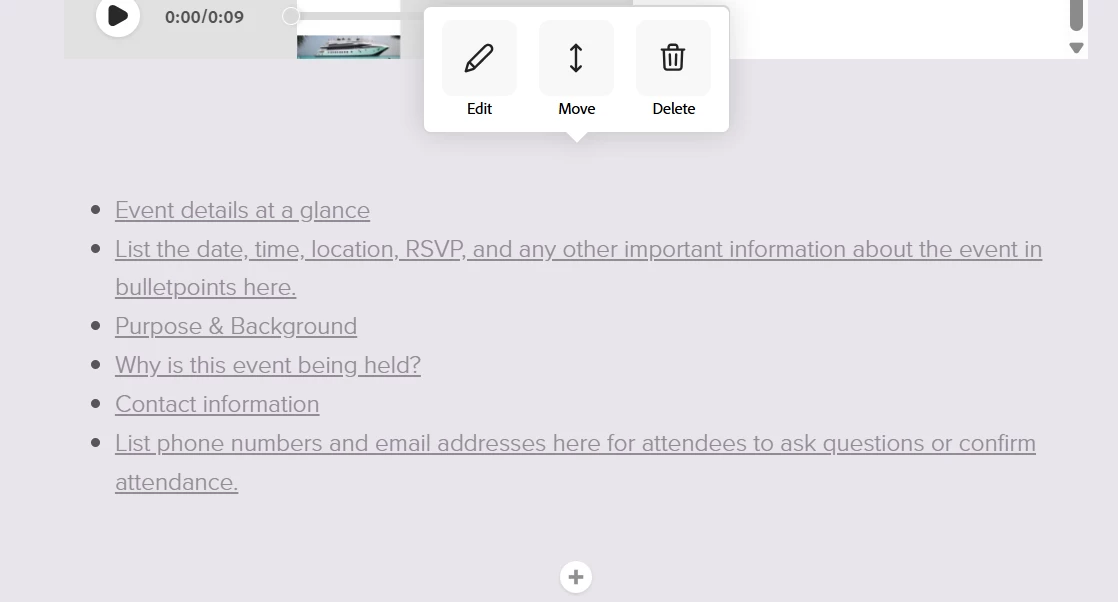
    To delete any section on the Adobe Express webpage project, you’d need to click on the section and its options would appear, from there you can delete that section. 


    Screenshot shared for reference: 


    Let us know if there’s anything else you need help with!

    Best!

    1 reply

    Amitej S
    Community Manager
    Amitej SCommunity ManagerCorrect answer
    Community Manager
    April 10, 2026

    Hi ​@Eimilia, thanks for posting on our Adobe Express community!

    To delete any section on the Adobe Express webpage project, you’d need to click on the section and its options would appear, from there you can delete that section. 


    Screenshot shared for reference: 


    Let us know if there’s anything else you need help with!

    Best!

    EimiliaAuthor
    Inspiring
    April 16, 2026

    Thanks, Amitej S

    I don’t get that popup in the sections I want to delete. In fact I don’t see it in any section when I click on it.

    These are empty sections I’ve removed content from.

    The only option/popup I get on these empty sections is when clicking on the “+” to add content or layout.

    When clicking in the blank space in these empty sections there is no option.

    I tried adding content to see if that would make it hefty enough to be deleted but that doesn’t work.

    I now have four of these I can’t delete.

    This actually happened before in a previous project, and my only available workaround was to start from scratch and just be very careful to select the “Undo” button at the top of the screen immediately after finding myself with one of these empty spaces.

    ……..

    When I look at the page using the “Present” (play-arrow icon on top), these empty sections are visible and add a ton more space than I want.

    ………

    ***On the other hand*** I see now when I look at it using the “Preview” (eye icon on top), the result seems to ignore those spaces so maybe it’s okay…?

    Just seems frustrating and buggy in the editing phase but if the Preview is true, I can live with it.

    FWIW I am working with a MacBook.