


kvbnvhgkvhv
January 7, 2026
Question

How to turn off white fade on Adobe Express Video Animations?

  • January 7, 2026
  • 1 reply
  • 196 views

Using Safari with a Macbook Pro.

All Animations for videos have a white fade transition.

See attached. White fade occurs, even though there is no Transition between these two layers.

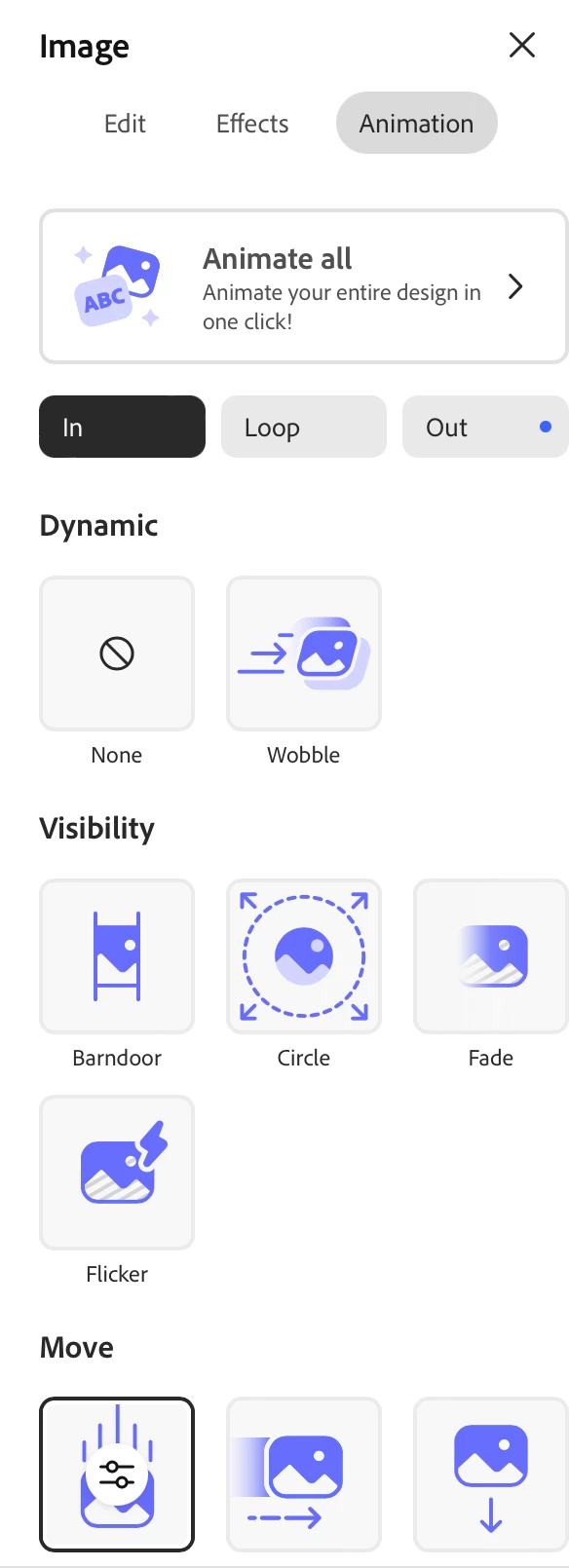
See attached. Fade is not selected in Visibility. Move is selected.
Is there any way to turn this off? Thanks
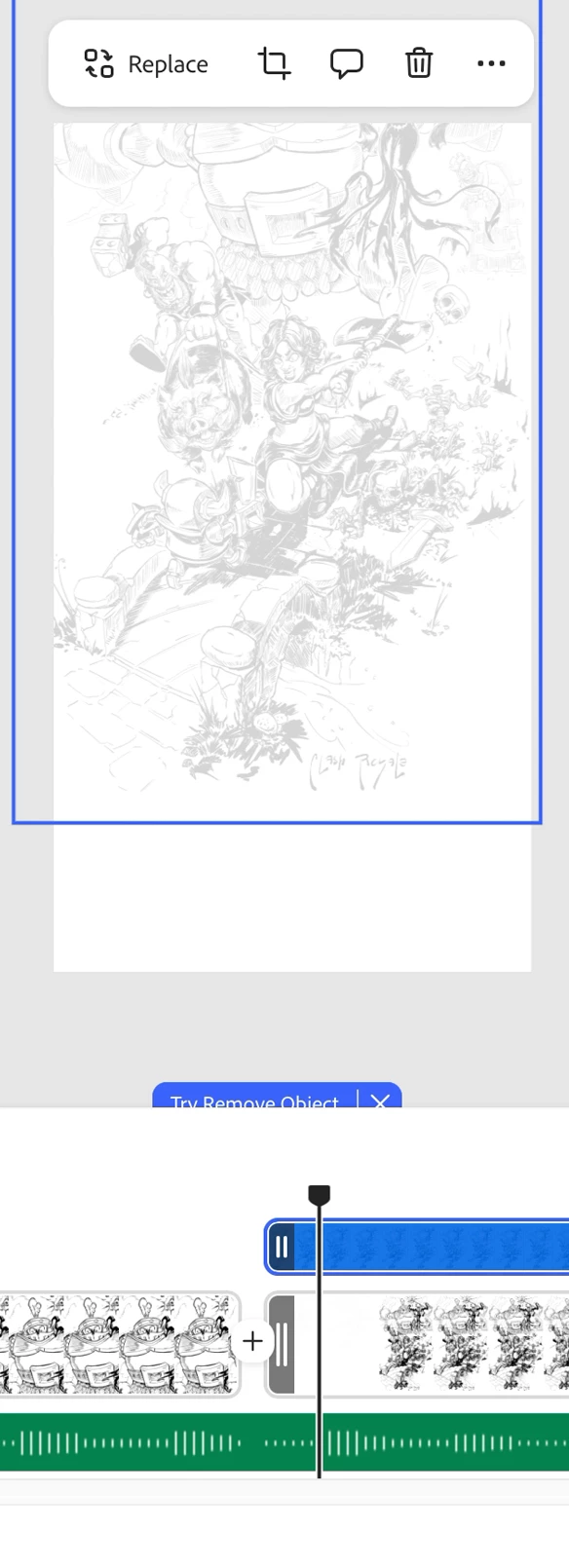
adobe-express-fadeproblem01.png


adobe-express-fadeproblem02.png


1 reply

Amitej S
Community Manager
Community Manager
January 8, 2026

Hi @kvbnvhgkvhv, Welcome to our Adobe Express community! 

Thanks for posting here.


Can you please confirm if the source asset doesn't have a fade startup by default? If there isn't any transition added in Adobe Express, it shouldn't be appearing as it is unless the source asset has it.


Would it be possible for you to share the project with us privately with edit access so we can check it on our end.


If yes, do let us know, we'll then share with you the steps to share the project privately.

Best!

kvbnvhgkvhv
January 8, 2026

Hello @Amitej S 
The source is a png so no fade startup, it's a static image.
I've found this to occur on all video projects I've worked with in Adobe Express using static images so far.

yes I'd love to share with you, please instruct on how to do so.

Amitej S
Community Manager
Community Manager
January 8, 2026

Thanks for the additional details, @kvbnvhgkvhv !


I've sent you a community DM with details on how to share the project for investigation. Please look for the message icon in the top right corner of the community page. This is done to maintain privacy, as your project shouldn't be available on an open forum.