I can't open my Adobe Express Project because of Adobe Stock Images
I made an Adobe Express project a week or 2 ago and even downloaded a few drafts. However, I needed to update the image and Adobe Express shows this pop-up:
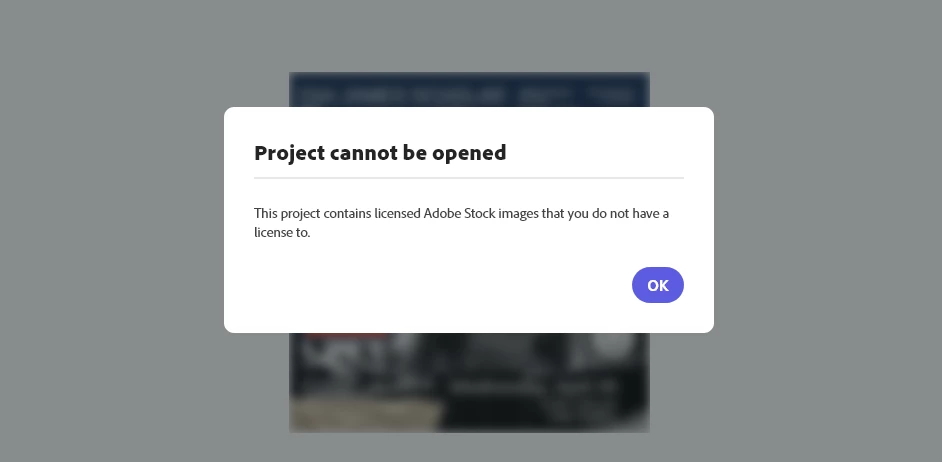
This is very aggravating because I NEVER inserted any Adobe Stock image, heck how would I even gain access if I never had access in the first place? All I know is that I was able to select a template that already had images there that I didn't even need (why would it even allow me to click it if it had Adobe stock images? Something should've prevented that from happening or at least remove the image from the template). Adobe Express on the web glitched out and became unresponsive and so I tried opening my project again and boom, I don't have access. I have an Adobe account through my University that provided us with an Educational license/access to the Creative Cloud and Adobe programs.
How would I know an image on there was from the Adobe Stock images? I simply liked the pairing of text and composition used and now I can't access anything there (I made 3 designs in the project). I really need access to this project, how can I pass this prevention?
 AdChoices