
Participating Frequently
January 7, 2022
Answered

I can't replace any photos in CC Express.

  • January 7, 2022
  • 2 replies
  • 1413 views

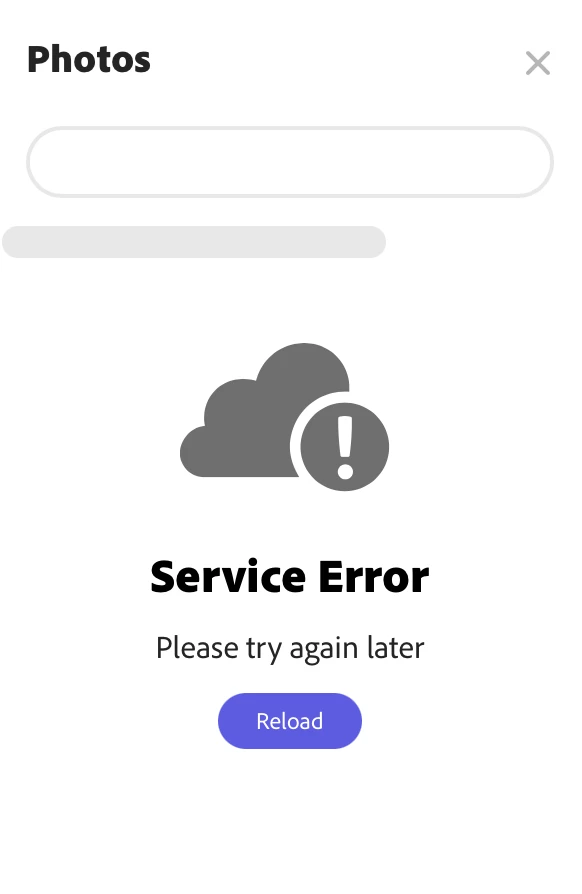
I can't replace photos on any of my existing projects. When I click the image and hit "replace" I get a Service Error message. No matter how many times I reload, I get the same error. And, I honestly don't even need an Adobe Stock photo. I have my own image I want to uplate, but I can't get past this error to do it.


Please help.
 

This topic has been closed for replies.
Correct answer Saquib.Iqbal

I installed it on my personal device, which is on another network, and I can replace images. However, that's not a long-term solution. How I can get the it to work on my workplace network?


Thank you.


Hi, if it's working on a different network, we would suggest you please contact the IT admin in your organization and get the firewall settings checked. Let us know if that works.
Thanks,
Saquib

2 replies

Community Manager
January 7, 2022

Hi CORINA5C47, sorry about that. Not what we want to hear. Have you tried reinstalling the app? Signing out of the app, and then signing back in? Try checking these things and report back with any observations. Thanks for your patience in resolving this problem.
Thanks,
Saquib

Community Manager
January 7, 2022

Hi CORINA5C47,


Did you try reinstalling the app? Also, Could you try again on the web app (https://express.adobe.com/sp/) and check if you facing the same issue? Lets us know, we are here to help.


Thanks,

Saquib

Participating Frequently
January 7, 2022

Yes, I am facing the issue on the web app. In fact, that's where I first encountered the problem and that is my main platform for using Creative Cloud Express. Refreshing, reloading, and changing web browsers has not solved the issue.

Community Manager
January 7, 2022

Hi Corina,


Sorry for the trouble. Could you please try clearing browser cache and then logging in using a new "Incognito," (Chrome), "Private" (Safari) or similar window. If those steps do not work, then try reinstalling the app. Signing out of the app, and then signing back in. Try checking these things and report back with any observations. Thanks for your patience in resolving this problem. 


Thanks,

Manmeet

Participating Frequently
January 7, 2022

I tried all of that before posting. None of it worked. I even created a brand new project just to test it, and I had the same problem.