


Participant
August 28, 2026
Question

Impossible to delete a file uploaded to the AI enhancer.

  • August 28, 2026
  • 7 replies
  • 107 views

When you upload a file to the Adobe Free AI Enhancer, it is impossible to fully delete the file that you uploaded.
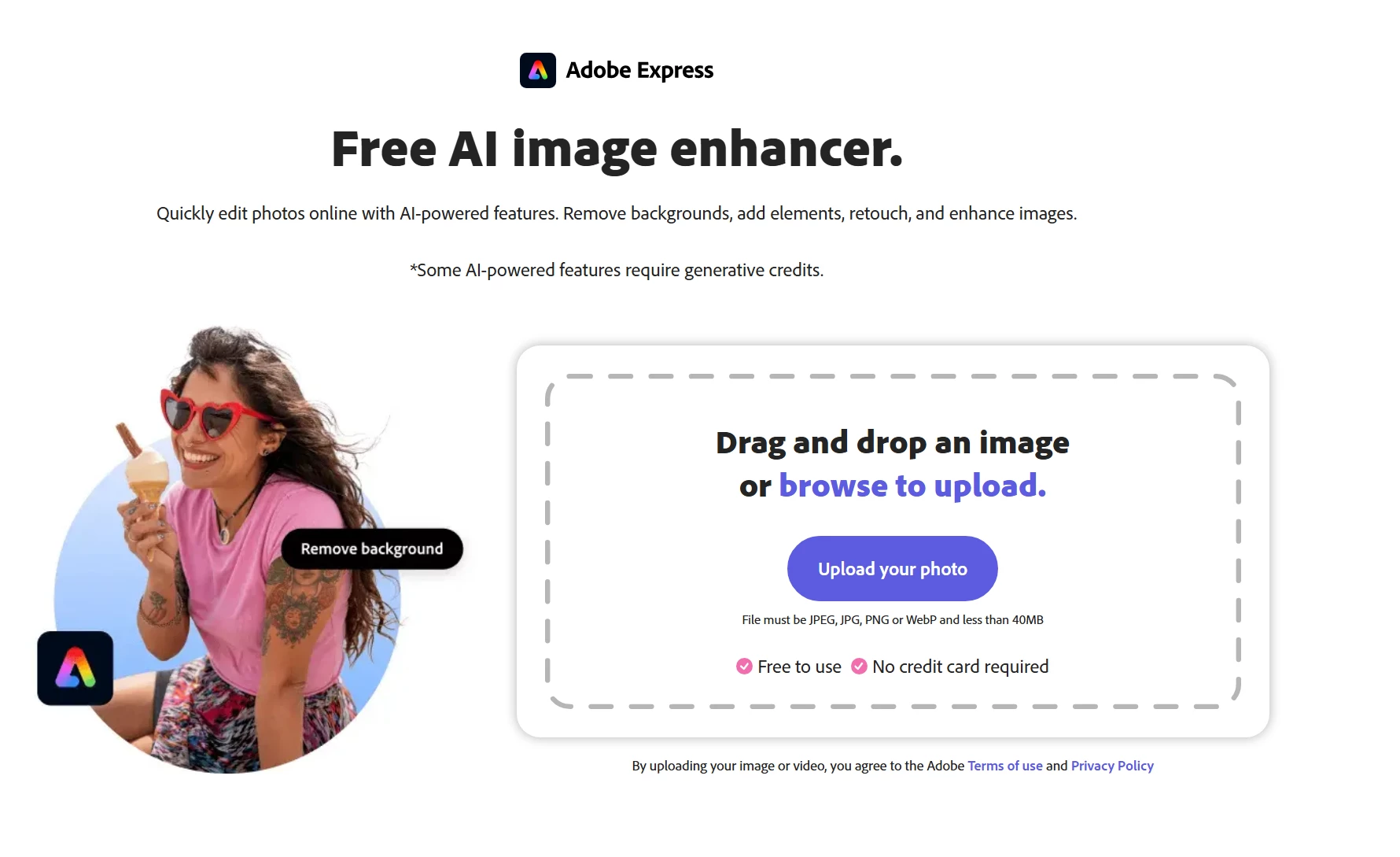
Once you upload the file, delete your project and then delete the file you uploaded, it does not go to the files > deleted folder like it should.
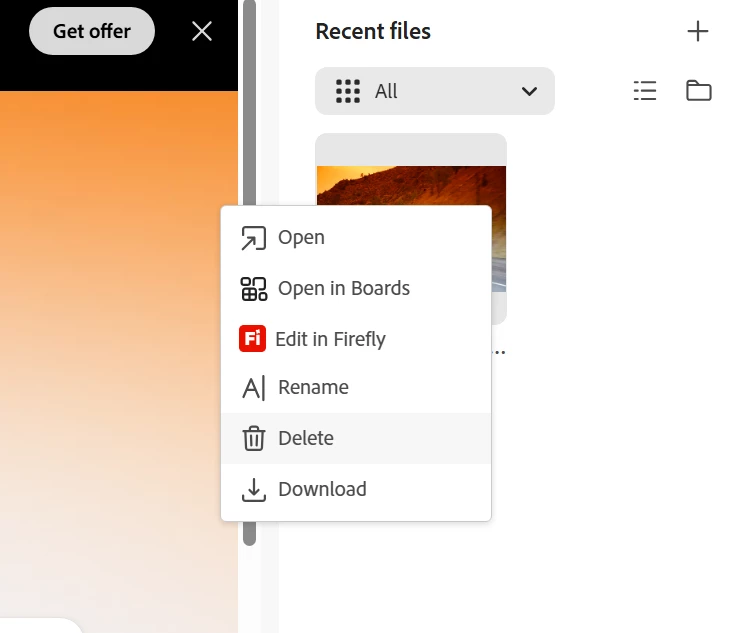
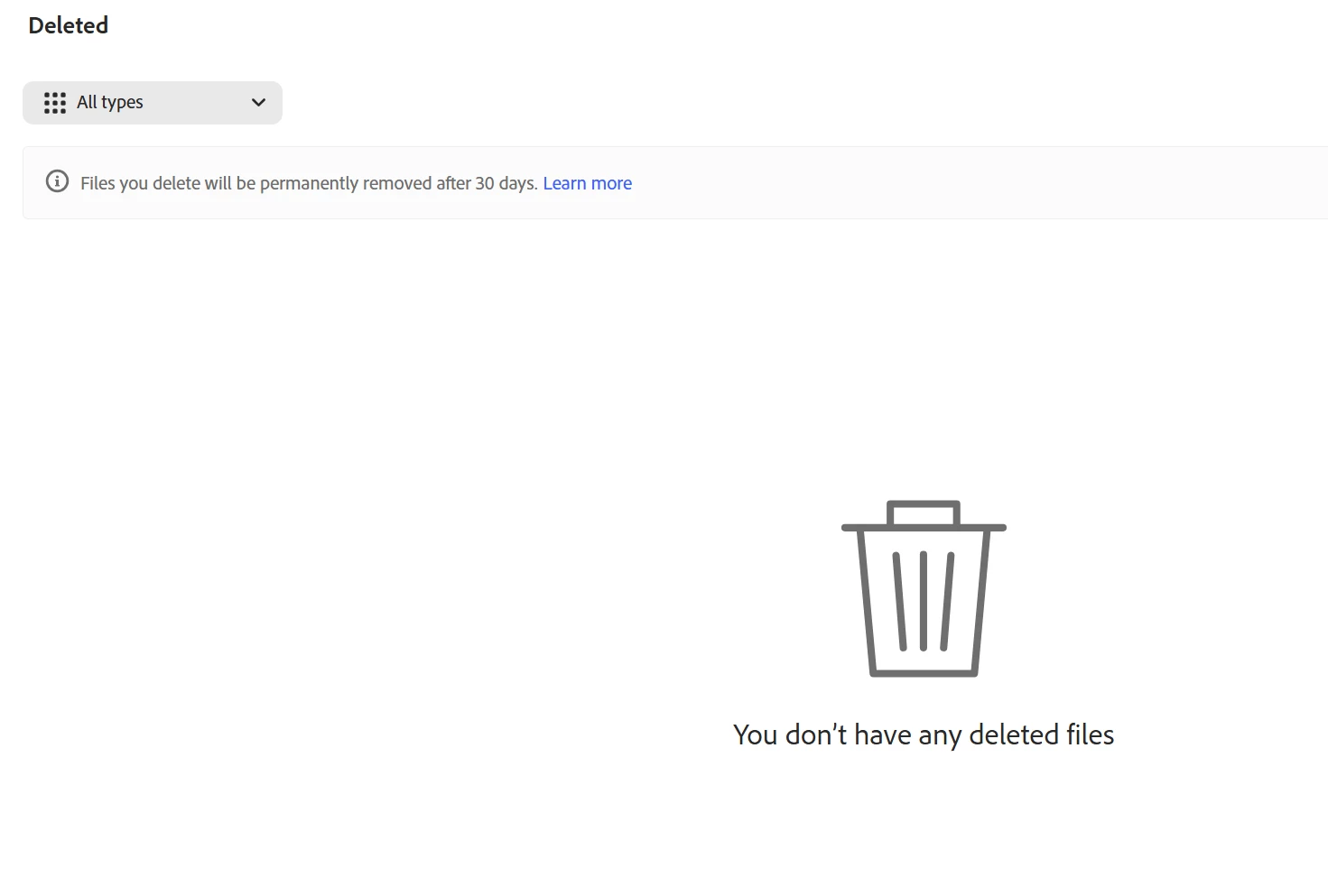
I checked absolutely everywhere I can’t find the file no matter what yet it still takes up storage space so it clearly is on the Adobe’s servers. I checked mobile, firefly and every other possible location where there would be a deleted folder and it’s not there. I tested this behavior with another account and it does the same thing. Is there a deleted folder location I’m not aware of or is this truly a bug? I want to permanently delete a file I uploaded but I can’t.


7 replies

oliviaparker09
Participating Frequently
August 28, 2026

It sounds like a storage/deletion issue rather than something specific to the account, especially since you were able to reproduce it with another account. If the file no longer appears in the normal Deleted/Trash locations but is still consuming storage, there may be a backend retention or cleanup issue with the AI Enhancer.

I’d recommend checking the file from the Adobe account storage page and, if it still cannot be removed, contacting Adobe Support with the screenshots and account details. Hopefully Adobe can confirm whether these uploads are retained temporarily or fix the deletion behavior.

Rose DV
Community Manager
Community Manager
August 28, 2026

Hi romantic_Harmonycfba,

Thanks for laying this out so clearly, and for testing it on a second account.

For the sensitive file on the wrong account, opening that support case was the right move - that's the best route here, since support can action and confirm a server-side deletion directly, which the self-serve tools can't. If you want to get to them faster, you can also reach support via chat here → https://helpx.adobe.com/contact.html?rghtup=autoOpen

When you're in touch, just say plainly that it involves sensitive data you need permanently removed so they can handle it as a data-deletion request.

Rose

Participant
August 28, 2026

Hello,

I contacted them on wednesday through the chat and they told me 24-48 hours and I still haven’t heard from them. Hopefully I hear from support next week. I would have thought this would be something that could have been done quickly but apparently not, seems like they need to escalate it.

Participant
August 28, 2026

The other thing is, even though the file is unfindable now, will it still autodelete in 30 days since it was deleted? I had to open up a support case because I accidentally uploaded a sensitive file to an account that it shouldn’t have been uploaded to and now even something as simple as permanently deleting the file from this account is now a huge issue. 

Participant
August 28, 2026

Please delete, I meant to post this in bug reports.