


Participant
December 11, 2023
Question

Insert Video Project as a Scene (not a Page)

  • December 11, 2023
  • 2 replies
  • 783 views

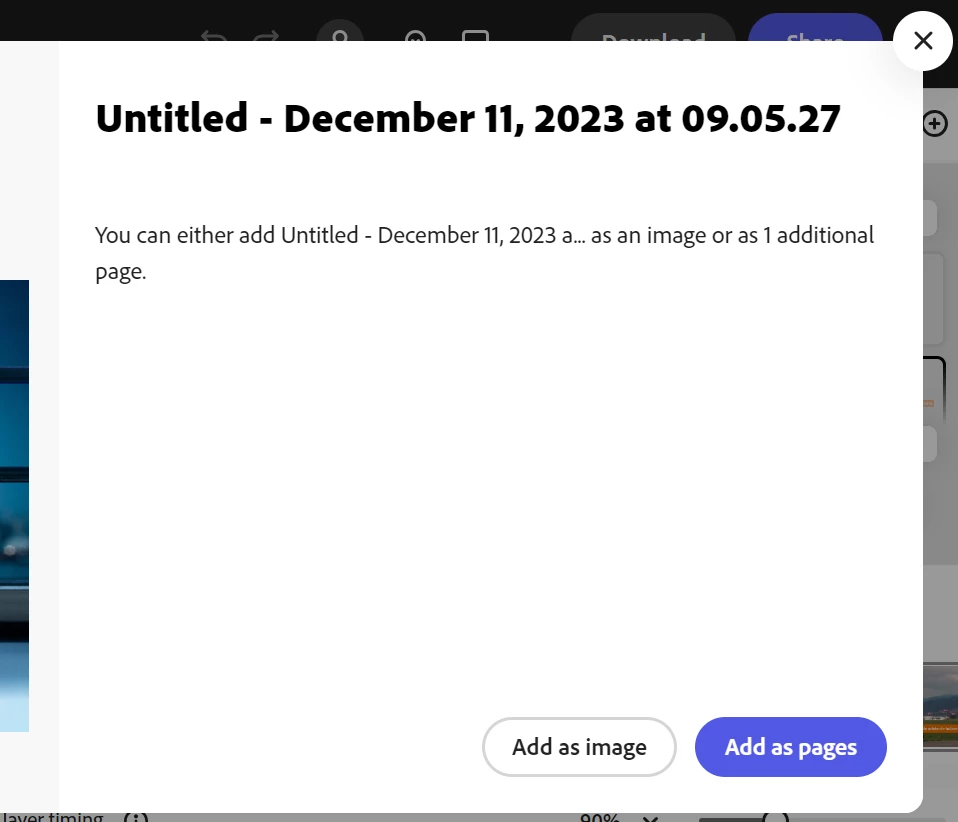
When I try to insert an Express video project into another Express video project, it only gives two options, Add as Image or Add as Page.  "Add as Image" is just a still image. My brain cannot comprehend what a "page" is in the video editor context. Neither of these options inserts the content as scene(s) that can be edited. How do I combine scenes from different video projects and maintain the ability to edit captions, animations, etc. in the resulting project?


2 replies

pamelas87768583
Participant
May 29, 2025

I am trying to do something similar. I have a multi-page document and I am trying to move the last page into the second to last page as a scene. 


I could download the page and upload it as a scene, but then I wouldn't be able to edit the timing or animations if needed. 

Community Manager
May 30, 2025

Hi @pamelas87768583,


Currently, Adobe Express doesn’t support moving a whole page into another page as a scene with editable timing and animations. The workaround of downloading and re-uploading works, but limits editing options.

As a workaround, you might try recreating the elements from the last page directly as a new scene on the second-to-last page to keep full control over timing and animations.


Let me know if you want help rebuilding the scene manually.


^MM

Participant
February 13, 2024

I don't know the answer, but I'm trying to figure out how to use Adobe Express to accomplish something similar, so I'd prefer that the Adobe Community offer its expertise on this one. Please assist!