



Amitej S
Community Manager
Community Manager
March 7, 2024
Answered

New Adobe Express Mobile (beta) app is here!
  • March 7, 2024
  • 5 replies
  • 3430 views

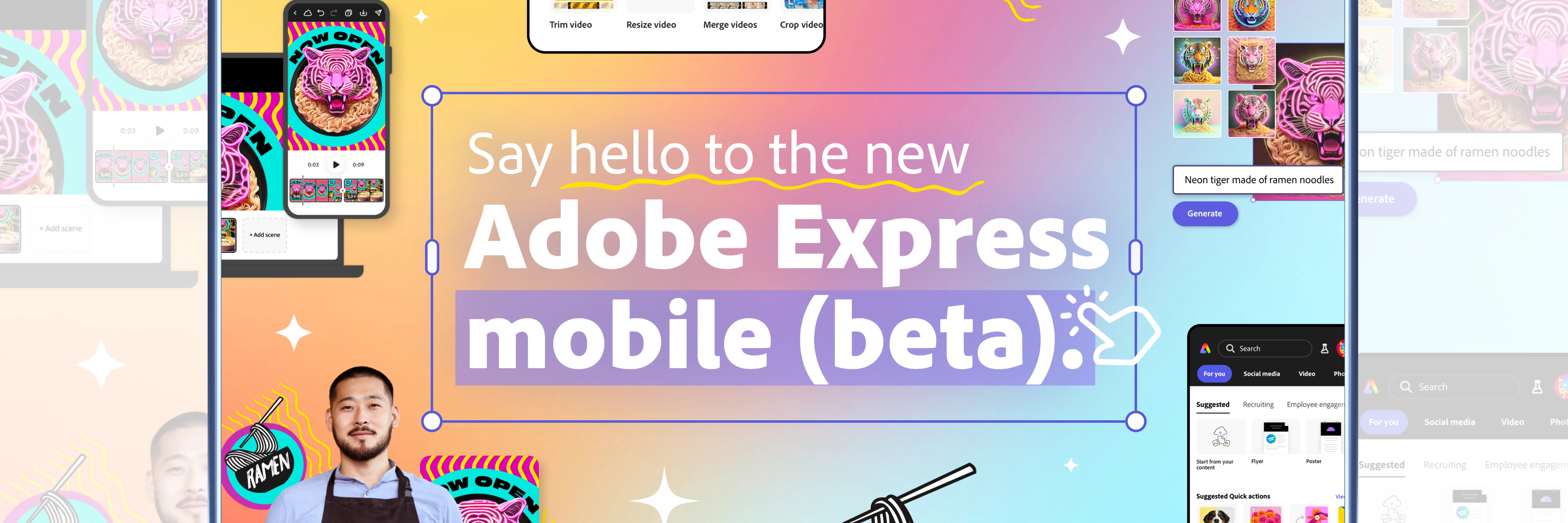
Try the new Adobe Express Mobile (Beta) app!


We are thrilled to announce that the new Adobe Express Mobile (Beta) app is now available. There are many new features to extend your creativity, such as generating extraordinary images instantly from just a description with Adobe Firefly generative AI, scheduling content on social platforms, and more.


The new Adobe Express is available on iOS and Android as a beta app, and it enables mobile users to collaborate on desktop projects again.


Useful Links


  • Mobile Beta overview: Get familiarized with the new Adobe Express Mobile Beta.
  • FAQ: Get answers to common questions about Adobe Express Mobile Beta.
  • System requirements: Find the minimum technical specifications to use the Adobe Express app on mobile devices.
  • Known Issues: Stay up-to-date with known issues and workarounds in Adobe Express Mobile Beta.
  • Discord: Join the Adobe Express Discord server to connect with others, get creative feedback, and share resources!
  • UserVoice: How can we improve the Adobe Express Mobile app? Share your thoughts and ideas in UserVoice.



Hey community! Upvote this post if it is helpful, and leave a comment to join the conversation.



This topic has been closed for replies.
Correct answer Amitej S

The new Adobe Express mobile app is out of beta!


Eligible devices can download the app now via Google Play and Apple App Store. For instructions on how to download, check out the following pagehttps://community.adobe.com/t5/adobe-express-discussions/introducing-the-all-new-adobe-express-mobile-app/td-p/14563196


5 replies

Amitej S
Community Manager
Amitej SCommunity ManagerAuthorCorrect answer
Community Manager
April 19, 2024

The new Adobe Express mobile app is out of beta!


Eligible devices can download the app now via Google Play and Apple App Store. For instructions on how to download, check out the following pagehttps://community.adobe.com/t5/adobe-express-discussions/introducing-the-all-new-adobe-express-mobile-app/td-p/14563196


Participant
March 18, 2024

Where is the icons tab??

Amitej S
Community Manager
Amitej SCommunity ManagerAuthor
Community Manager
March 18, 2024

Hi @V339630983q11the Adobe Express team recently replaced all icons with hundreds of thousands of Adobe Stock icons. However, they're only available on Adobe Express Desktop (new.express.adobe.com) and our new Adobe Express mobile beta app.


In the mobile beta app, if you open up the editor canvas, click + in the corner, go to Elements, and then scroll right within those Elements tabs, you will see "Icons." There, we have hundreds of thousands of transparent icons powered by Adobe Stock, with more continuously added. 


Alternatively, if you go to the editor, click +, and click the magnifying glass, it will search all the content types, including icons. Then, you can scroll down and see results for icons --> click View All --> it will take you to the Icons tab, whichever you prefer! It will be the same outcome as the above steps.


The same applies to the desktop web experience, in case that's what you're using.


Let me know if you still aren't able to find them!


themewesetech
Inspiring
March 16, 2024

Great eye-catching design. I am loving the new mobile!!! I've made posts, videos, pdfs through the creative cloud. The sync is amazingly smooth.

Participant
March 15, 2024

I have not been able to access 'brands' on the mobile app for months! I signed up for the waitlist on the beta app. What is the estimated wait time? 


themewesetech
Inspiring
March 16, 2024

Can you try again? It is available now. And brands are there! 

Participant
March 13, 2024

Thank you, please keep supporting the mobile app. It's super convenient.

- Rorz