




New features for Adobe Express announced at MAX London
This MAX London brings new Adobe Express features to help users create content faster, smarter, and bolder. With AI-backed features like Gen Video, Enhance Speech, Clip Maker, Dynamic Animation, Generate Similar, 30+ Image Filters, and much more, designers, photographers, and content creators can now work more effectively, ensuring brand consistency across all projects while managing large-scale productions.

New features in Adobe Express

Use detailed text prompts or starting images to generate custom video clips using this new Gen AI feature.
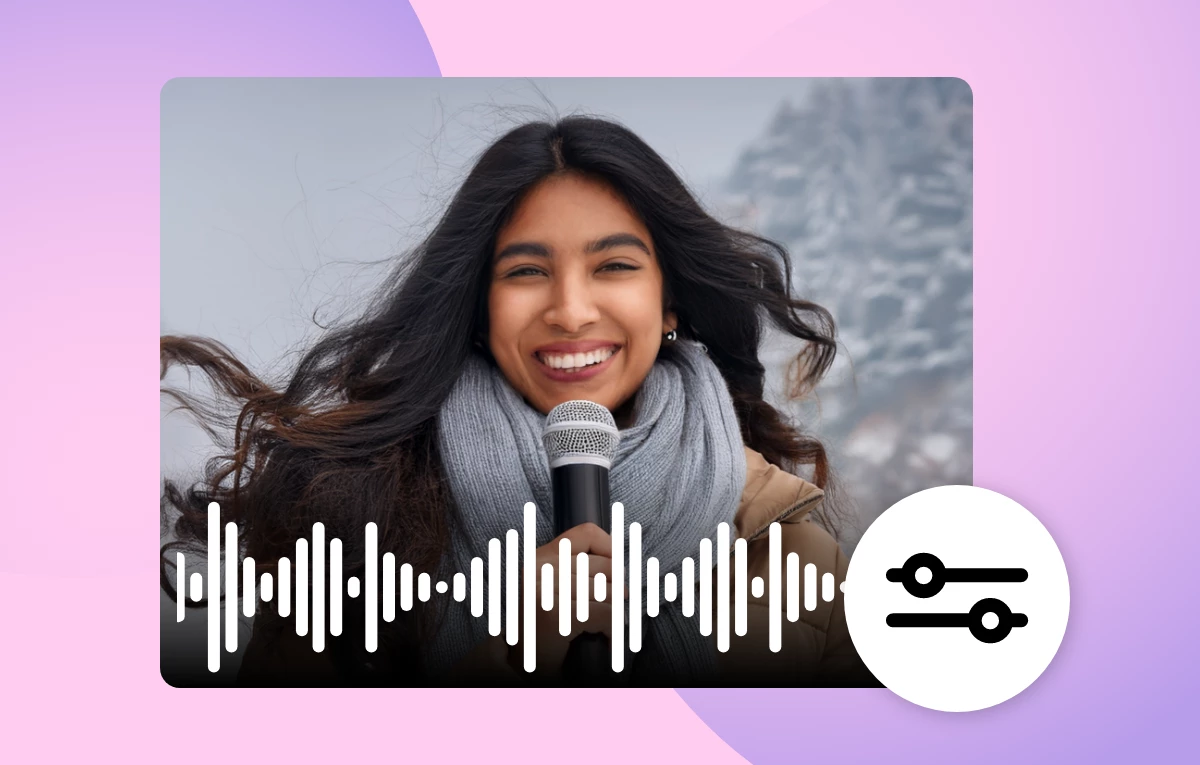
Clean up voice recordings or videos with background noises and echoes for clearer sound.
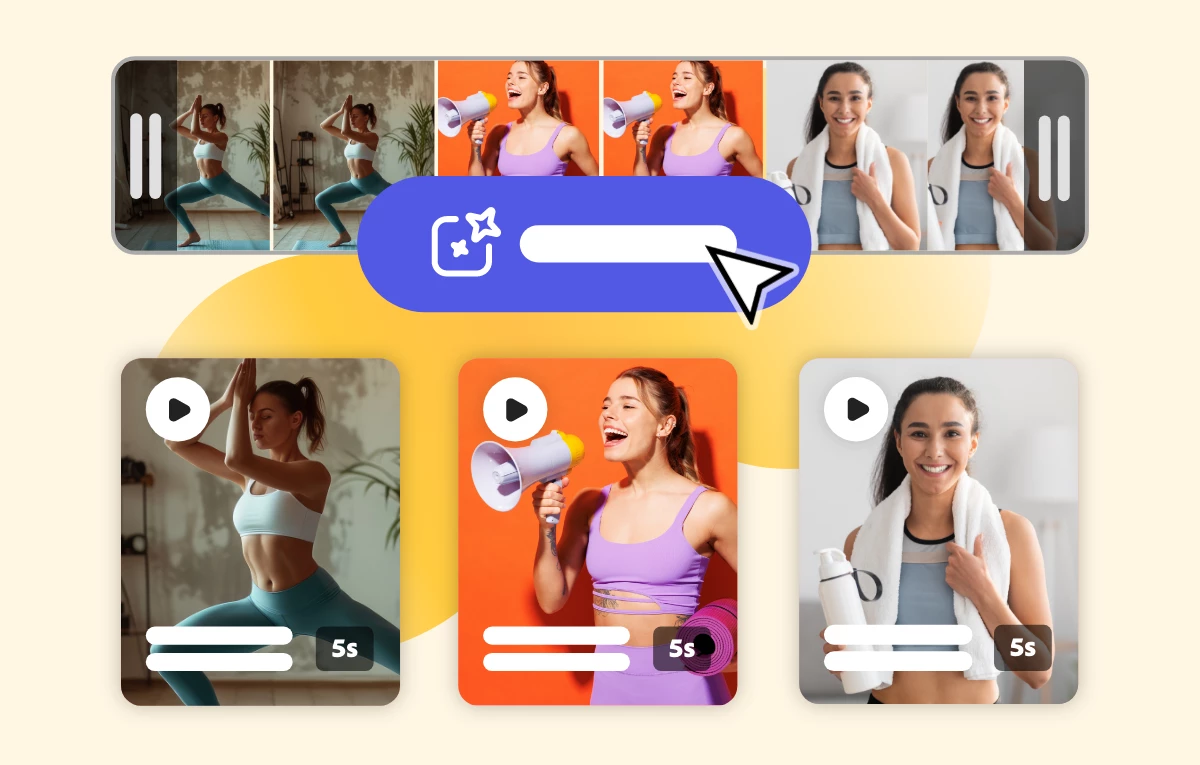
This quick action generates clips, like Reels, TikTok, and stories, from a long-form video by identifying key moments from spoken audio, automatically adding captions, and resizing and reframing the visuals for social platforms.
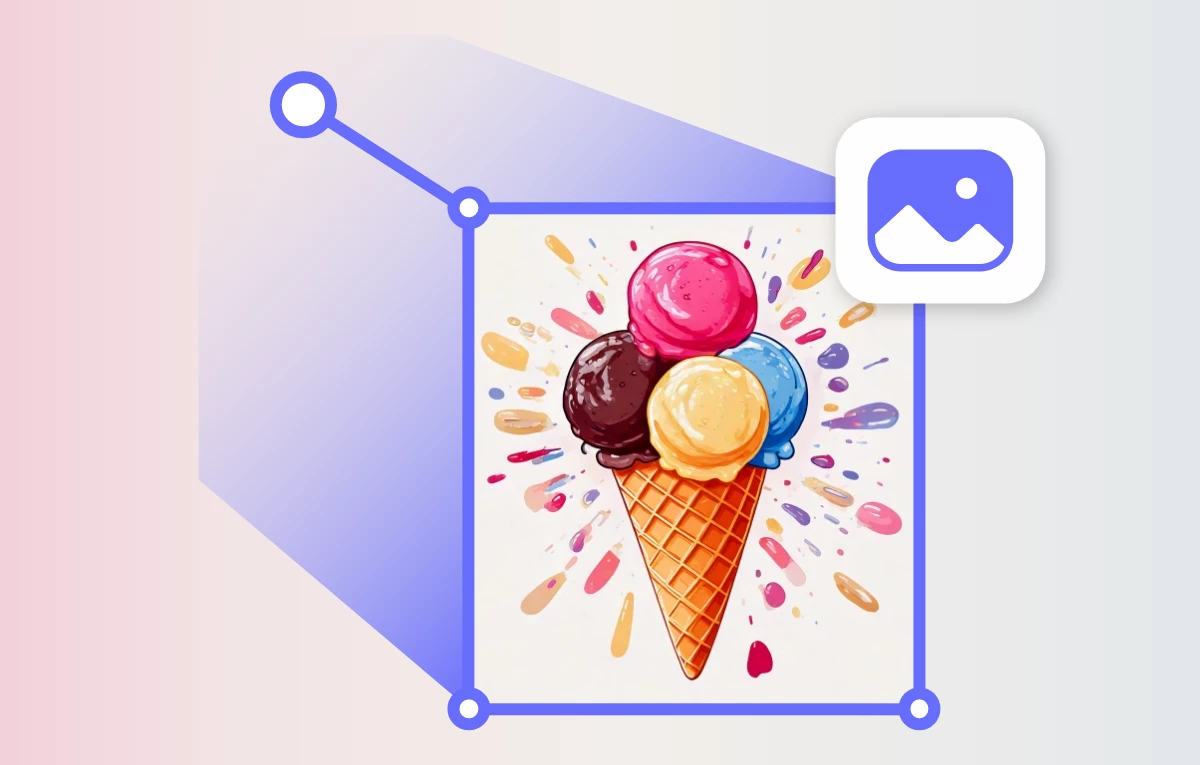
Create motion graphics by applying physics-based motion to elements within a flat image.

Create Brand consistency by generating image variations that match the style of an existing image. Works on any image selected on the page, regardless of the original source (Stock, user-uploaded, AI-generated)

Use 30+ Photoshop-powered filters to enhance your images with a single click in Adobe Express.

Have questions? Click 'Reply' below to ask.
Click 'Follow' below to bookmark this thread for easy reference.
 AdChoices