


New Request!!! Magic Grab Please. Yes, like in Canva. Yes. I use Canva. But under Duress🤪!
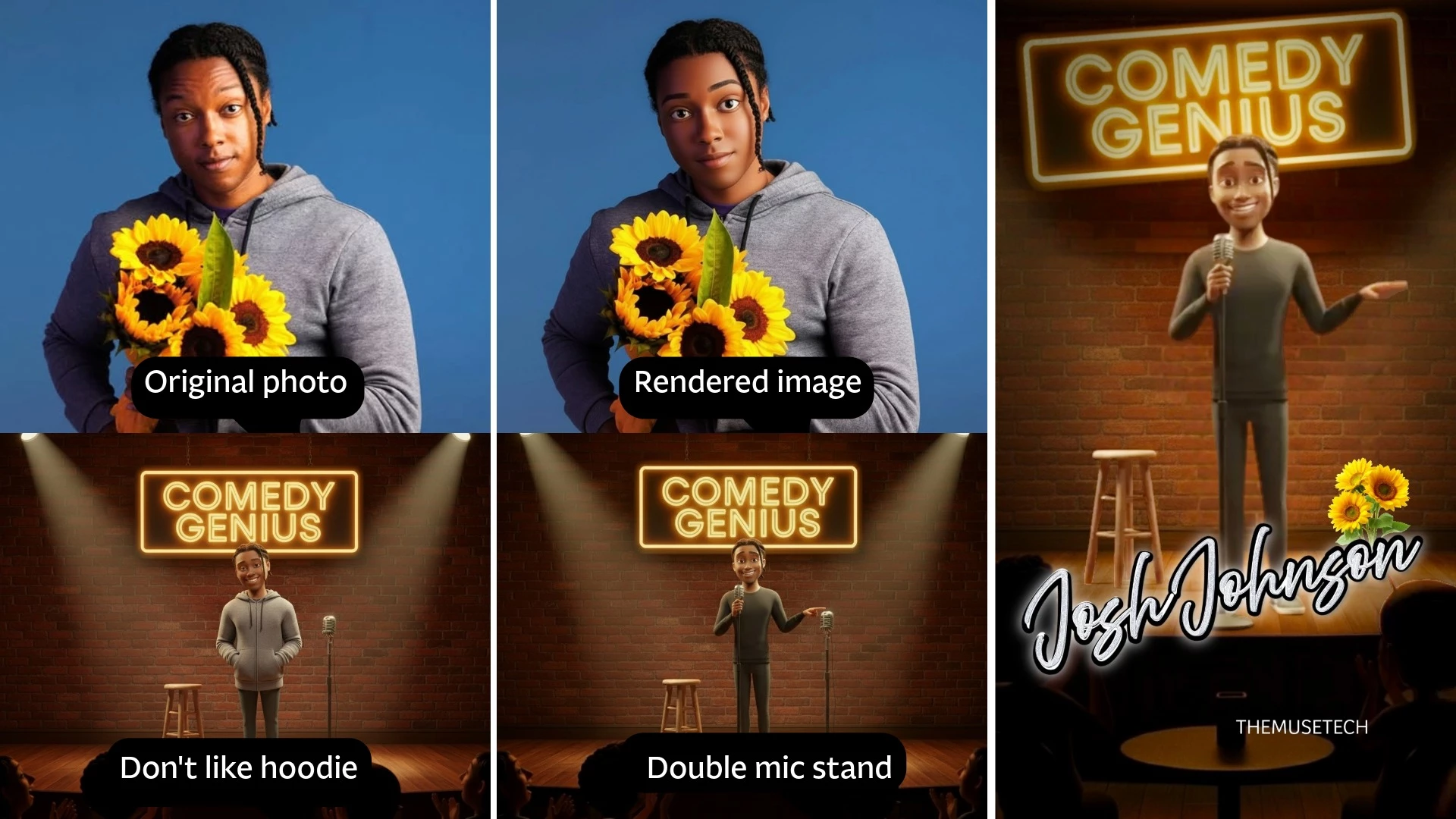
So today I had to choose between blowing through my gen. credits to get the edits I needed perfectly, flaring up my Bi-lateral CTS with manual erasing, copying, and praying; or go to Canva. I had to go to Canva. I rendered an image and all the objects were there but just not placed correctly. After several edits, I downloaded and switched to editing. Photoshop is great but the web version interface is nothing like the desktop and my poor desktop was at its max. So, I opened Canva, chose edit, magic grab and "click". The click option is VITAL for folks with hand limitations. It scanned the entire image and I was able to click and join the elements I wanted and presto, new layer. Just saying...help an average Jill out please. Our editing options are elementary at best. I did do all the font and layering in AE. I had to fake a vignette but, did my best. Thanks for listening.

 AdChoices