Nancy Y
Participant
March 14, 2026
Answered

New to Adobe Express - Can you change the color of an element or design asset to a brand color?

  • March 14, 2026
  • 2 replies
  • 87 views

I was looking for a good alternative to Canva. But I need to be able to change the color of design assets or icons. For instance a black arrow to orange. Is that possible in Adobe Express? I do not appear to have any tool bar like I’ve seen in video tutorials. Thanks for any assistance!
 

    Correct answer Rose DV

    Hey ​@Nancy Y!

    Thanks for reaching out! You’ll want to make sure anytime you’re looking to change a specific asset that you’ve selected that asset (by clicking on it, or choosing the layer on the right-hand side that it’s in). 

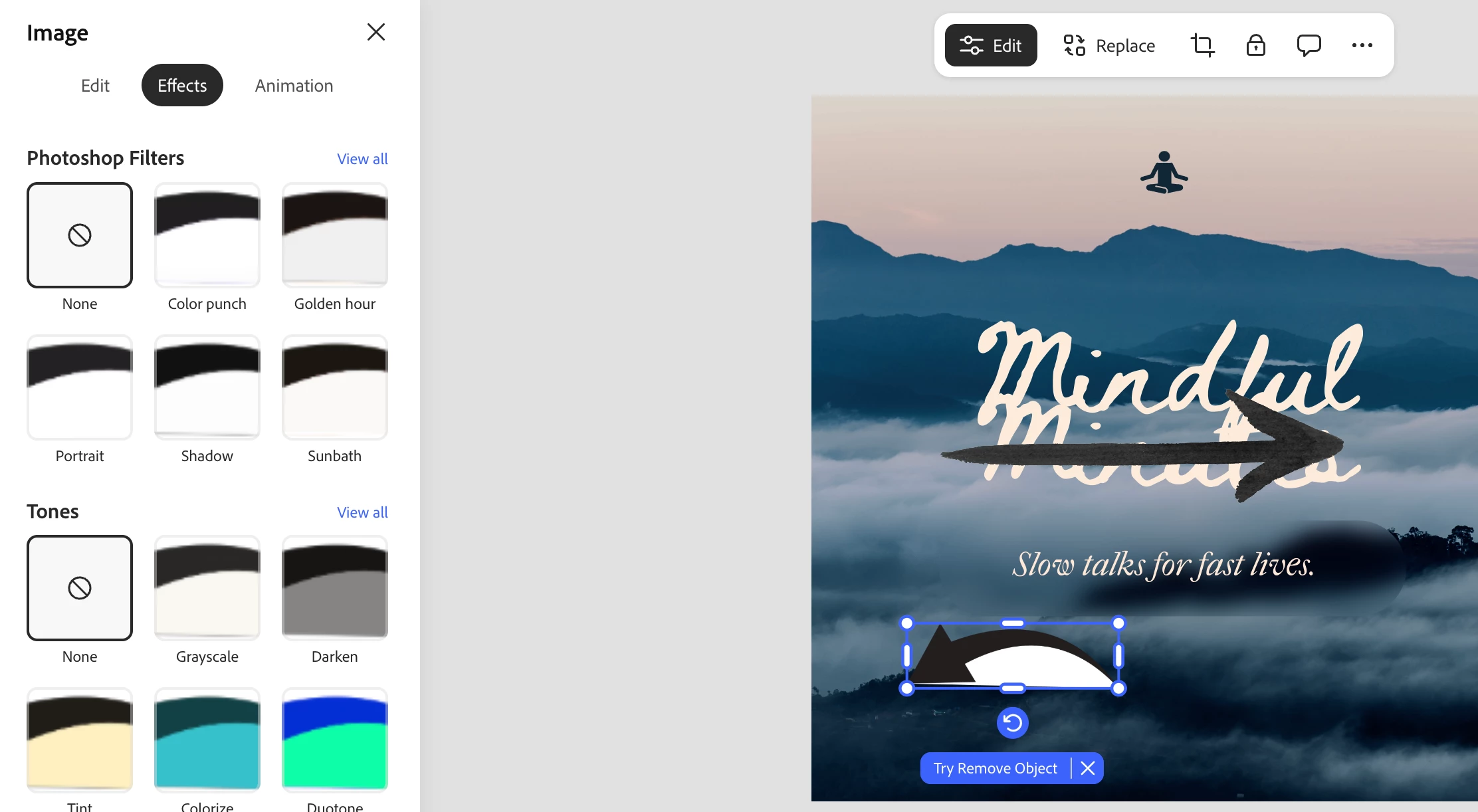
    • Design assets are a little more limited in terms of color changes - you can click on a specific design asset you’ve put into your Express file and navigate to the “Effects” tab on the “Edit” menu and adjust color from there. 


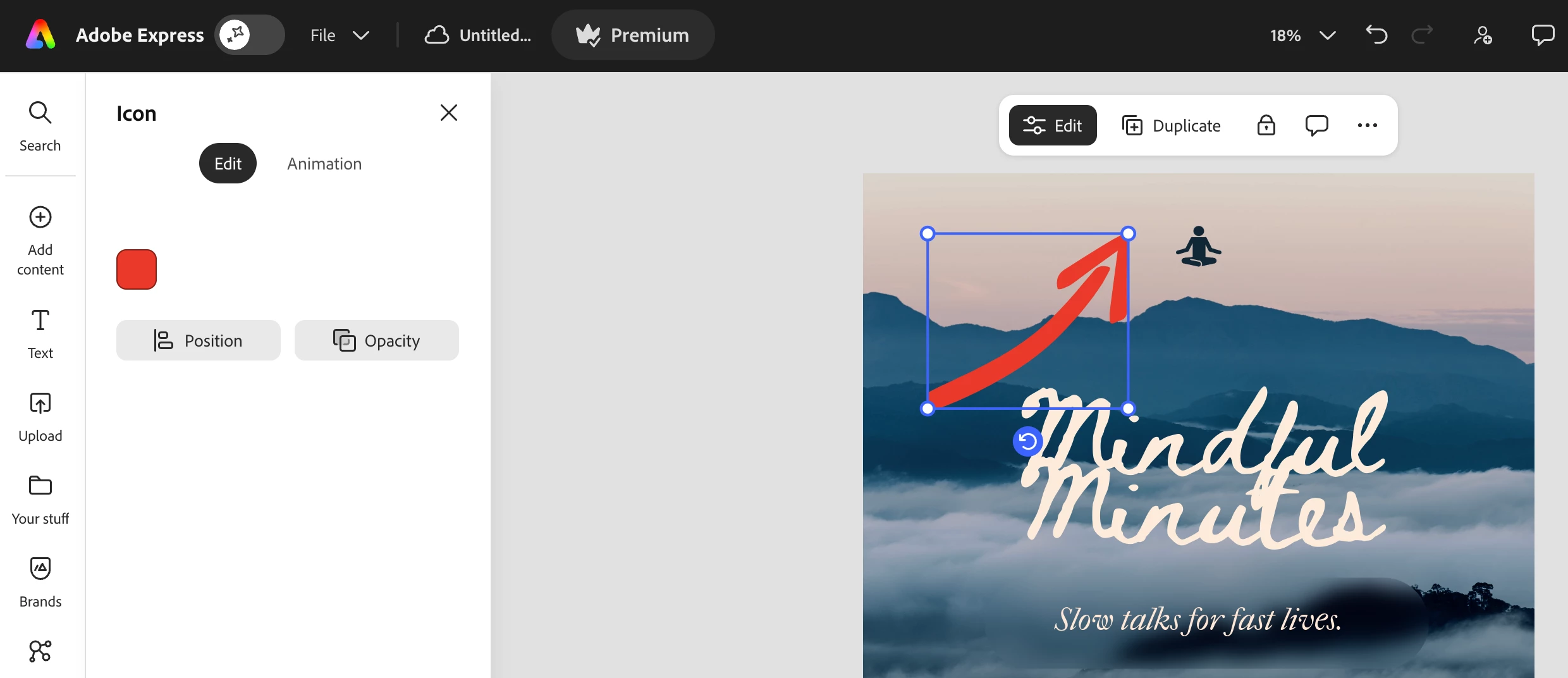
    • Icons are much easier to shift color, and you can absolutely input a brand color there - click on the icon you’d like to change color for, navigate to the “Edit” menu, and choose a custom color from there!


    Let me know if this works for you, or if you have other questions!


    Rose

    2 replies

    DasBoots
    Participant
    April 30, 2026

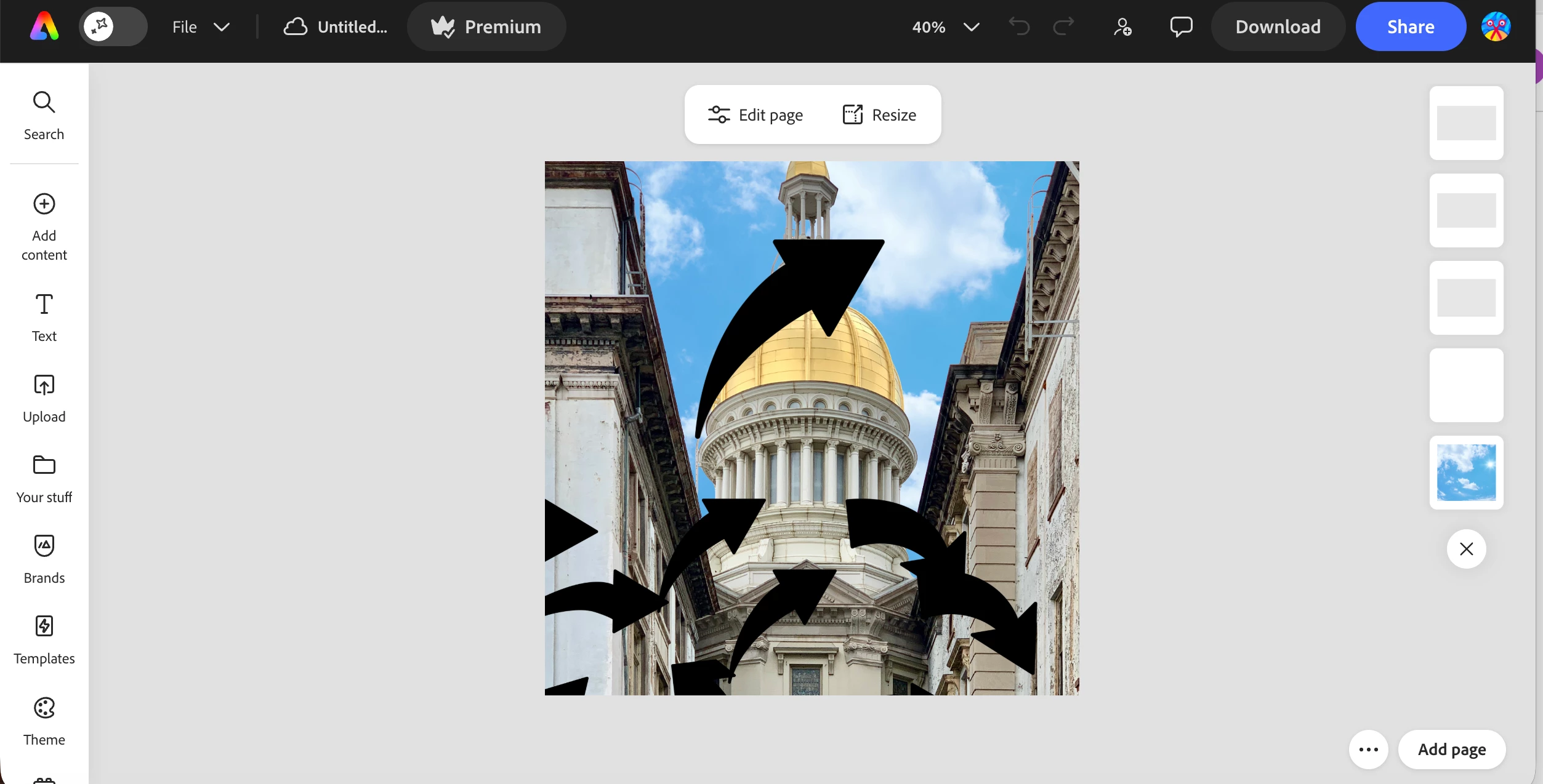
    This is not true at all. I do not get an option to change color when I attempt to edit.


    When clicking on Effects, I am not given any choices to change color


    ​​​​

    Rose DV
    Community Manager
    Community Manager
    April 30, 2026

    Hey ​@DasBoots!

    Thanks for sharing those screenshots - that helps clarify what you’re seeing.


    What you’re running into is expected behavior, though it’s not that intuitive. Design assets/images work a bit differently from icons when it comes to color editing. With most design assets, the “Effects” panel is the only option available, which is why you’re seeing filters rather than a direct color picker or hex input.


    Direct color changes (like setting a specific brand hex color) are typically only supported for icons and certain vector-style elements.


    If you’re aiming for a specific brand color, using icons (or SVG-style assets) will give you much more flexibility.


    Hope this helps!

    Rose

    Rose DV
    Community Manager
    Rose DVCommunity ManagerCorrect answer
    Community Manager
    March 17, 2026

    Hey ​@Nancy Y!

    Thanks for reaching out! You’ll want to make sure anytime you’re looking to change a specific asset that you’ve selected that asset (by clicking on it, or choosing the layer on the right-hand side that it’s in). 

    • Design assets are a little more limited in terms of color changes - you can click on a specific design asset you’ve put into your Express file and navigate to the “Effects” tab on the “Edit” menu and adjust color from there. 


    • Icons are much easier to shift color, and you can absolutely input a brand color there - click on the icon you’d like to change color for, navigate to the “Edit” menu, and choose a custom color from there!


    Let me know if this works for you, or if you have other questions!


    Rose