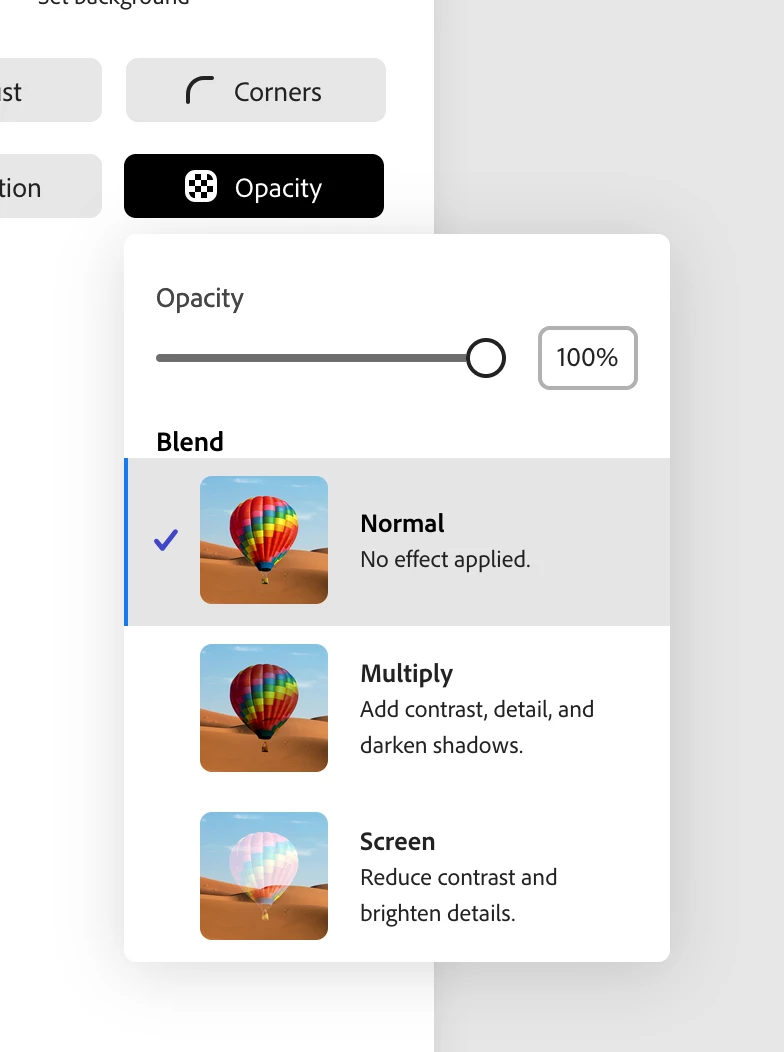
Hi @leiiann7113 - I still see it on my end, would you be able to tell me what kind of object you're trying to change the opacity on (photo, shape, icon, etc), and what browser/version you're on?
Yes, it’s just a logo. I’ve just been changing the opacity to add them to the footer of documents so they appear behind text. I’ve been able to adjust the opacity for a while and when it was updated maybe a couple months ago, that tool just disappeared.
Is there any other way I can adjust the opacity on here (working document in adobe acrobat)



 AdChoices