

December 13, 2025
Answered

Problem linking to instagram via facebook.

  • December 13, 2025
  • 1 reply
  • 381 views

I constantly get connection failed when trying to link instagram via facebook on the scheduler.

My instagram and facebook accounts are set to business, am I doing something wrong?
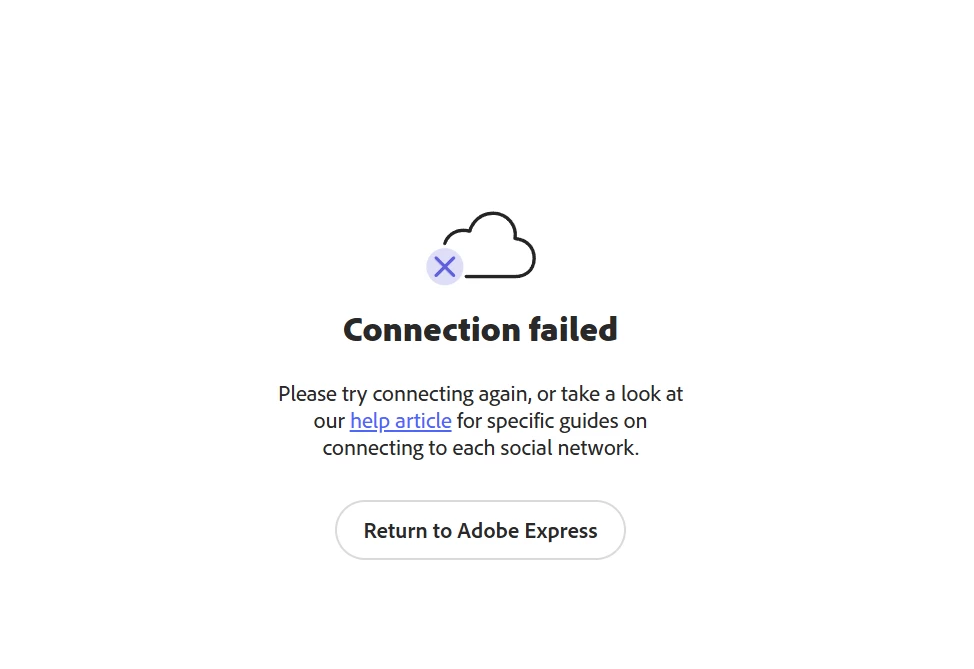
 

janee_1-1765622442437.png


Correct answer Tarun Saini

Thanks for your response @stephen_chadbond6943,


I'd recommend reaching out to and working with our support directly as a next step. They can be reached here: https://helpx.adobe.com/contact.html?rghtup=autoOpen 


Regards,

Tarun

1 reply

Tarun Saini
Community Manager
Community Manager
December 15, 2025

Hi @stephen_chadbond6943,


Welcome to the community! We're sorry to hear about this. Did you try using the other suggested browsers (Safari, Microsoft Edge, and Google Chrome) or incognito mode to see if it makes a difference? 


Also, try clearing the browser's cache and cookies, and restarting the browser and try again. For more information on how to clear cache and cookies check this link- https://adobe.ly/4a5ipUF and how to use incognito mode- https://adobe.ly/4a2UzZV 


If the above steps doesn't help, chekc these article below for more info:-

  1.  https://helpx.adobe.com/express/web/share-and-publish/schedule-and-publish-content/connect-instagram-business.html
  2.  Play this video to troubleshoot connection problems in Adobe Express at https://new.express.adobe.com/published/urn:aaid:sc:VA6C2:d0d03de5-0c40-4a51-9764-9f91b160271a?promoid=Y69SGM5H&mv=other


Let us know if that helps.


Regards,

Tarun


December 17, 2025

Hi Tarun,

I have just tried this again on a laptop on which I have never used Facebook, Adobe Express or Facebook using a clean install of firefox in Private browsing mode.

I still get the connection failed error!

This connection method seems to be woefully inadequate foir something that needs to be repeated every 3 months.

Regards Steve

Tarun Saini
Community Manager
Tarun SainiCommunity ManagerCorrect answer
Community Manager
December 17, 2025

Thanks for your response @stephen_chadbond6943,


I'd recommend reaching out to and working with our support directly as a next step. They can be reached here: https://helpx.adobe.com/contact.html?rghtup=autoOpen 


Regards,

Tarun

