Participant
September 13, 2024
Question

Problem with adobe express on mobile.

  • September 13, 2024
  • 1 reply
  • 201 views

Problem with adobe express on mobile.


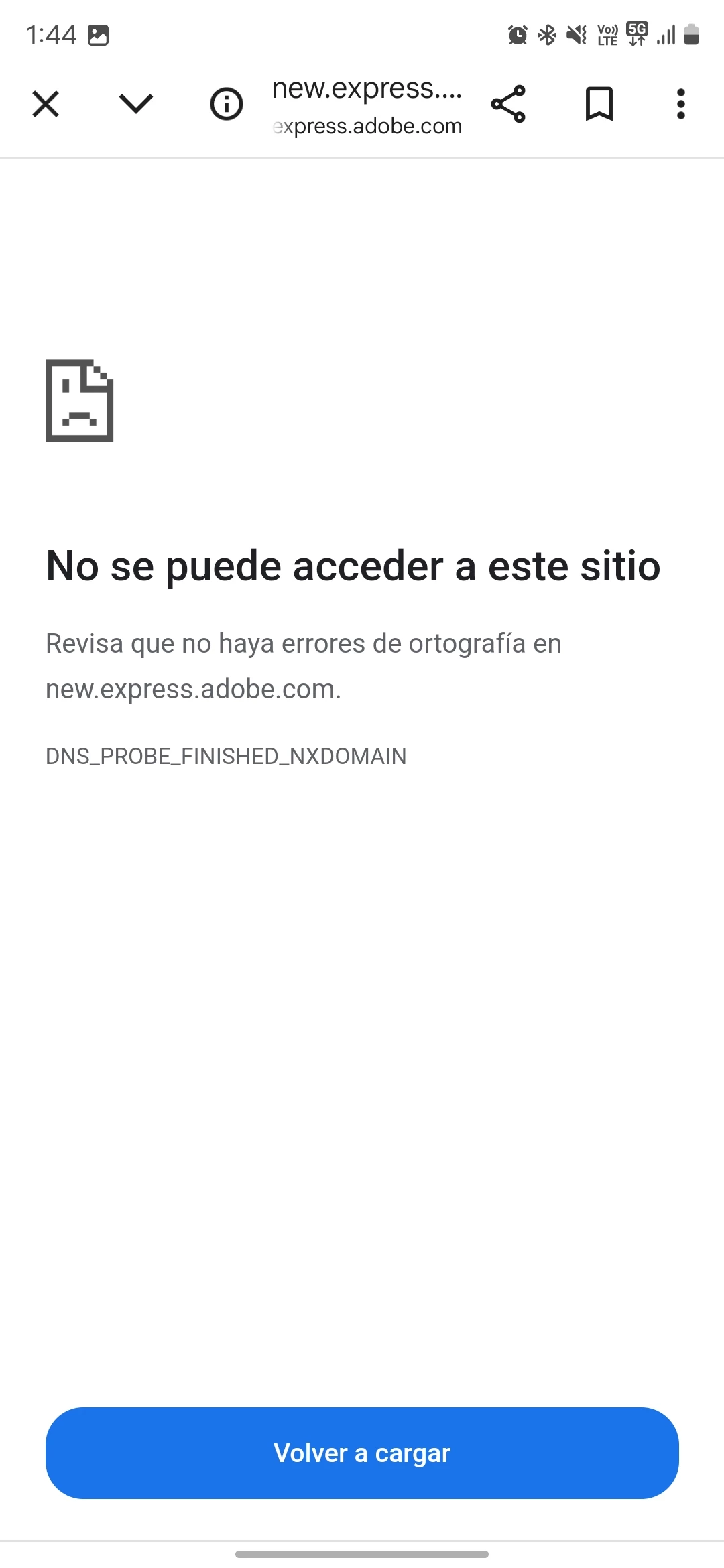
Hello, I have problems working from my cell phone with my data network, it does not let me access from the app or from the browser, I have updated the app, it has all the permissions, I deleted and downloaded the app again and nothing, what could be happening? 


I can only work with WiFi, I can work there. 


This topic has been closed for replies.

1 reply

Tarun Saini
Community Manager
Community Manager
September 25, 2024

Hi 

@Waalter_x

,


Could you please try rebooting the device and see if that helps?


Regards,

Tarun

Waalter_xAuthor
Participant
November 17, 2024

Hi, I did reboot the phone, went back to the default settings of the device, but nothing. 


In fact this device is different and the problem is the same. 


I detected the problem from my previous phone. The previous app worked fine, no problem, but when they made the change to the new version, that's when the problem started.

chaimaa.7
Community Manager
Community Manager
November 19, 2024

Hi @default36314850gxevg1. Since the problem started after the app update and persists across devices, here are some potential solutions:

  1. Check Data Restrictions: Ensure that Adobe Express is allowed to use mobile data. On your phone, go to Settings > Apps > Adobe Express > Mobile Data & WiFi (or similar) and confirm that mobile data is enabled.

  2. VPN or Firewall: If you’re using a VPN or a firewall app, disable it temporarily to see if it resolves the issue.
  3. Test Another Data Network: Try connecting to a different mobile data network to identify if the problem is carrier-specific.

Regards,

chaimaa