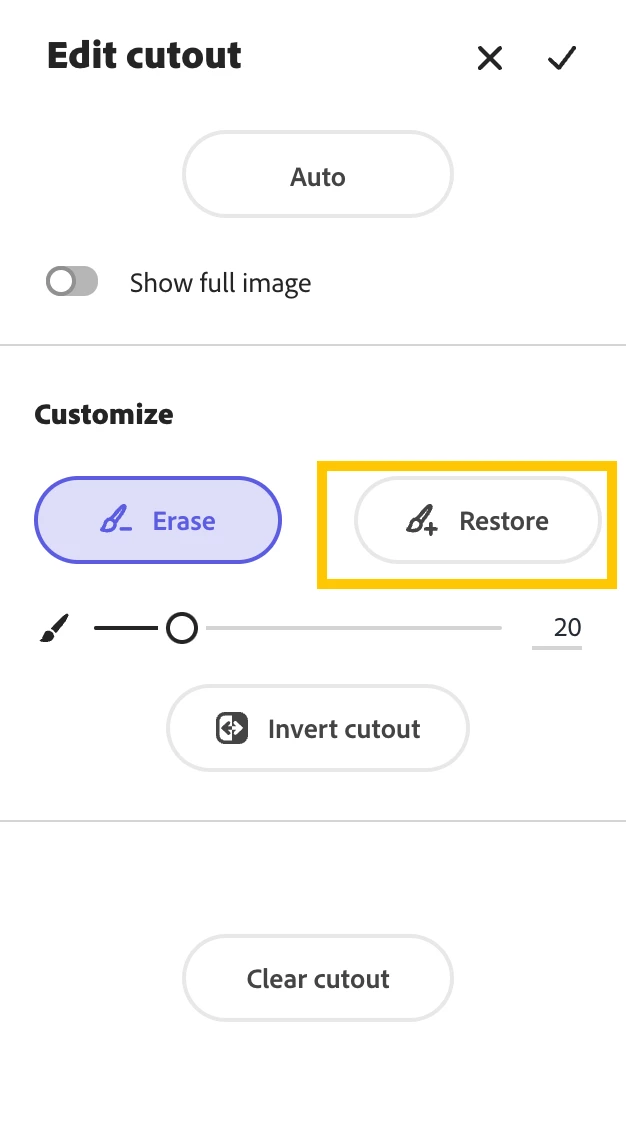
You can edit the cutout in CC Express! You can use the Quick Action "remove background" to get started, but once your project is up and running, select your photo to see "Edit Cutout" displayed in the righthand toolbar. Then you can select "Restore" and use the paintbrush to map over the chair and restore it to the image.
When I click on the remove background I am told this works best in portate mode but this is a MmacBook and it is very hard to ue when it is sitting on it's side.
You can edit the cutout in CC Express! You can use the Quick Action "remove background" to get started, but once your project is up and running, select your photo to see "Edit Cutout" displayed in the righthand toolbar. Then you can select "Restore" and use the paintbrush to map over the chair and restore it to the image.




 AdChoices