

Participant
November 16, 2025
Question

Removing image fill

  • November 16, 2025
  • 2 replies
  • 107 views

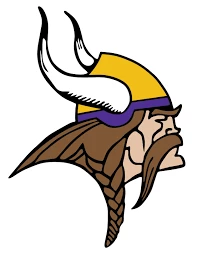
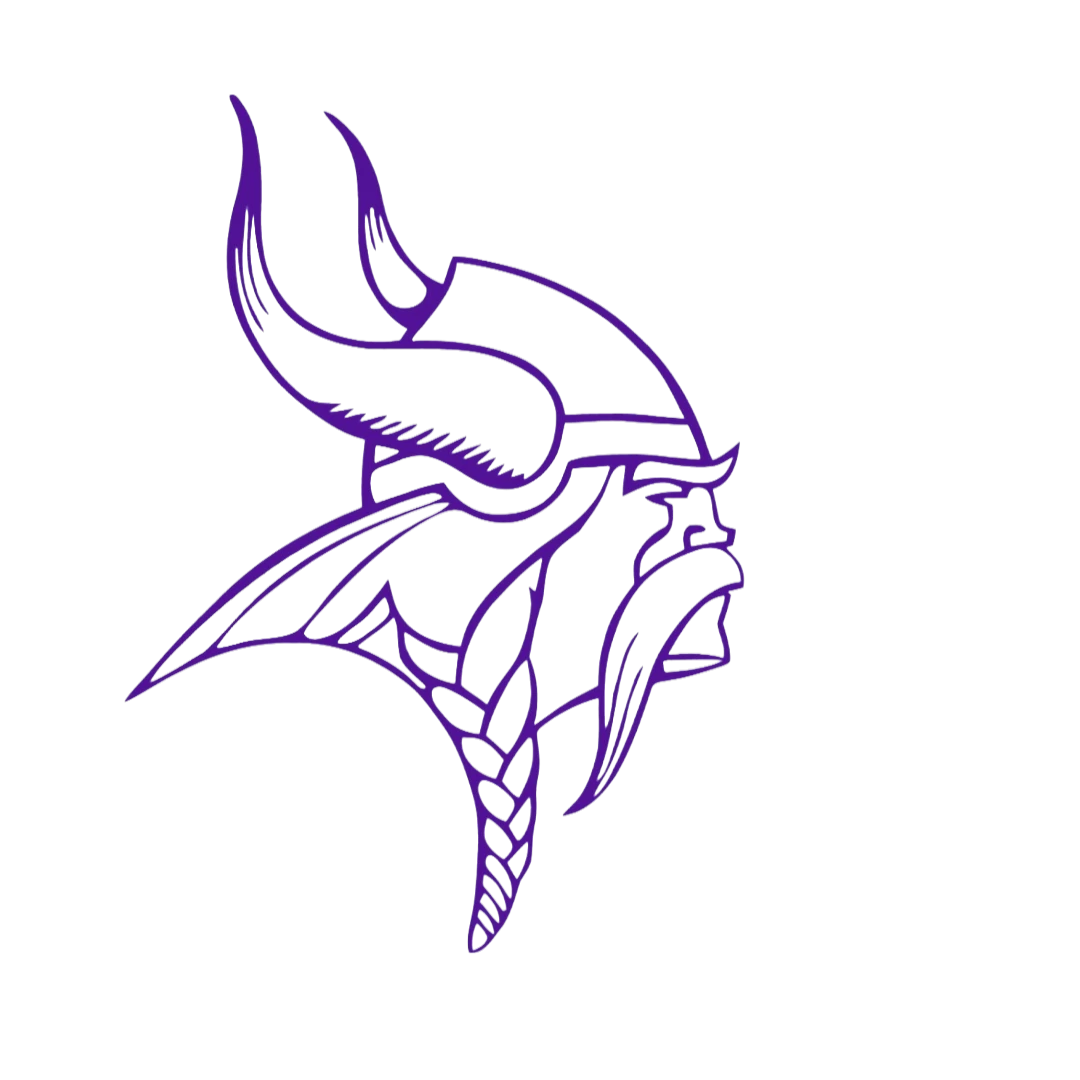
How do I remove the image fill to be just left with the outline on adobe express. Did it once a while ago and now I can't figure out how to do it.
2 replies

Participating Frequently
November 16, 2025

 Select the image and reduce the fill or opacity to zero. That removes the image fill and leaves only the outline.


CS0708Author
Participant
November 16, 2025

When you do image opacity it softens the whole image not part of the image 

Tarun Saini
Community Manager
Community Manager
November 17, 2025

Hi @CS0708,


Welcome to the community! Please review the YouTube video at https://www.youtube.com/watch?v=gnw4w_9NvHo and let us know if it helps.


Regards,

Tarun

November 16, 2025

Hey @CS0708 
Great Qs.
Since I don't have access to your project. Let's work with this NEW PROJECT as an example.

Choose the text by tapping on the text.
The dropdown menu on the left appears.

I choose the colour and then custom.

Under custom there is the opacity slider.
Move the opacity slider down to "0".


Cheers

Nate

CS0708Author
Participant
November 16, 2025

No that didn't work. There's not a color option with images like there is text
