Participant
April 3, 2025
Answered

Screen Too Big When Working on Flyers

  • April 3, 2025
  • 1 reply
  • 608 views

I can't figure out how to make the screen smaller so that I can finish my project.

Correct answer chandra_9886

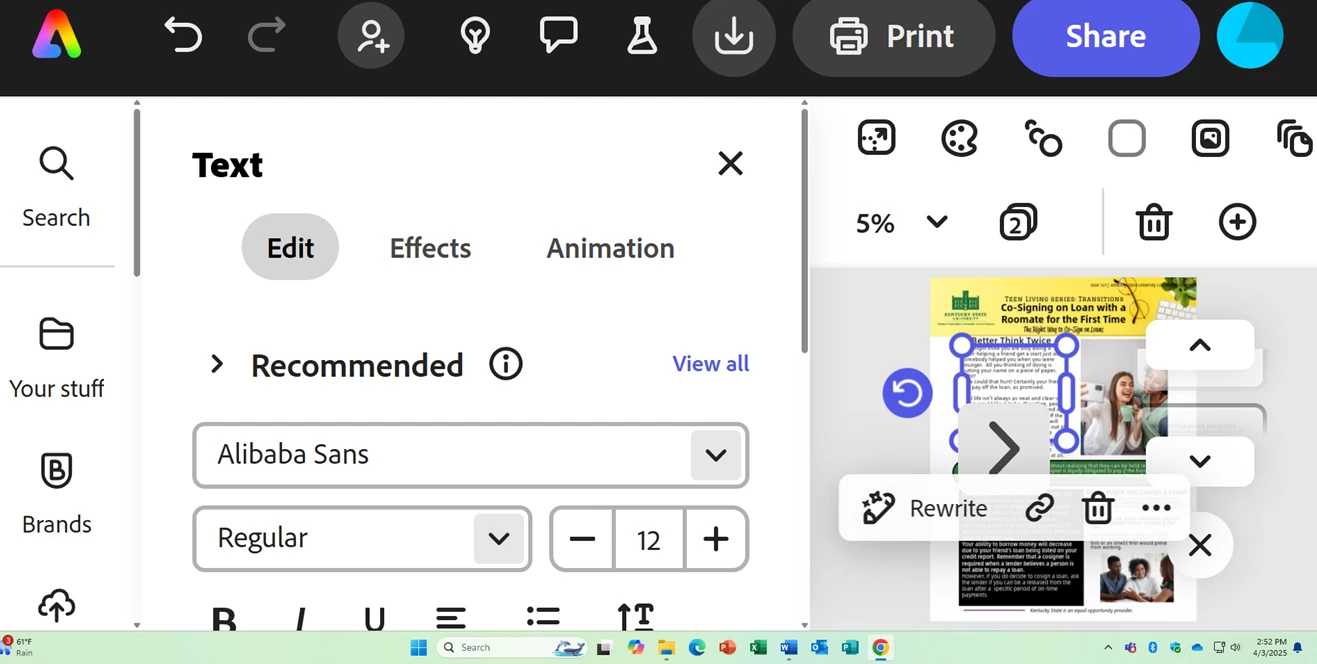
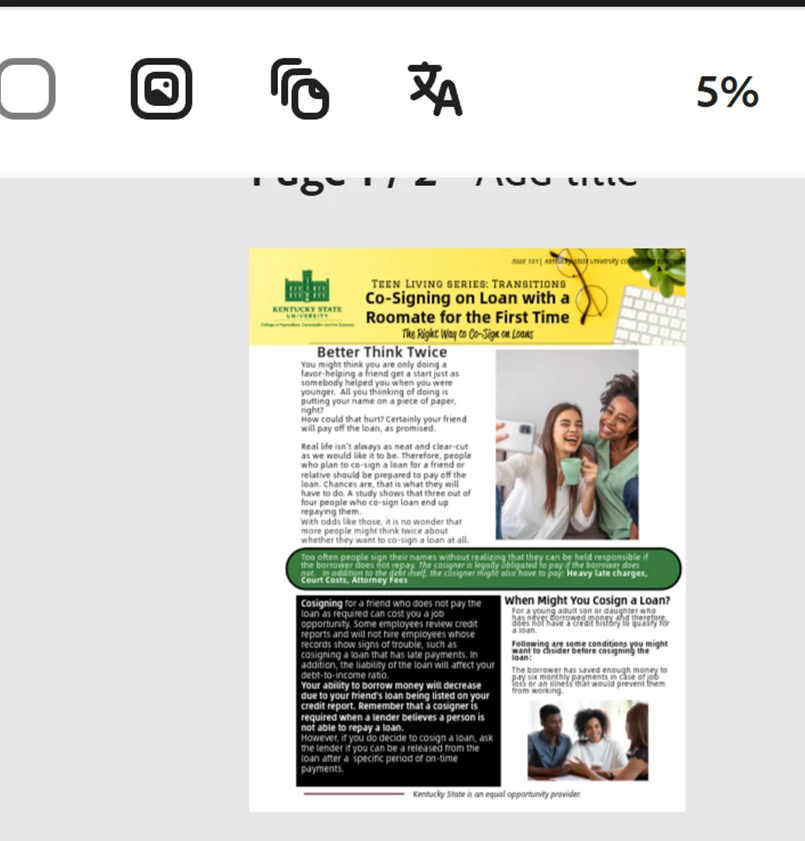
Yes I am. The screen will look big with only one page visible. And then it will stretch back out to two screens when I click on an object on the document.  (see below)


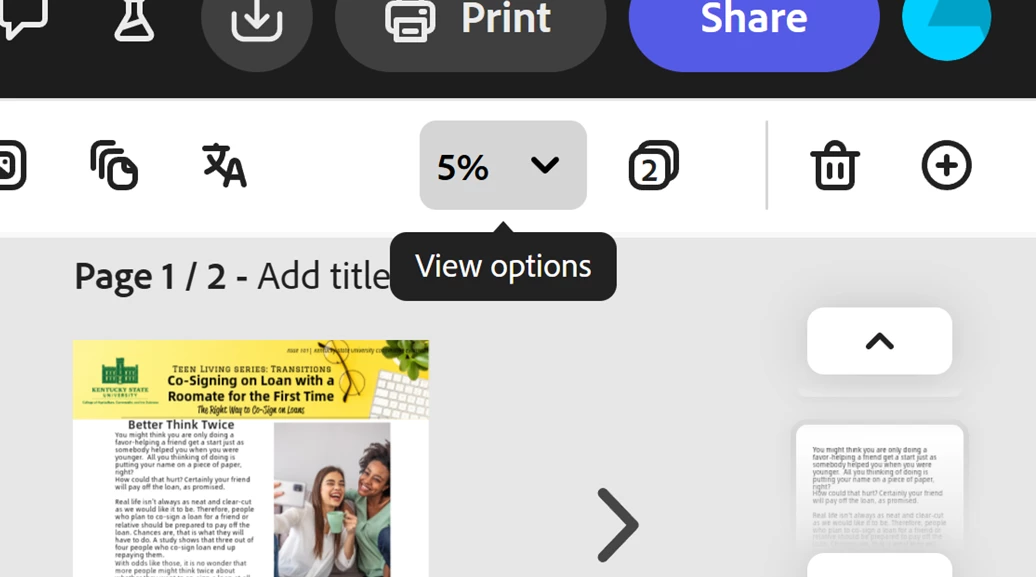
I think that I know how to fix it based off your response. Here are my browser settings and my screen settings below. I think that I expanded my screen on accident.


1 reply

Participant
April 3, 2025

I am using Adobe Express to make the flyers. 

Amitej S
Community Manager
Community Manager
April 3, 2025

Hi @chandra_9886, Welcome to the Adobe Express Community!

Thanks for posting here, but can you please elaborate more on the issue? If possible, share an image that could help us understand the issue when you say the screen is too big.


Can you share the zoom settings of the browser you're working on and also the project's zoom settings in Adobe Express? 
 

As an example, (refer to the attached image)

The browser zoom is at 75%

The Adobe Express project zoom is at 200%


The Adobe Express project zoom would change based on the screen size you're working on. Let us know if you're working on a multiscreen setup.


Hope this helps! 


Best!

Amitej

Participant
April 3, 2025

Hi,


Here is a picture of the issue below.