

Participant
January 8, 2025
Question

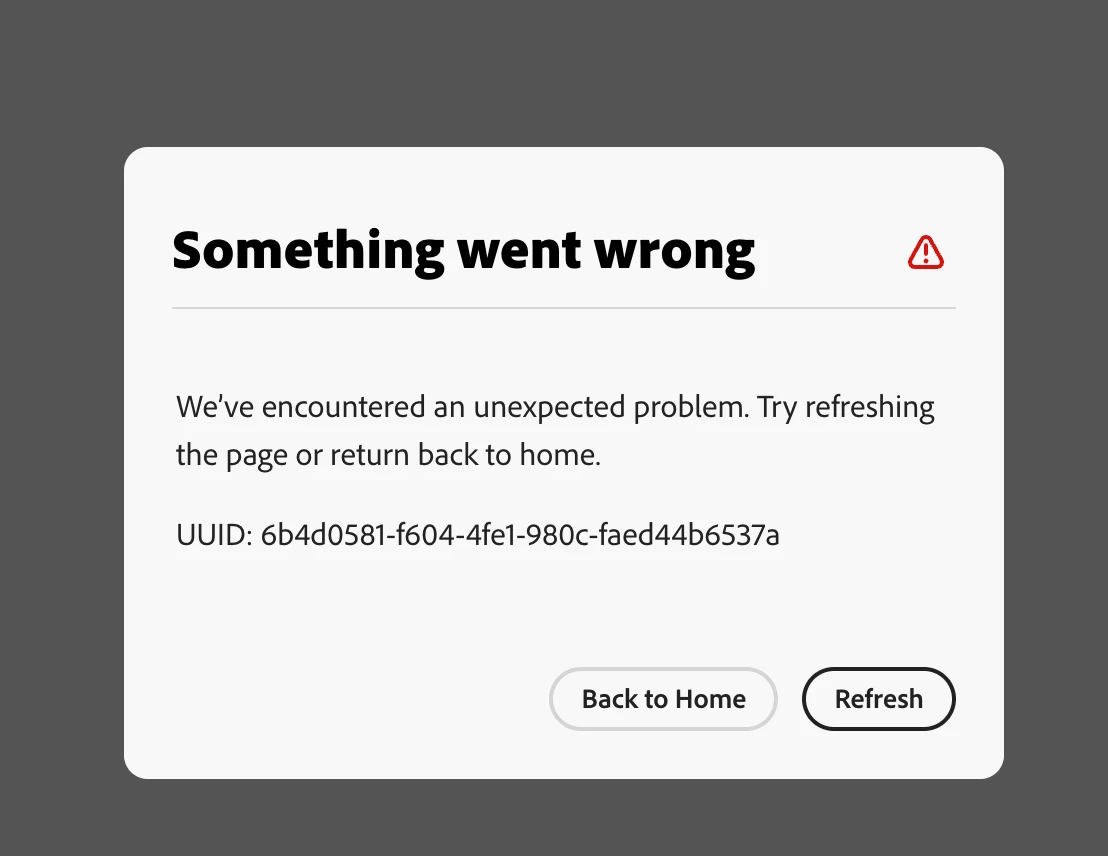
"Something Went Wrong"
  • January 8, 2025
  • 1 reply
  • 412 views

Anyone else having this issue in Adobe Express? I can't seem to copy and paste anything.

1 reply

chaimaa.7
Community Manager
Community Manager
January 8, 2025

Hello @Hailee_Key9522. This error indicates an unexpected issue in Adobe Express. Since you're also unable to copy and paste, here are some steps to troubleshoot:

  1. Refresh the Page: Click "Refresh" as suggested in the error message. If that doesn't work, close the browser and reopen Adobe Express.

  2. Clear Browser Cache: Cached data can sometimes cause issues. Clear your browser cache and cookies, then log back into Adobe Express.

  3. Try Another Browser: If you're using Chrome, switch to Firefox, Edge, or Safari to see if the issue persists.

  4. Check for Updates: Ensure your browser is up to date, as older versions might cause compatibility issues.

  5. Disable Extensions: Browser extensions can interfere with Adobe Express. Temporarily disable them and try again.

If the issue persists, let me know, and I can guide you further!


Thanks ^Chaimaa

Participant
January 8, 2025

Thank you, I did all of that and I am still having the same issue.

Tarun Saini
Community Manager
Community Manager
February 6, 2025

Hi 

@Hailee_Key9522

,


Welcome to the community! We're sorry to hear about this. Would you mind sharing your project URL with us with edit access via private message so we can investigate further?


Regards,

Tarun