Known Participant
October 25, 2022
Answered

Still can’t connect Adobe Express Scheduler to Instagram

  • October 25, 2022
  • 9 replies
  • 10306 views

Hello all I’m still having the same problem trying to connect my Instagram account to Adobe Express Scheduler....


In my original post, it was suggested that I need to wait at least seven days before Scheduler would be able to connect to my Instagram account. It’s now been 10 days and I still can’t connect to my account.


I’ve tried clearing my browser cache as well as deleting all cookies on my browser. I’ve even gone so far as use a browser that I never use to connect to Adobe and I’m still having the same issue. I have been able to routinely connect to my Facebook Business page and that is working perfectly.


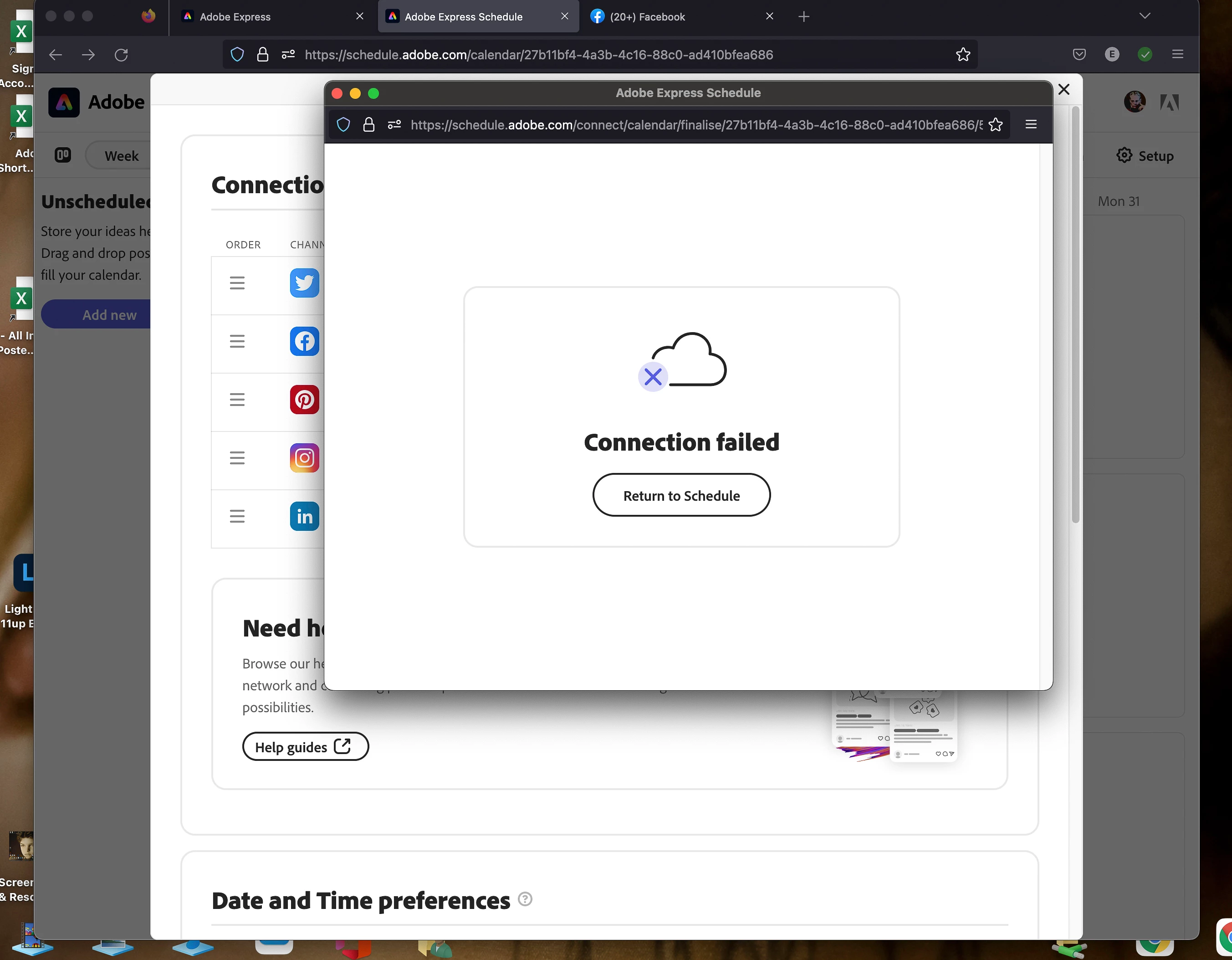
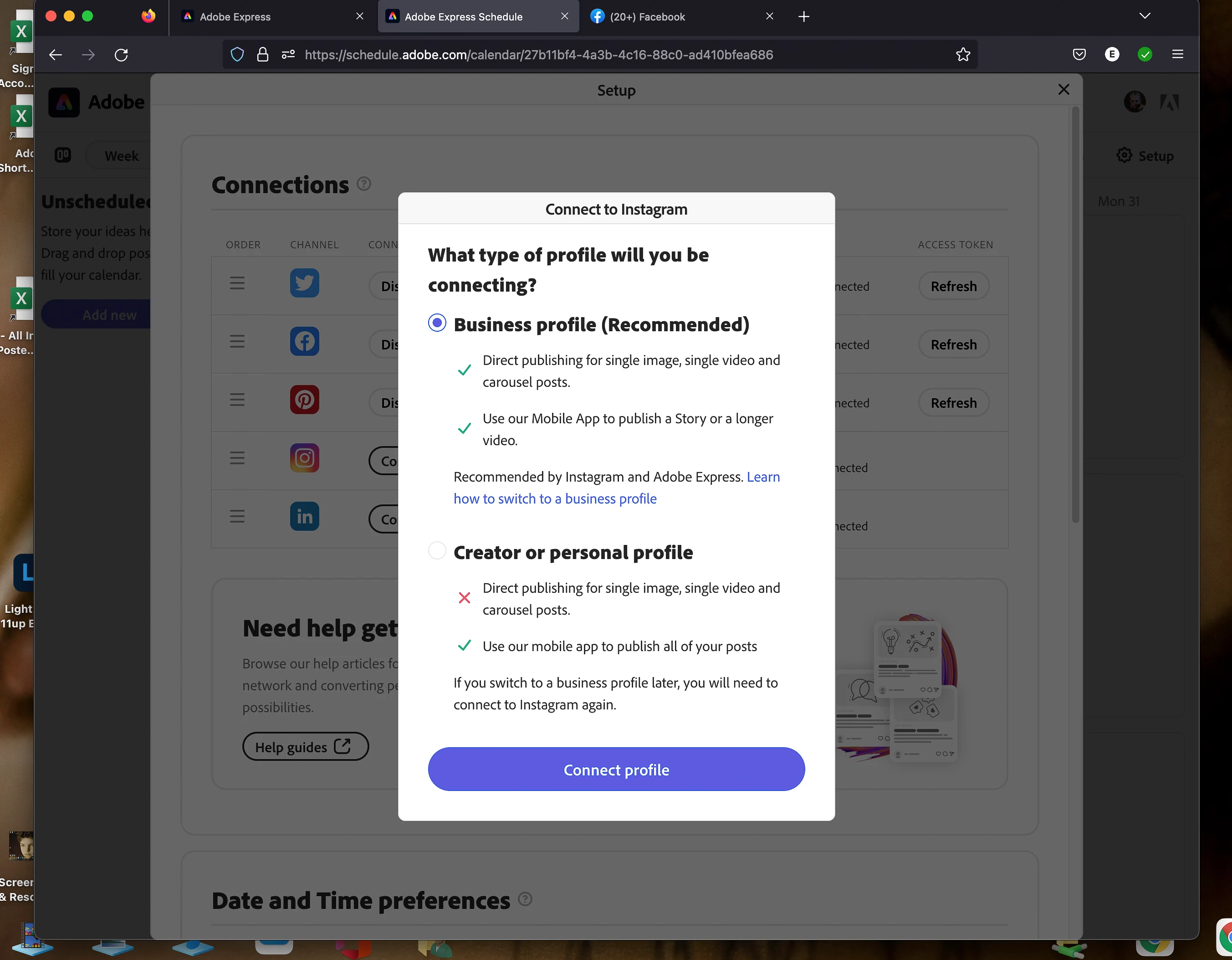
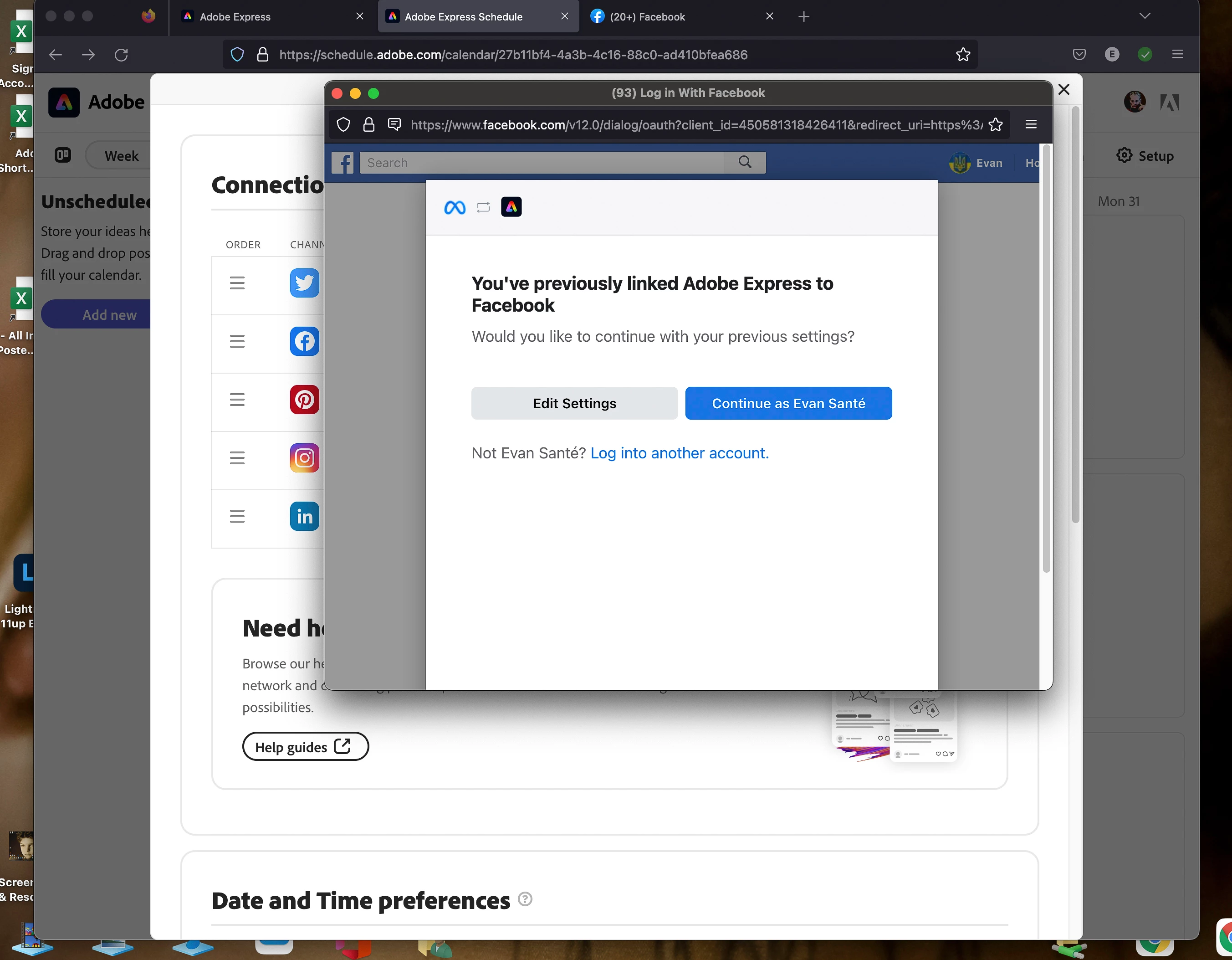
I have attached the three images that I see every time I try to connect to Instagram.


As I said above “I have connected my Facebook Page to Scheduler and have been able to schedule and post from the Adobe Express Site.


If anyone has any suggestions as to where I might be able to find help, I would be greatly appreciative. – CES
 

Correct answer vivecaoej

I've managed to find a solution! I followed this guide: https://www.youtube.com/watch?v=VSxoWhVRGdM .

From your personal FB account, press your profile pic --> Choose Settings & privacy --> Settings --> Scroll through the lefthand options and find "Business integrations" --> Under active, there should be options for Adobe Express.

Edit the Express options and make sure every box is ticked off in the permissions. When you try to connect to instagram in Express after this, it should work. Maybe wait a few minutes, refresh the Express - FB connection first, and then try the Instagram connection. Hope it helps someone else! 

9 replies

Participant
March 24, 2025

Has this issue been resolved, I've spent the past few days trying to solve this as I too, am experiencing the exact same thing.
I have followed all the tips on clearing cache, cookies and also re-connecting facebook .

Participant
May 8, 2025

Same problem with this issue, also read here that you don't need a facebook account for instagram to schedule fromw now on Manage Instagram and Schedule with Ease – No Facebook Required!

pls update your backend... monthly fees are not exactly cheap and yet some parts are not working as expected

Participant
April 7, 2024

Hi @Lyn_D 

Can we expect any new type of support on this issue. 

Experiencing the very same; after trying to connect to Instagram or FB (IG also goes via FB anyways), I end up with the same error screen without any hint, info, or useful word on what it is (see jpg)

Looked at all the videos, tried all the obvious things (different browser, clear cach etc. etc. ) but still NOTHING.


thanks
E.


Participant
April 8, 2024

addition to my previous post; 


In some cases and especially when trying in incognito mode, I get a very confusing error from Facebook. When I'm asked to confirm login with my password, it shows me the password "is incorrect". 
While, it is 1000% the correct Facebook password. 


In normal mode (not incognito) I receive this error only once, then to be forwarded to a new page. While in incognito, this page remains and asks again and again for a password. 

Participant
March 1, 2024

Will there be a proper solution soon? I've tried everything: my instagram has always been a business account, I am admin on the FB page. Adobe Express has no problem connecting to the facebook page, but shows an error message whenever I try connecting to instagram (just like @Brooks31433182vqq9). HELP.

vivecaoejCorrect answer
Participant
March 7, 2024

I've managed to find a solution! I followed this guide: https://www.youtube.com/watch?v=VSxoWhVRGdM .

From your personal FB account, press your profile pic --> Choose Settings & privacy --> Settings --> Scroll through the lefthand options and find "Business integrations" --> Under active, there should be options for Adobe Express.

Edit the Express options and make sure every box is ticked off in the permissions. When you try to connect to instagram in Express after this, it should work. Maybe wait a few minutes, refresh the Express - FB connection first, and then try the Instagram connection. Hope it helps someone else! 

Participant
May 2, 2024

This worked for me for this issue, I gave it access to all Pages and it now works. 

Participant
February 15, 2024

Save yourself the infinite loop of Adobe's beta nonsense that you dont have the time for and go to to Meta business suite found at - www.facebook.com/business/tools/meta-business-suite and use the original.


You'll find the exact same product, infact the original unskinned version, that just works on a single login.

I presume this is the same thinking that seems to go into every smaller adobe product that inevatably fails while we the consumers are forced to be the beta testers that usually results in the product getting discontinued anyway like Muse, XD, etc, I wonder how long this product lasts? 

AKA c'mon Adobe you throw billions of dollers around, I cant bare to invest my precious time on earth learning another product doomed to fail because of basic obvious flaws, in this case, the user cant connect to their social account, and if there is an explination, then why not give detailed up to date instructions, its not dramatic to say this issue is making the product unusable for social posts for many users. But im speaking to a wall as usual. On my retirement day I will get a plane to Adobe HQ and laugh, as the insanity caused by my relationship with Adobe will end. It litrally hurts my head when I use Adobe products sometimes, no judgement, some google and apple stuff does the same, but its the beta'ness' to Adobe that is the issue.

Known Participant
February 21, 2024

Meta Business Suite is famously horrible for a variety of reasons: it's the official Meta scheduler, yet you have a quarter of the functionality you have by publishing directly from the apps - no collaborations, horrible editor, worse video processing and most of all all the official Meta guides for MBS are completely outdated.


MBS it's useful ONLY if you advertise a lot on your posts, otherwise any other scheduler will do the trick and will offer a more pleasent experience. 

Participant
February 21, 2024

Nice, What other platforms do you recomend?

Participant
December 5, 2023

i am a longtime owner of adobe suite and use several of the programs daily. learning all of them is not as painful as this one thing. this is an endless loop of failure. when i click on connecting adobe express scheduler to pinterest it does it in 3 seconds. no changing to "pro" accounts, no changing to "business" accounts. when i click on connect to INSTA there are a dozen steps to changing everything i have. THEN, when i do that, it forces me to sign in via FB? and when i do that it shows me a page i have on insta that i don't use for anything and says i have to use that, which is not an IG account, nor is it connected to my IG account in any way. my IG does share with my FB. super, super frustrating. have watched a bunch of vids now. nobody seems to be doing what i am experiencing. is there help? 

Lyn_D
Inspiring
December 14, 2023

Hi all,


Thank you for your patience.

I just came across your thread and wanted to know if you still need help, as our engineering team fixed some bugs.


I'm here to help and looking forward to hearing from you.


^Lyn

Participant
December 18, 2023

Hi Lyn_D, I'm still having the same issue. All accounts are business, but it won't let me connect. Goes through the process, I sign in to Facebook, leave the options on to allow Adobe Express to manage those settings, and then the final window is connection failed. I haven't found anything useful on the web and can't believe it would be this hard. 

Participant
September 28, 2023

Got the same issue here

Participant
November 17, 2023

same issue

Participant
November 21, 2023

Same here

Participant
September 13, 2023

I am also getting the exact same issue. I have no problem connecting to LinkedIn or Facebook, it is only with Instagram (which I am connecting through Facebook, and my Instagram account is set to a business account).

Another-Phil
Inspiring
September 13, 2023
Participating Frequently
September 14, 2023

I'm having the same issue but with both my Facebook and IG.  My FB & IG accounts are all business accounts and I am the sole Admin.  I never had this issue with Express Legacy.  What the heck happened?

Lyn_D
Inspiring
October 26, 2022

Hi @evan.sante


Thank you for reaching out.


Kindly have a look at this Video and follow the required steps.


Kindly let us know if this has worked for you.


Many thanks, 

Lyn

Participant
May 8, 2023

I have followed the tutorials to tee and it looks like it's going to connect at the end and then it randomly says that the connection failed. Very frustraing. 

Lyn_D
Inspiring
May 18, 2023

Hi @Brandon29782972qhrf,


Please share a walkthrough video with me via DM on all your steps so I can better assist you.


Lyn 🙂


Adobe Employee
October 26, 2022

I'm also having this same exact issue.