


Technical Issues and setbacks
I’m writing as a current Premium subscriber to report several frustrating issues I’ve been encountering while trying to complete a time-sensitive flyer design project.
Most urgently, I’m unable to download my finished flyer because I’m receiving a vague error stating that the project includes an asset I’m “not licensed to use.” Unfortunately, the app doesn’t specify which asset is the issue, nor does it highlight or identify it in the design. I’ve checked all visible elements and they are all very basic shapes — squares, circles, etc. — most of which were part of the original template I selected from Adobe’s own library. As a paying user, this lack of clarity and functionality is incredibly frustrating, especially when under a deadline.
In addition, I’ve encountered the following usability issues that have made the design process more difficult than it should be:
The zoom function does not allow for manually entering a zoom percentage.
When selecting an image or design element, the side menu automatically opens, blocking a significant portion of the design, making it difficult to view or edit.
The “generate image” feature currently does nothing when clicked — no loading, no response.
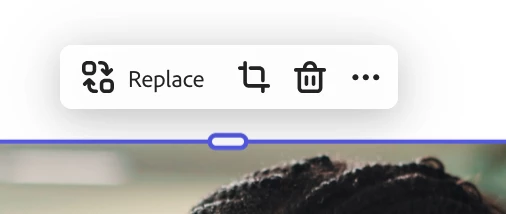
The cropping tool, which was previously very helpful, appears to have been removed or is now extremely difficult to access.
These combined issues have turned what should have been a straightforward design experience into a tedious and inefficient one. I would appreciate clarification on the licensing error, as well as any updates on the missing or malfunctioning features.
Thanks in advance for your assistance — I hope to see some improvements soon, as Adobe Express has a lot of potential but currently feels unnecessarily clunky for paid users.
 AdChoices