
Question
Text widens and loses position when trying to type
I opened up Adobe Express in Google Chrome in hope of making a design for a menu. However, when I decided to insert some custom text, no matter how I typed, the text would become extremely wide and extend beyond its selection box. Strangely, when I enter a different project with some pre-typed text (I had worked on these on a different computer), the insert text function works as intended.
Here's a photo for reference:
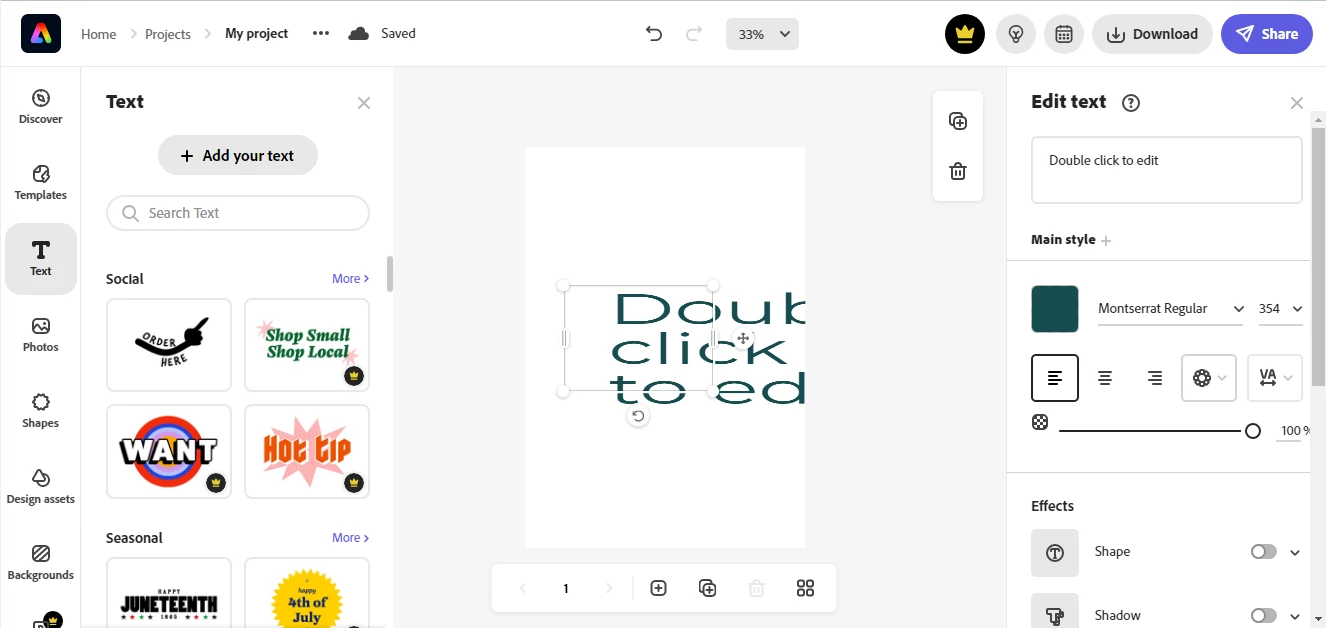
PS By the way, the site worked fine on another laptop I'd used. The problem began when I moved to an older laptop. I'll provide details if needed.


 AdChoices