


Evie38759492h2dk
Participant
March 10, 2026
Question

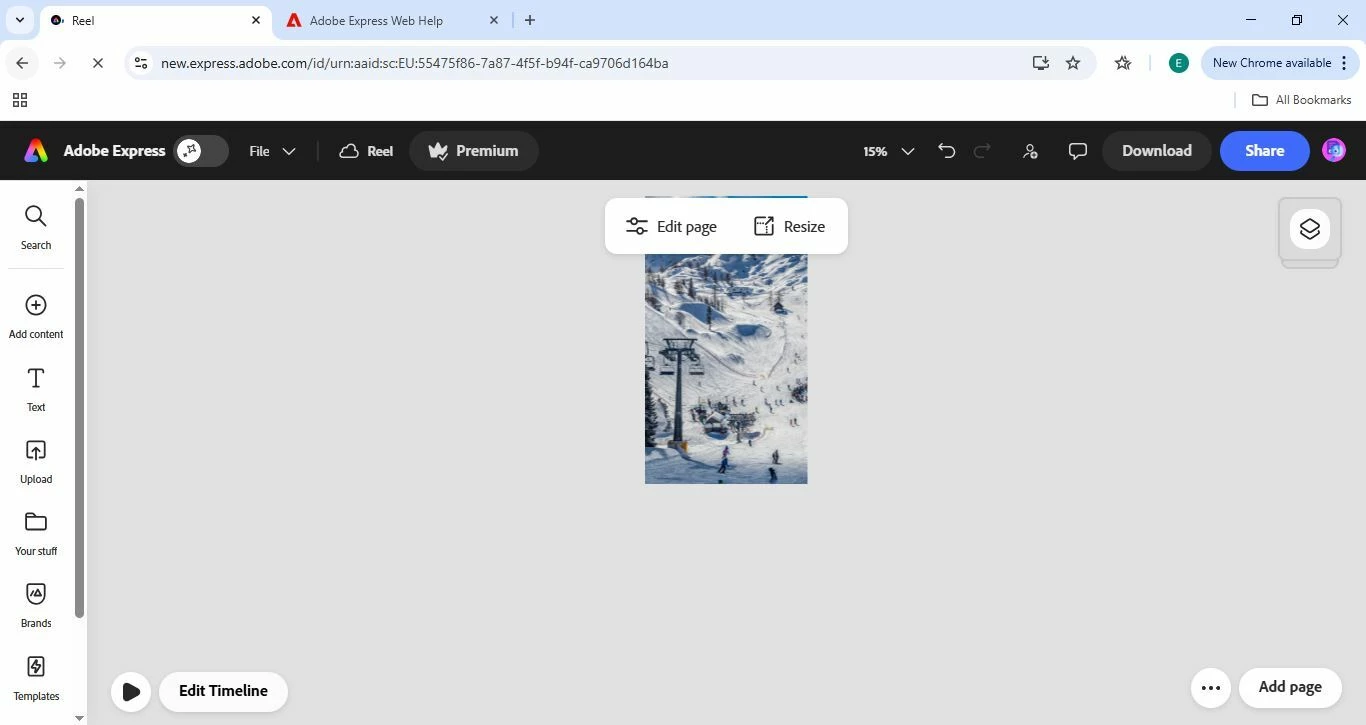
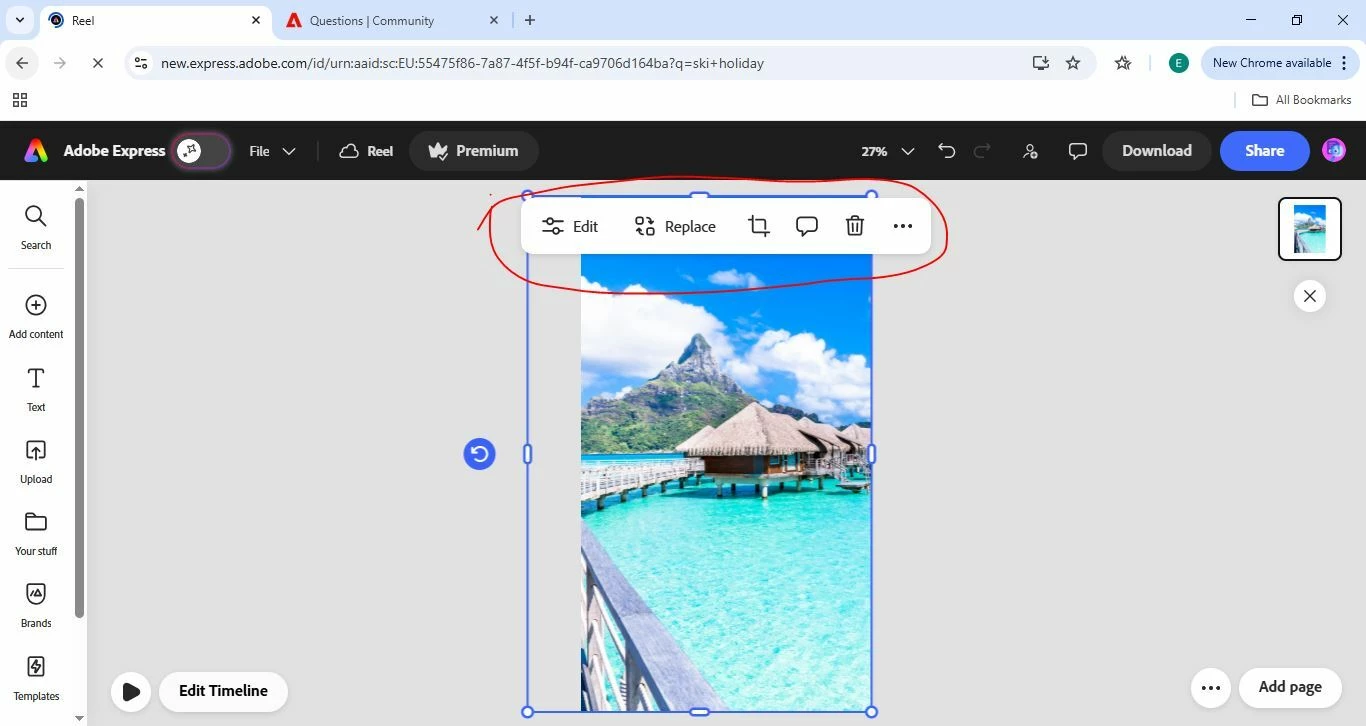
Toolbar covering image when editing

  • March 10, 2026
  • 1 reply
  • 52 views

Does anyone know how to move or hide this toolbar that gets in the way every time I am editing? I have tried different zooms and it is always there.
 

    1 reply

    rosedv
    Community Manager
    Community Manager
    March 11, 2026

    Hey ​@Evie38759492h2dk !


    Does the bar cover the image immediately when you open the project? Typically, that bar should be at the top, but not be obtrusive over the design all the time. I’d also like to see if you have the option in the screenshot below - to switch from Vertical Scroll to Horizontal Navigation and vice versa. 


    If you could also provide what browser you’re using as well as the browser version (ideally, the latest version!), and a screen recording of when you try to zoom in/out, that would also be super helpful in case I need to raise it to the product team!


    Thanks,

    Rose


    Tik11838957
    Participant
    March 25, 2026

    "The floating toolbar is constantly in the way and doesn't disappear, which is a major issue for my workflow. The current UI is quite poor for iPad users, especially without the option to change the layout settings.

    I’m finding it very hard to complete my tasks today. This needs an urgent fix as it's significantly impacting my professional productivity. Please look into this immediately."

    rosedv
    Community Manager
    Community Manager
    March 25, 2026

    Hi ​@Tik11838957 - 

    Thanks for your note - welcome to the Express Community! Are you having the same issue as the user above, in that the toolbar is covering the design when you’re working? If it works as intended, it should float, but not cover your design. 

    If you could also provide what version of the app you’re using (ideally, the latest version!), and a screen recording of when you try to zoom in/out, that would also be super helpful in case I need to raise it to the product team!

    Rose
