
Participant
February 23, 2023
Answered

Unable to add Adobe Express to Microsoft Teams

  • February 23, 2023
  • 2 replies
  • 784 views

I'm currently having an issue with adding the Adobe Express app to a team in Microsoft Teams. Going through the motions of adding an app, once you get to the screen that usually has configuration settings that need to be set to click 'Save', it stays as an empty white box. 
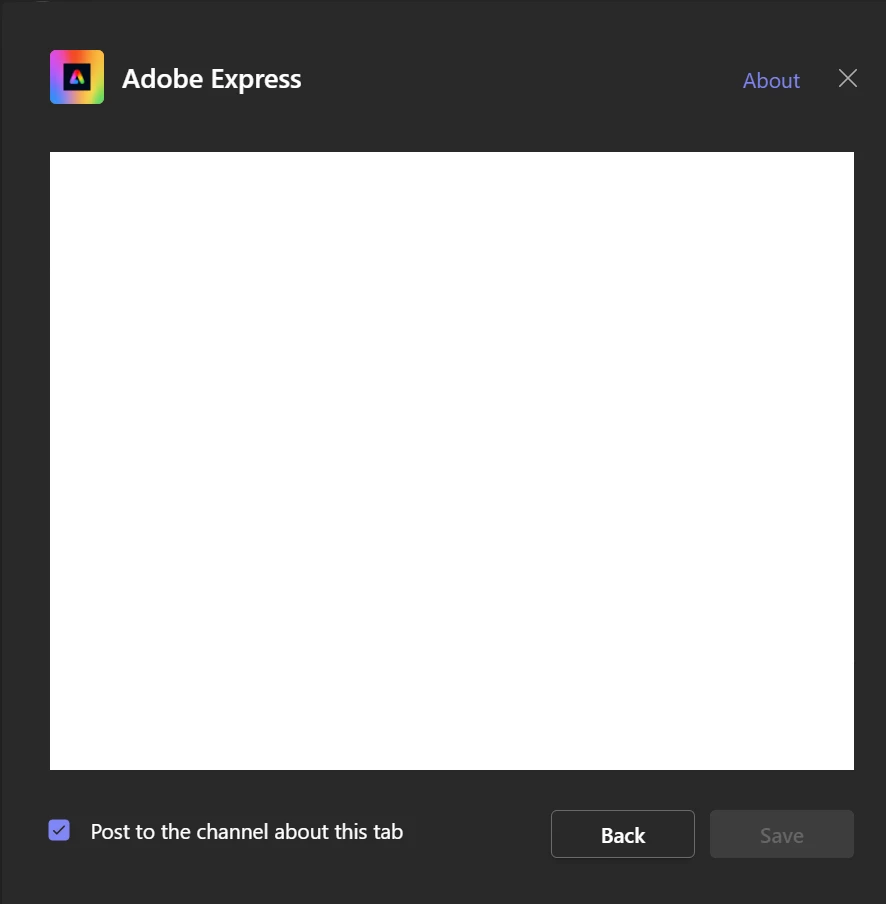
 

Looking at the source of that iframe (https://express-cs.adobe.io/edu-organizer/cc-spark-edu/msteams/configuration ) shows there's data there, it just doesn't render in the browser. I've tested this not only in Teams itself, but in several browsers over several operating systems to ensure it's not a specific computer issue. I've also tested this on a different network to ensure it's not our web filtering.


Is this a known bug, or is this a 'me' issue?


Thanks.

This topic has been closed for replies.
Correct answer Kevin Stohlmeyer

Hi @255062523ioq at one time I know Spark (predecessor to Express) was able to be connected to Teams, but I have not heard of anyone on the Express forum connecting this as an app - only sharing pages to Teams, OneDrive/Sharepoint, etc.

https://community.adobe.com/t5/adobe-express/ct-p/ct-adobe-express?

You could also try posting there to see if its an option.


2 replies

Kevin Stohlmeyer
Community Expert
Kevin StohlmeyerCommunity ExpertCorrect answer
Community Expert
February 23, 2023

Hi @255062523ioq at one time I know Spark (predecessor to Express) was able to be connected to Teams, but I have not heard of anyone on the Express forum connecting this as an app - only sharing pages to Teams, OneDrive/Sharepoint, etc.

https://community.adobe.com/t5/adobe-express/ct-p/ct-adobe-express?

You could also try posting there to see if its an option.


kglad
Community Expert
Community Expert
February 23, 2023

open the support tab on your admin console > start chat or start case or request expert session.


https://helpx.adobe.com/enterprise/using/support-and-expert-services.html