Amitej, don't you think all this process is too tedious for a common man? Why can't you keep it simple? Your reply is like asking me to pursue a software engineering course. Keep it simple man, customer needs a solution, not a deep study of engineering or software systems
Hi @pendyala27674665gvbc, Thanks for the details!
To help us investigate further, we'd need HAR file, which captures the network requests and responses between your web browser and the Adobe Express website while the issue occurs.
You can follow the steps in the guide below to generate and share the HAR file:
I’m working on a video on Lenovo Yoga Slim7i, Microsoft Windows 11 Home Single Language
Windows version25H2 (OS build 26200.8875)
Adobe Express app version: I use the application on my mobile (Android on Samsung Galaxy S26 Ultra) as well as on my laptop - both application and web page.
I could find the details of Adobe Express mobile app version on google playstore. It is 30.6.1 - updated on 15th July 2026
Application used on the laptop: Installed version 2.1.1.0
I’m unable to complete the workflow on mobile application as well as the application on the laptop, including the web page version
Unable to download the video on home as well as workplace network
I don’t use a VPN and I have had similar issues in the past with the application. This isn’t the first time. But I got fed up with this now. In spite of paying a decent amount we keep facing such issues. What’s the point of taking a paid version then?
I don’t see an option of screen recorder app on my laptop, hence unable to share a screen recording. I think the screenshot which I shared is sufficient for you to understand what the problem is.
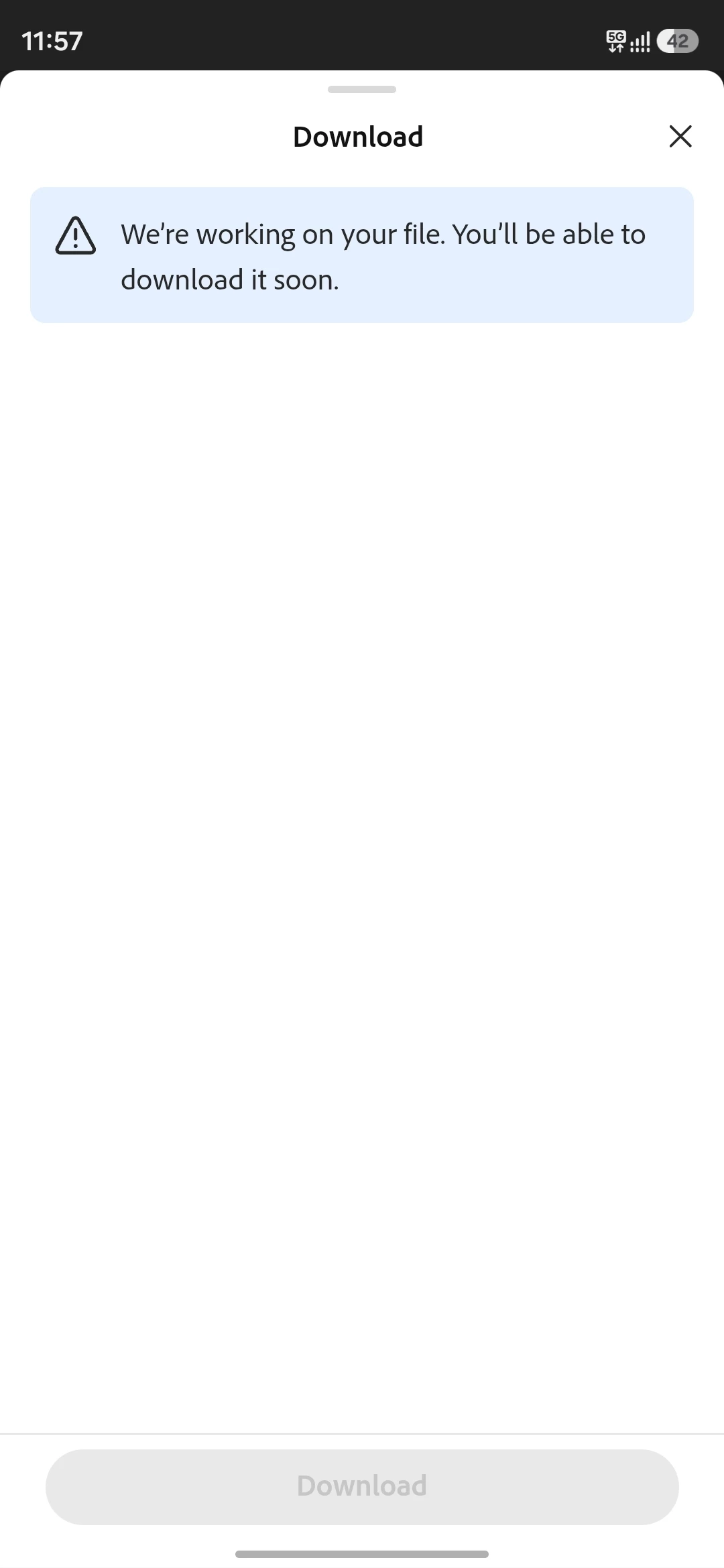
Now please solve the issue ASAP. I have attached 2 screenshots. One from web application. One from the browser (Microsoft Edge)
Hi @pendyala27674665gvbc, Thanks for the details!
To help us investigate further, we'd need HAR file, which captures the network requests and responses between your web browser and the Adobe Express website while the issue occurs.
You can follow the steps in the guide below to generate and share the HAR file:



 AdChoices