



lnessler
Participant
April 12, 2026
Question

unable to download pdf from adobe express

  • April 12, 2026
  • 2 replies
  • 52 views

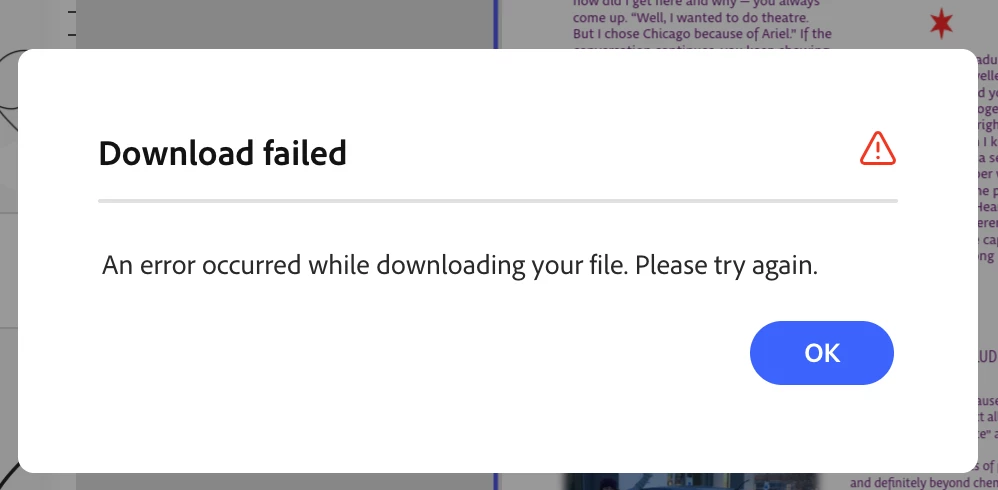
I am using the web version of Adobe Express on a MacBook Pro desk top and am unable to download my project as a PDF (it should be 26 pages; I’m making a book for a friend). I tried it in several browsers and cleared my cache but I get the same message every time. The message I get just says "an error has occurred while downloading your file. Please try again" I'm using MacOS Sequoia 15.7.4
 

    2 replies

    GP_24
    Participant
    April 21, 2026

    I am facing similar problem - i am able to download using the JPEG/PNG options but when i opt for the PDF version download, nothing happens, I get no error message as well, I have already removed and re-installed the app but i see no change or i still get no option to download , i need some guidance here 


    Rose DV
    Community Manager
    Community Manager
    April 28, 2026

    Hey ​@GP_24!

    Thanks for posting, apologies for this getting buried. Can you confirm that it’s happening across all your files (or that it’s one specific file having the issue)?

    If it’s one file, it would be helpful to share the file URL/access with us via DM so we can investigate a little further.

    Thanks!

    Rose

    Amitej S
    Community Manager
    Community Manager
    April 13, 2026

    Hi ​@lnessler, thanks for reaching out! This shouldn’t be happening.

    Could you confirm if this is happening with all project exports, or just this specific file? Also, does the issue occur only when exporting as PDF, or do you see the same behavior with PNG/JPG as well?

    If you’re open to it, would you be willing to share the file URL with us via Community DM? It would really help us investigate further. We’d also need edit access to the file. I can share the steps with you over DM once you confirm.


    Best!