


Question
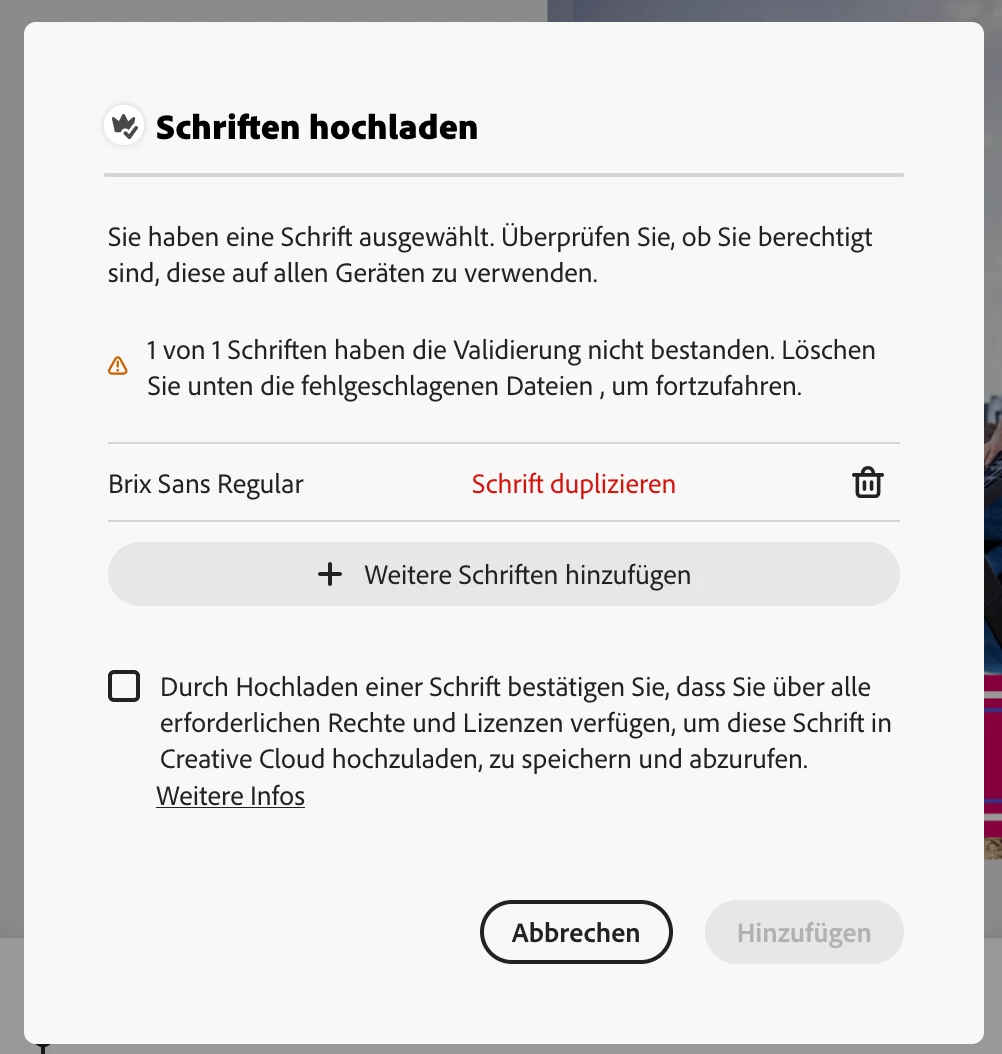
Uploading Fonts is not working neither in Adobe Express nor in Creative Cloud App
Hi guys, I hope you can help me.
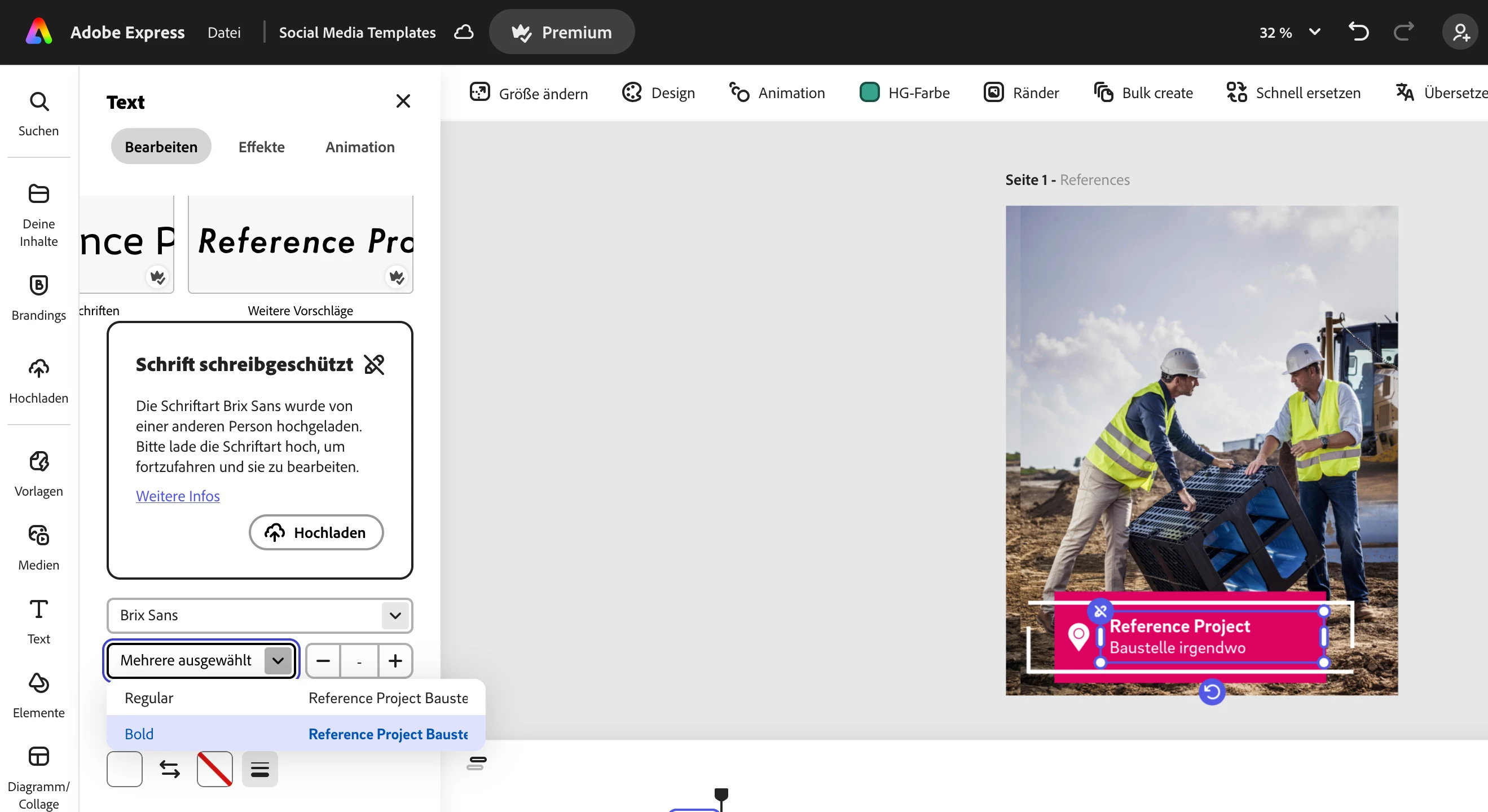
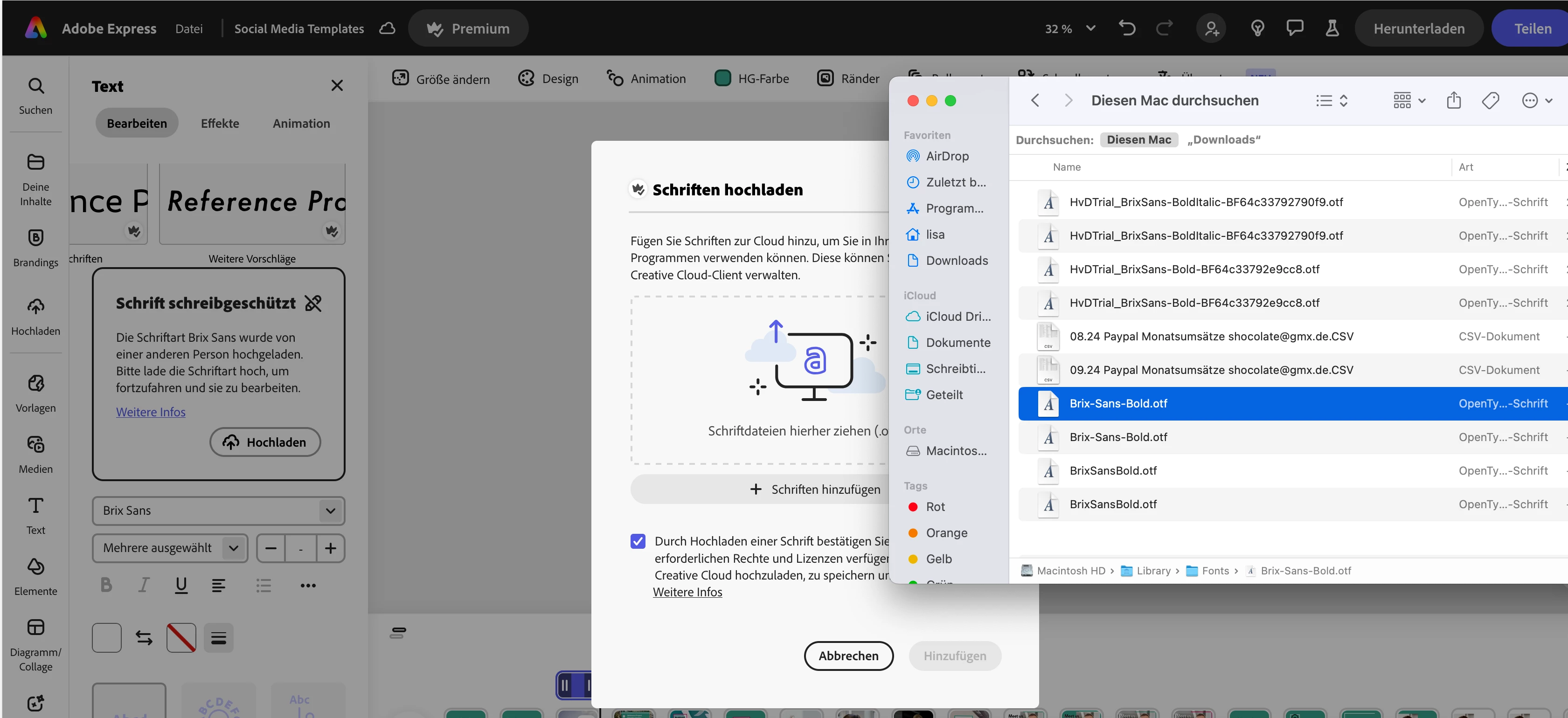
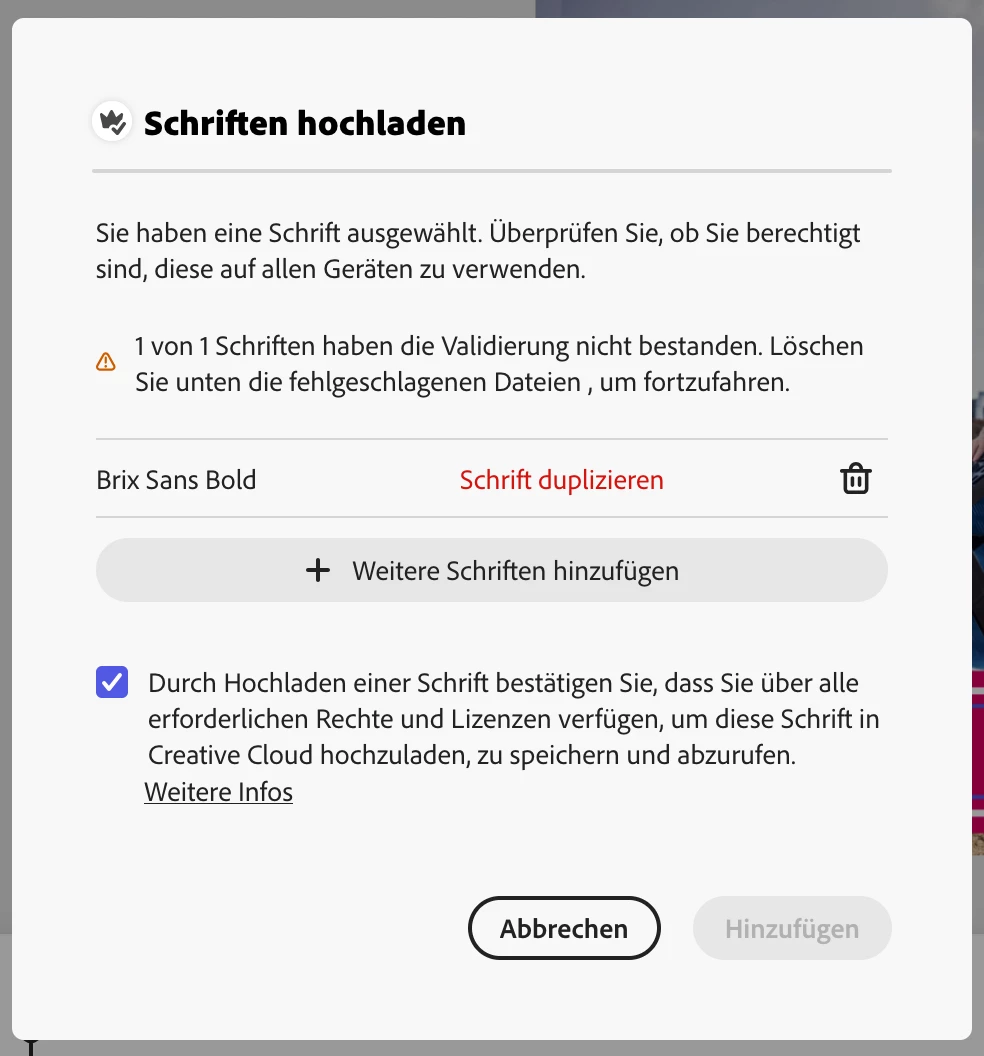
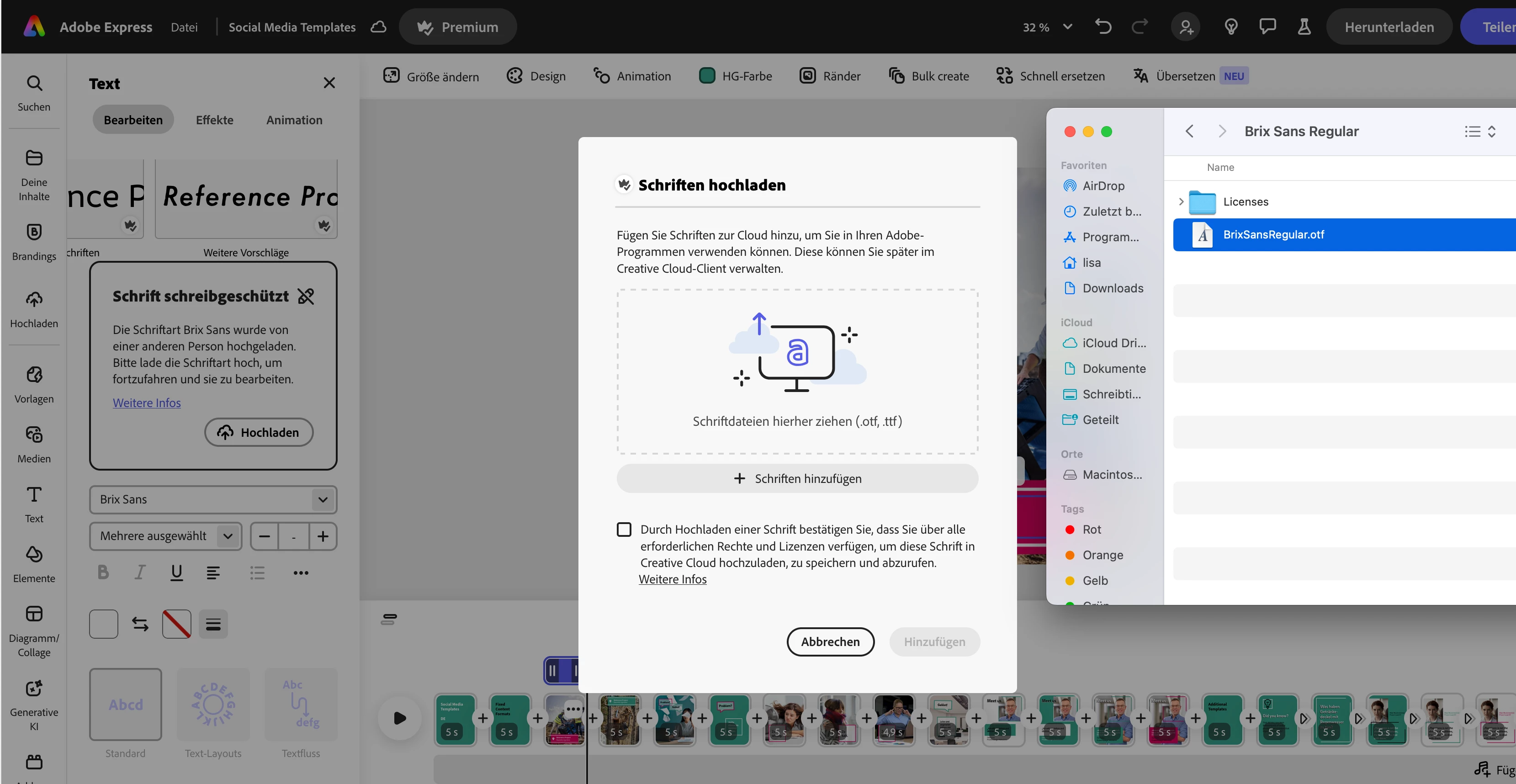
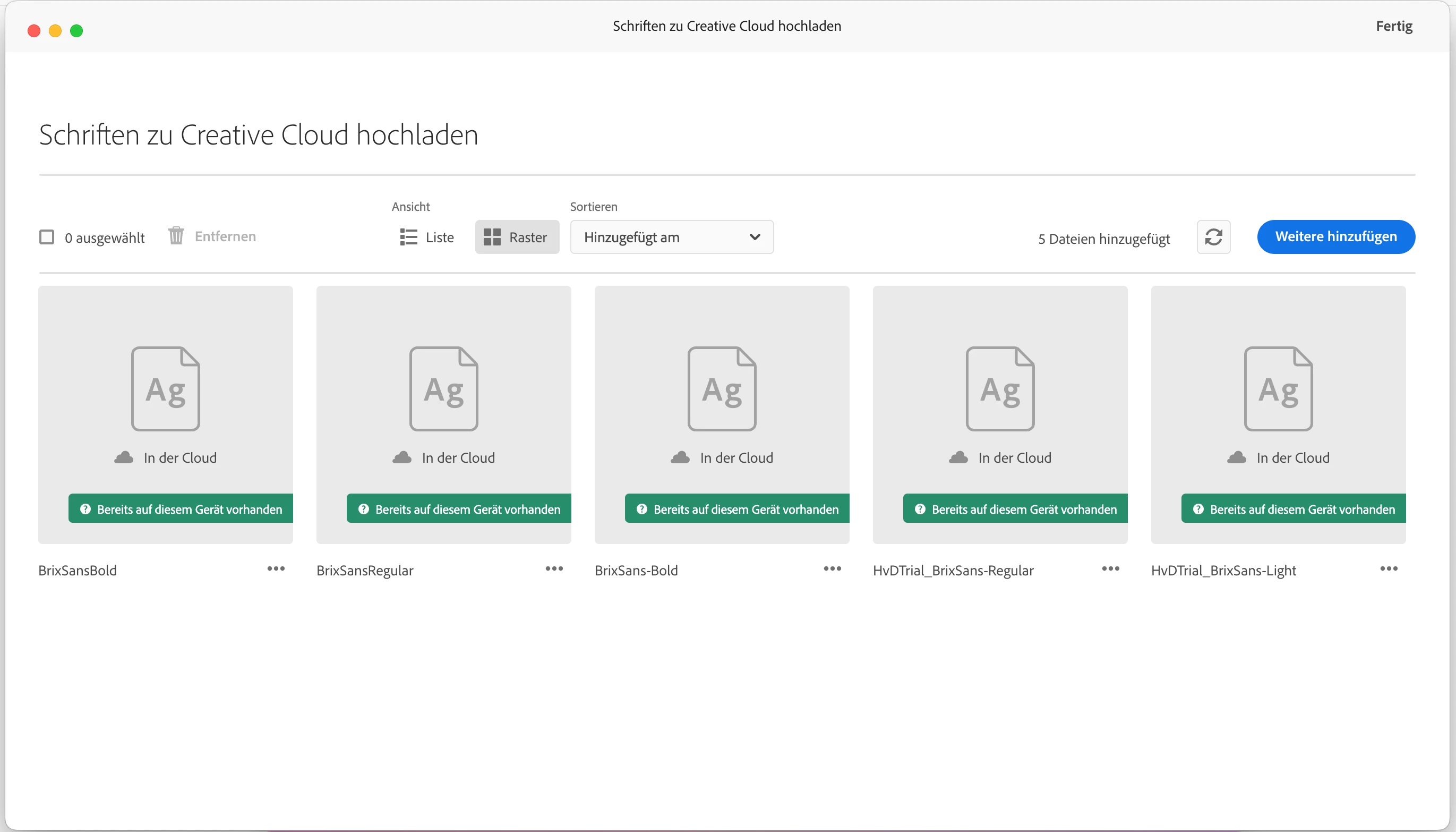
I am working in a shared document in Adobe Express using corporate fonts. Now when I want to edit certain text areas, I'm being asked to upload the fonts first. I bought licenses for those fonts used there... (Brix Sans Bold and Brix Sans Regular) It is a desktop license though and I am not sure, if the error message is coming over and over again because I need a web license instead.
I followed the steps as described in other posts here in the support. Also I checked my Creative Cloud App, if the fonts are uploaded there. But all I am getting is these error messages. I will share the screenshots here too. I hope somebody can give me advice what I can do to solve this.
Thanks so much in advance!
 AdChoices