



ekvysl
Participant
May 14, 2026
Question

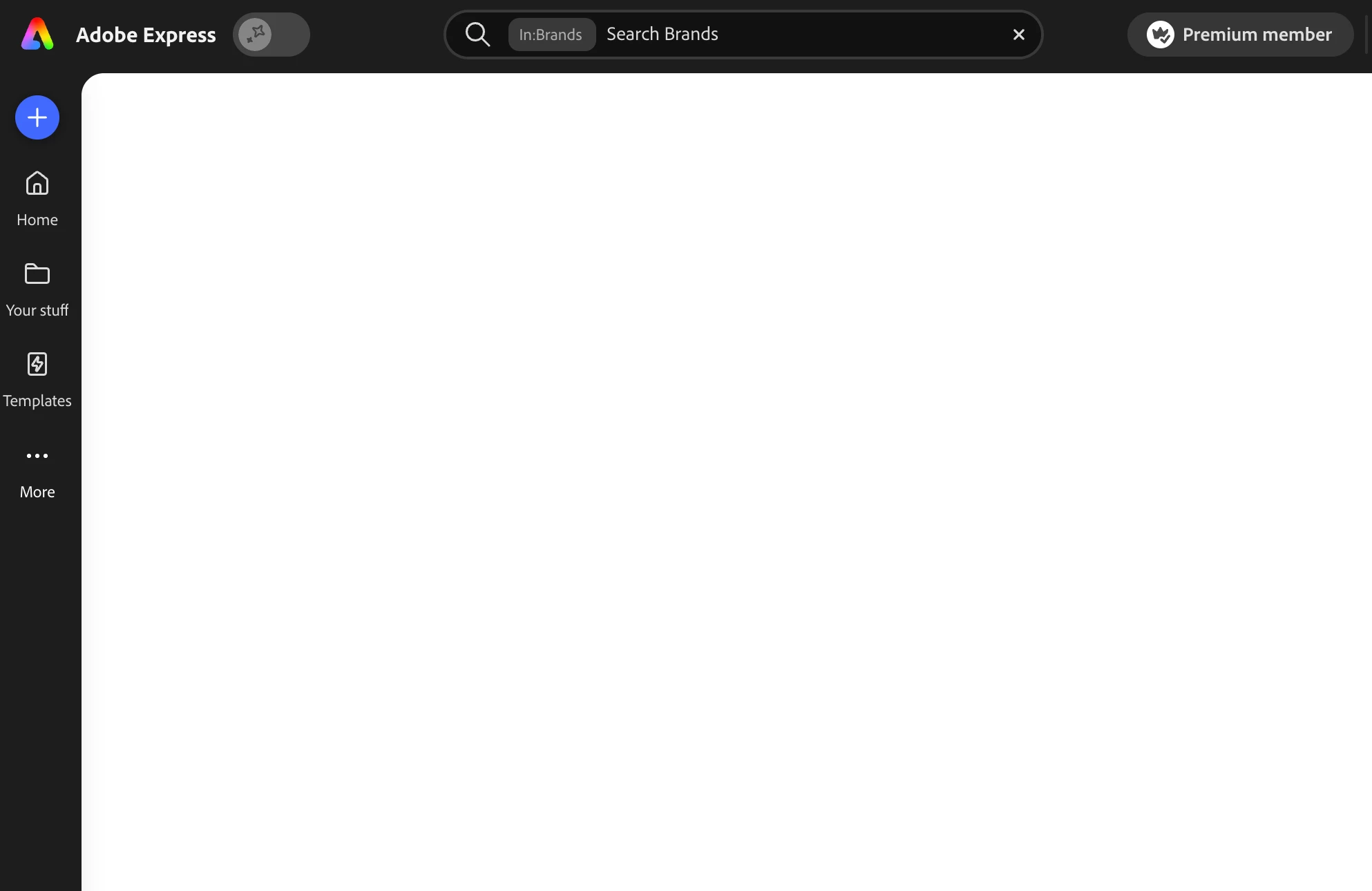
When creating a brand kit in Adobe Express, it shows a blank white screen after I start a new brand. There are no options to add colours, fonts, logos etc.

  • May 14, 2026
  • 1 reply
  • 34 views

After adding a brand and clicking into it none of the editing options are visible. The panel only shows a plain white blank screen, and I’m unable to access any options to add colours, fonts, logos, etc.

I’ve already tried using incognito mode, clearing my cache and browsing history, and accessing the platform through a different browser, but the issue still persists.


    1 reply

    Rose DV
    Community Manager
    Community Manager
    May 14, 2026

    Hi ​@ekvysl 

    Thank you for your patience while we looked into this!


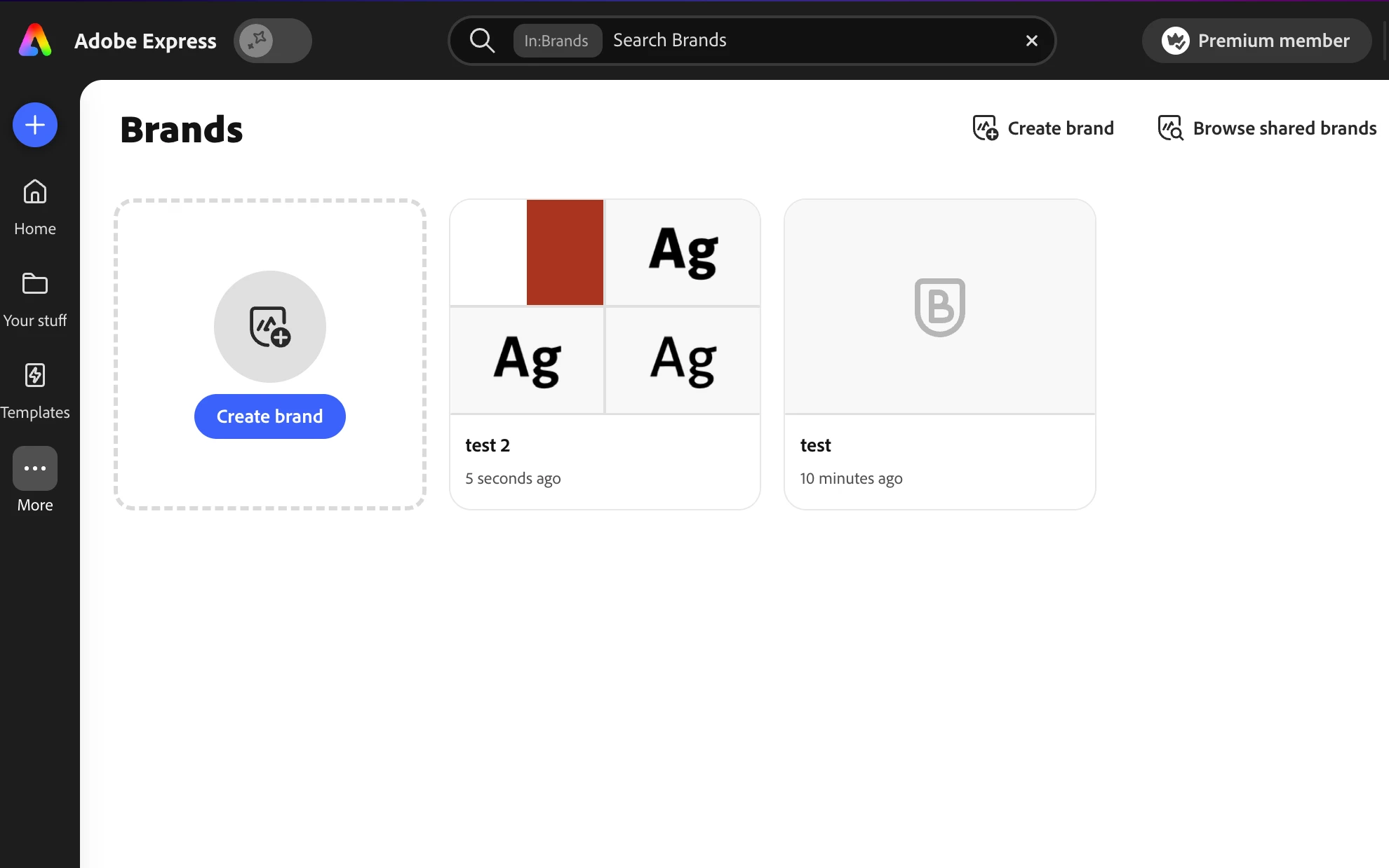
    Our team wasn't able to reproduce the blank screen on our end, and looking at your screenshot it looks like you may have successfully created a brand kit called "Test 2" — is that showing up correctly for you?


    Could you share a bit more about the exact steps you took when you hit the blank screen?


    For example:

    • Were you creating a brand from scratch or extracting from an upload?
    • Which browser were you using?
    • Did you navigate back after the initial setup, or did the blank screen appear right away?
    • Any specific step-by-step that would help us reproduce on our end!


    That'll help us understand exactly what happened and whether there's something we need to dig into further.


    Rose