
Custom Fonts keep getting disabled/removed
Hi everyone,
I added multiple custom fonts via the CC desktop app. To be clear: I am not talking activating fonts from adobe fonts. I added font files via "Fonts > Add Fonts to Creative Cloud". Everything worked fine until some day I opened an AI-file that contained custom fonts and the usual message of missing fonts appeared:
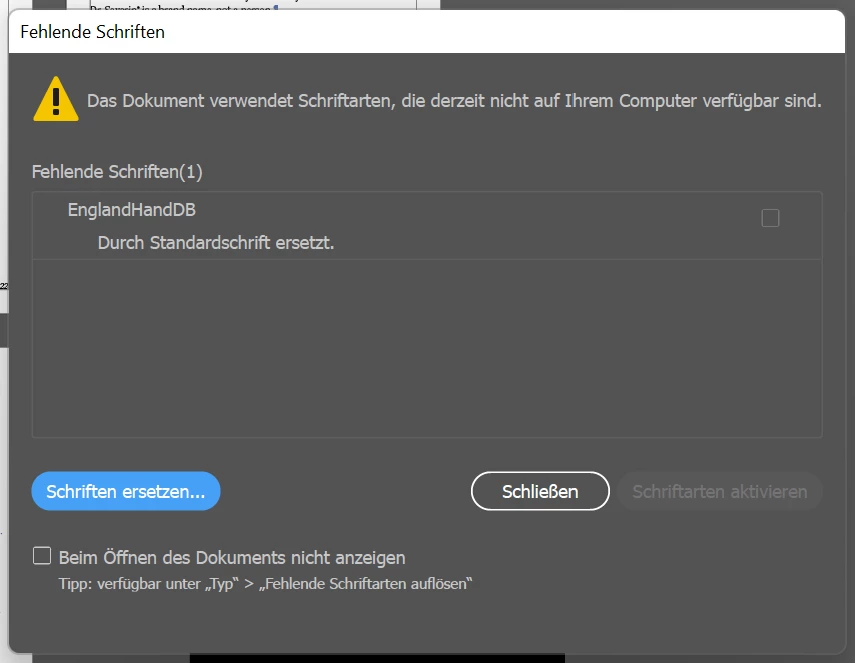
I checked the CC app and the font was "installed" anyway:
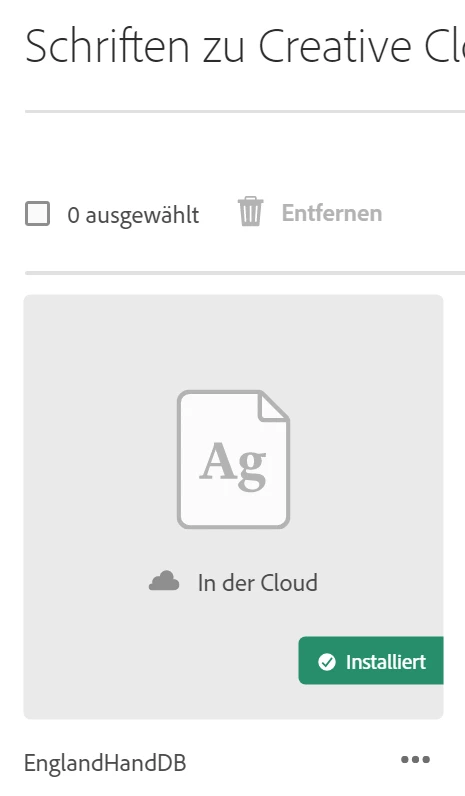
I found that signing off the CC app and restarting it sometimes helps temporarily and the fonts are downloaded and installed again:

But after a few days (didn't examine precisely when) the same problem occurs again and the font is "gone". It is terribly inconvenient having to do the signin- off and -on and app-restarting procedure especially since it is not always working on first try and sometimes it takes forever loading the fonts again.
Does anyone know this problem?
Help is appreciated! Thank you!
V


 AdChoices