


Participant
November 16, 2021
Question

3D Viewport looks awful

  • November 16, 2021
  • 1 reply
  • 1173 views

Hey guys. first post here.

I am trying to use Substance Designer and I followed this tutorial.
For some reason that for the love of me I can't figure out, my viewport refuses to look like it does in the tutorial. I followed every step directly but it just looks awful:
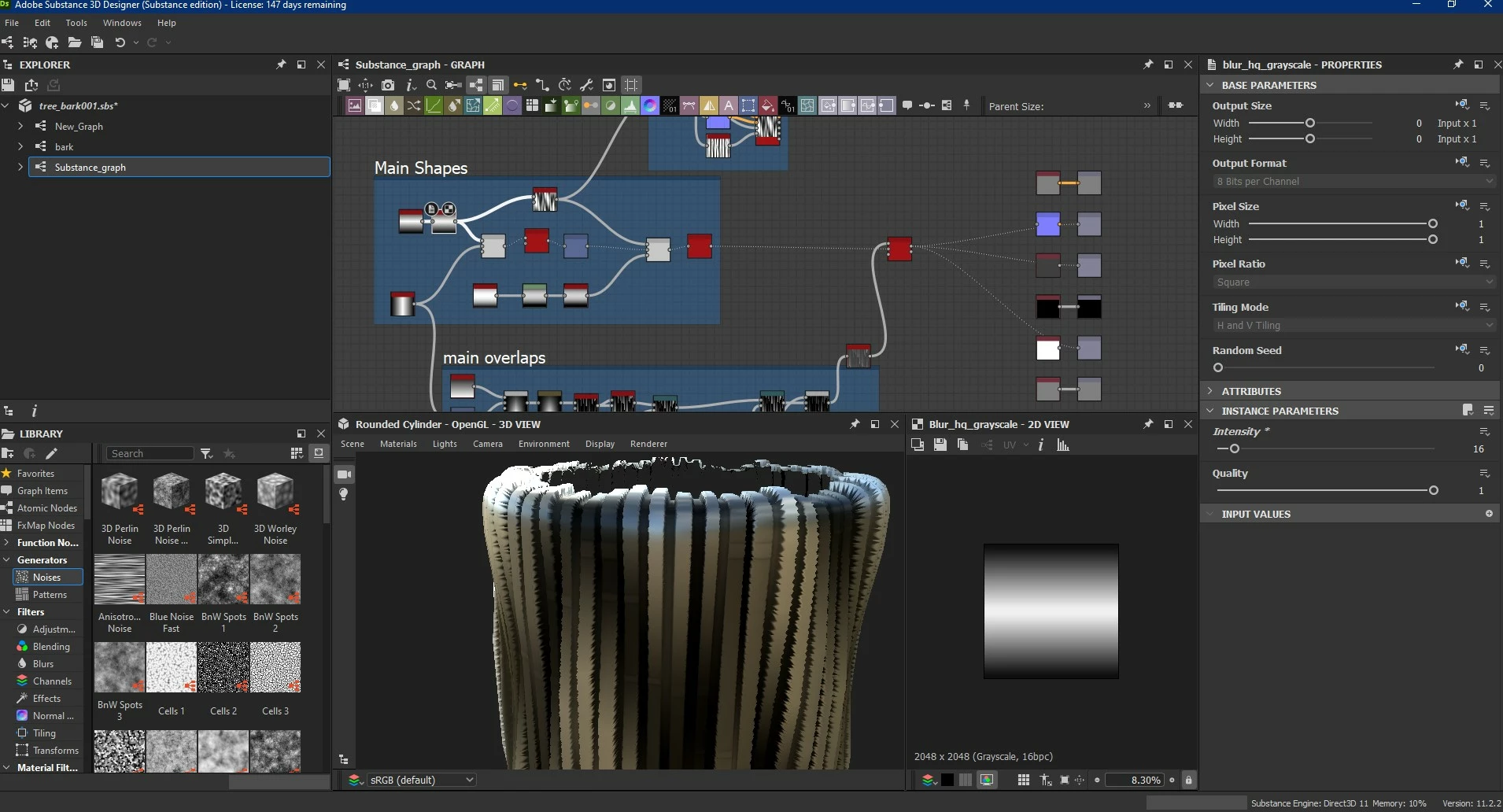


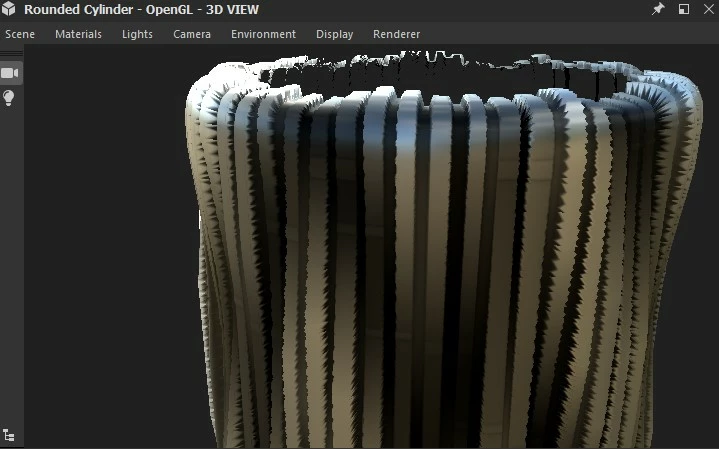
If I zoom in on the 3D viewport, you'll see jagged edges and "low topology" in the viewport object.


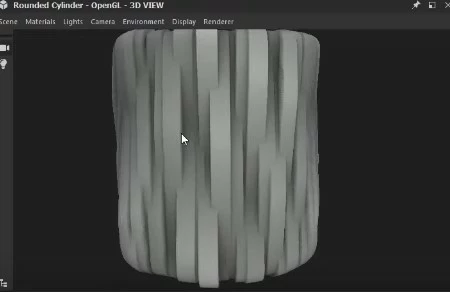
this is how it's supposed to look like:
 

Needless to say, I googled it and tried many things before posting.

PLEASE, if you know what causes this, please please please let me, know this is very frustrating.

This topic has been closed for replies.

1 reply

dzigakaiser
Known Participant
November 17, 2021

Hey zakrise,


It might be worth checking your material settings. 

In the viewport go to Materials/Default/physically_metallic_roughness/ and choose tesselation if not already chosen.


Then check the parameters on the right. In the "Height" section check if your scale is set to something higher than 0 and increase the tesselation factor to get a smoother viewport result.

Keep in mind that those are shader settings which do not affect your export. Contrary to my screenshot I usually like to keep scale at 1 as this would be the default in other software packages.


Let me know if that helps!


Good luck!

Dziga

Creating worlds for screen and paper - also offering photo resources and HDRIs on www.dziga.com
dzigakaiser
Known Participant
November 17, 2021

Is there no more editing functionality in this forum???

Anyways, what I wanted to add: In the screenshot I posted I have to go to a tesselation of 32 to get somewhat smooth viewport results.

Creating worlds for screen and paper - also offering photo resources and HDRIs on www.dziga.com