


Participant
April 16, 2022
Answered

Color conversion [C] and [L]

  • April 16, 2022
  • 1 reply
  • 953 views

Hi all!
I continue to learn Substance Designer, I came across such a feature as color profiles:
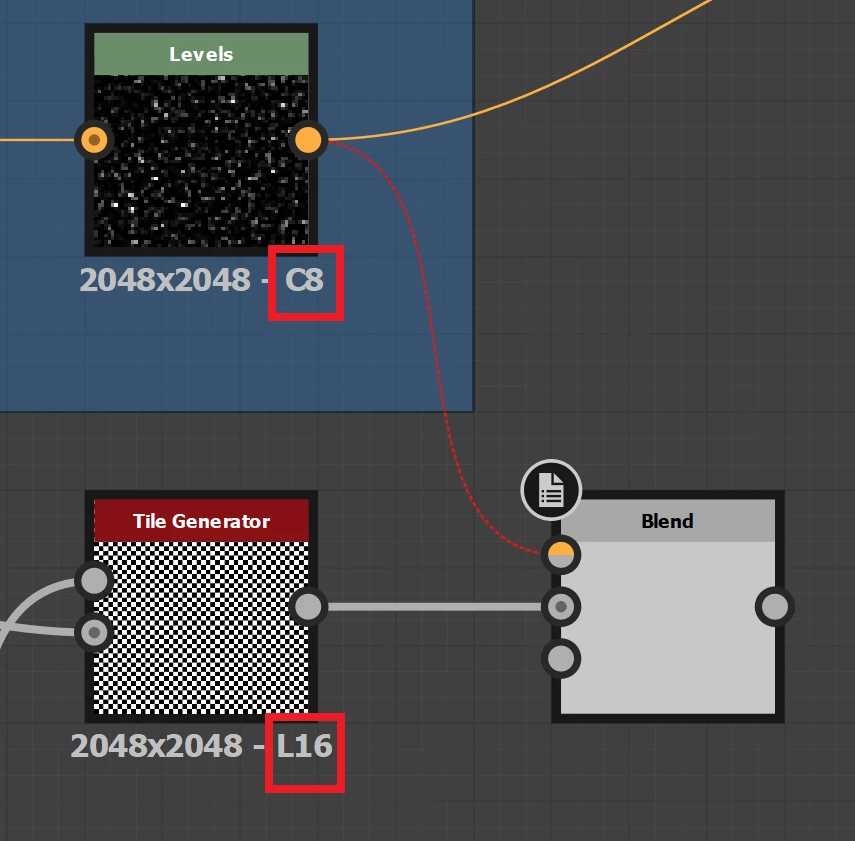
The first node has "Color 8 bits",

second node has "Luminance/Grayscale 16 bit".

If I convert from "C" to "L", then I can use the "Grayscale Conversion" node:
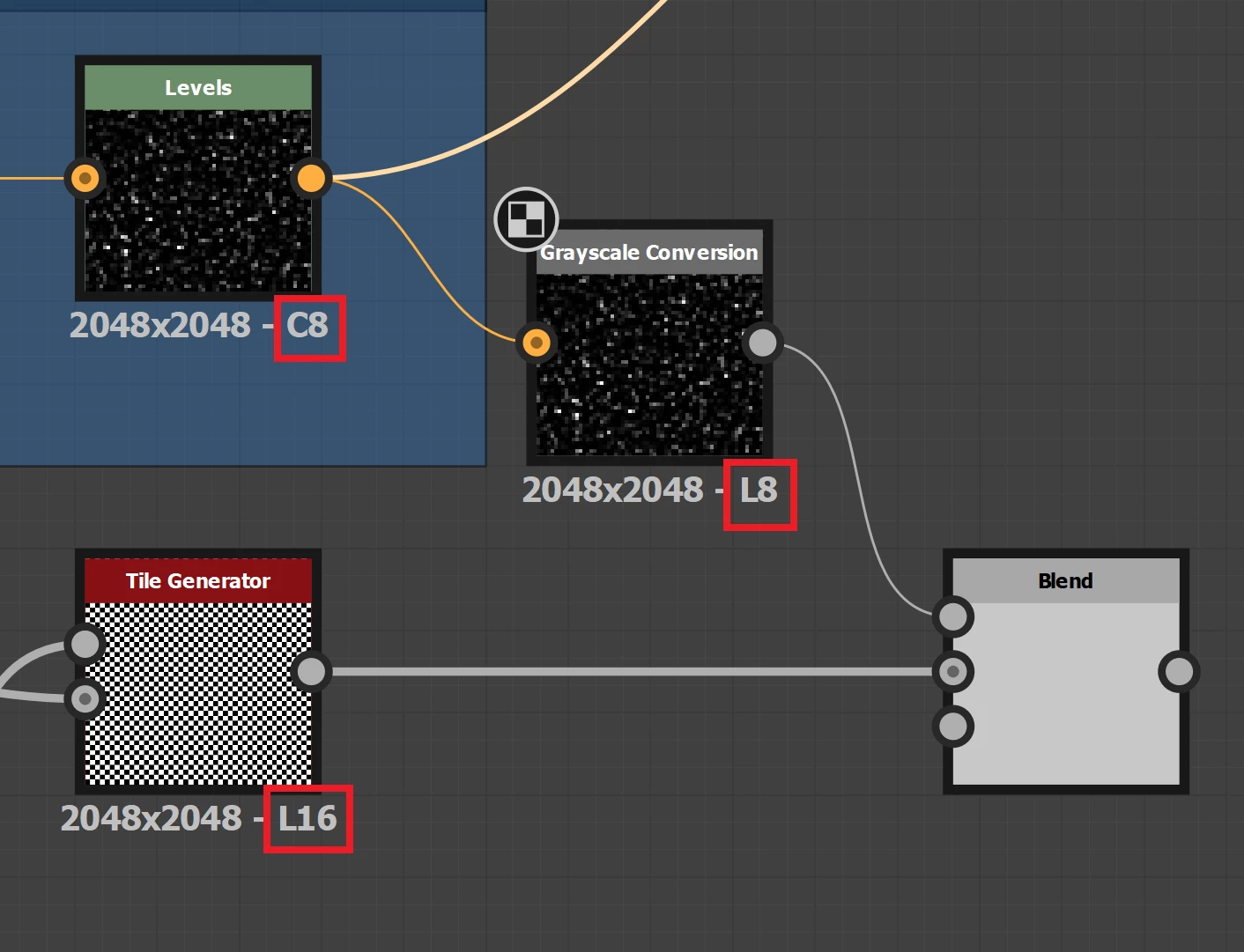
The question arose: are there nodes for converting from "L" to "C"?

This topic has been closed for replies.
Correct answer davescm

To convert grayscale to colour, use a 'Gradient Map' node and use the gradient editor within it to control the specific conversion if you want any other than a straightforward L grayscale to R=G=B "grayscale".


Dave

1 reply

davescm
Community Expert
davescmCommunity ExpertCorrect answer
Community Expert
April 16, 2022

To convert grayscale to colour, use a 'Gradient Map' node and use the gradient editor within it to control the specific conversion if you want any other than a straightforward L grayscale to R=G=B "grayscale".


Dave

Participant
April 17, 2022

Good,
what affects the number of colors?
How to control the number of bits in image nodes? or does the Designer set the quantity automatically?

davescm
Community Expert
Community Expert
April 19, 2022

Nodes in Photoshop can inherit properties from the overall graph or preceding node or can have their properties set as Absolute i.e. they stand alone.  The properties panel will show which you have set


Dave