


Inspiring
November 13, 2023
Answered

combine a transparency into albedo and export as one bmap with transparency?

  • November 13, 2023
  • 1 reply
  • 1083 views

Hi


Is there a way i can export 1 abledo file that also includes a transparency map within the alpha channel?


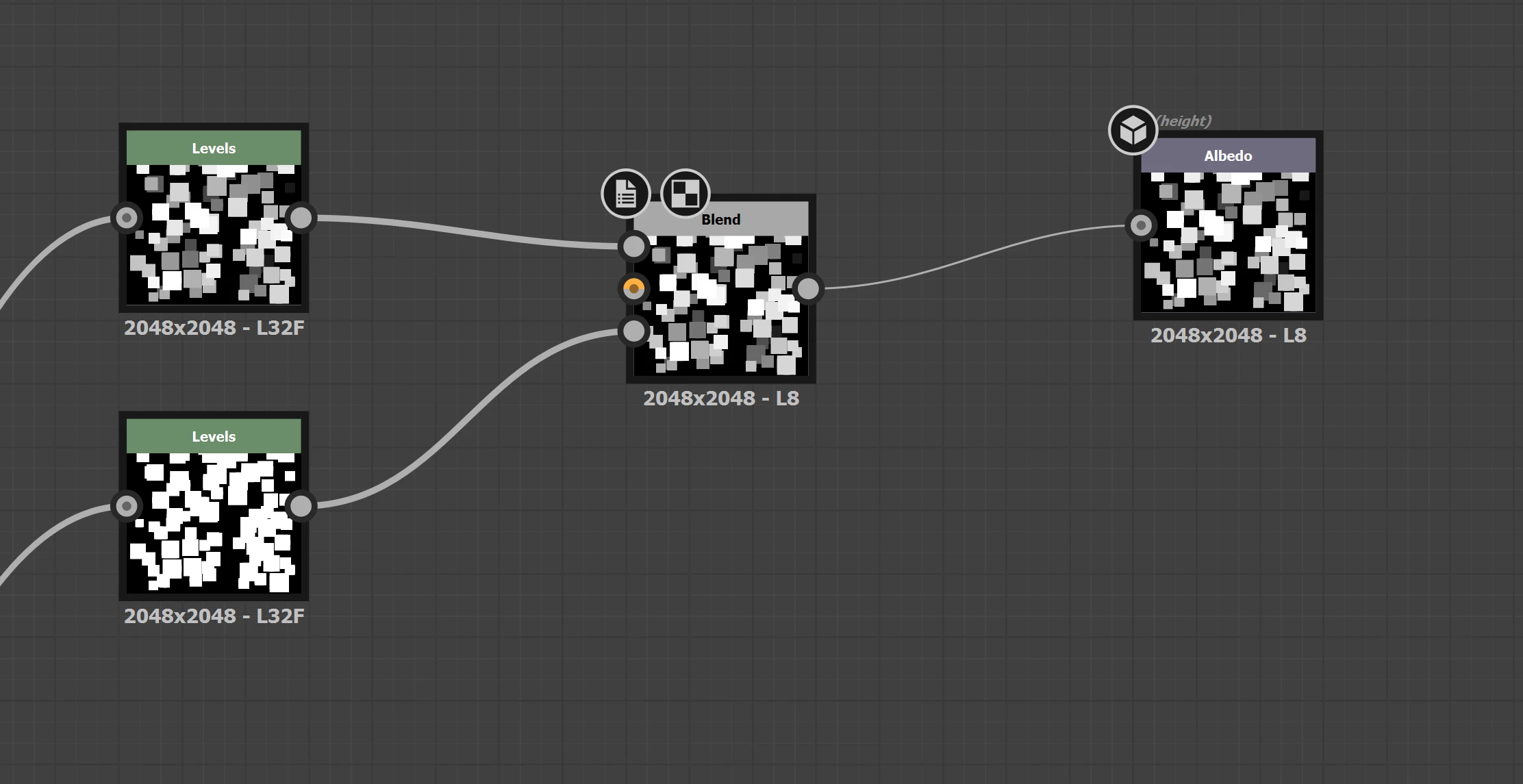
Ive been tryng this, but am guesssing its just getting baked together?


thanks for any help!

N


This topic has been closed for replies.
Correct answer Cyril Dellenbach

Hello N,


Thanks for the question.


There's a node named Alpha Merge for this exact workflow. With that being said, the Alpha Merge node expects to have a RGB map in addition to a Linear map plugged in. However, according to your screenshot, your Albedo map is also a Linear one.


Therefore, you should probably use the RGBA Merge, which has basically the same purpose as the Alpha Merge, but with the possibility to give specific inputs to RGB channels individually.


Best regards,


1 reply

Cyril Dellenbach
Community Manager
Cyril DellenbachCommunity ManagerCorrect answer
Community Manager
November 14, 2023

Hello N,


Thanks for the question.


There's a node named Alpha Merge for this exact workflow. With that being said, the Alpha Merge node expects to have a RGB map in addition to a Linear map plugged in. However, according to your screenshot, your Albedo map is also a Linear one.


Therefore, you should probably use the RGBA Merge, which has basically the same purpose as the Alpha Merge, but with the possibility to give specific inputs to RGB channels individually.


Best regards,


Cyril Dellenbach (Micro) | QA Support Artist | Adobe
Inspiring
November 14, 2023

thats great thanks!  How's the best way to export a PNG from this? Is it just to hit the disk icon in 2d View?

Cyril Dellenbach
Community Manager
Community Manager
November 14, 2023

In the explorer tab > RMB on the graph > Export outputs as bitmaps


Cyril Dellenbach (Micro) | QA Support Artist | Adobe
