


Question
Designer 15.0 renderer got worse?
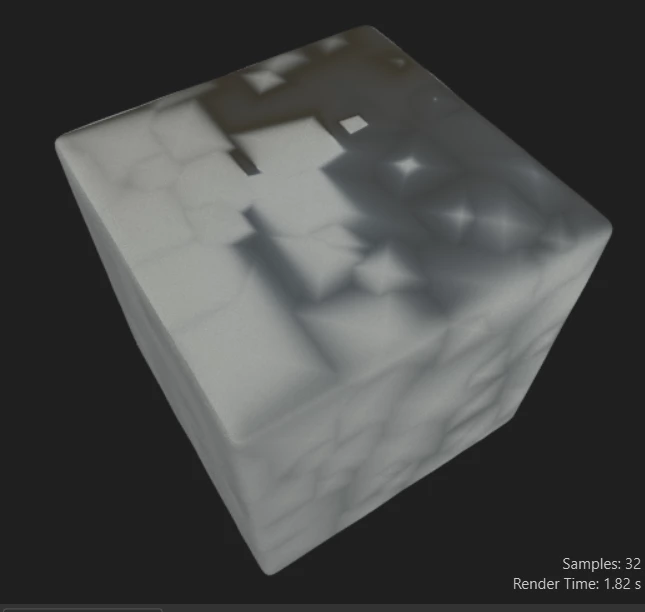
Im sorry but after upgrading to 15.0 I am super confused? When I rotate my camera in the renderer I get this effect and I can't seem to get tesselation factor to work (yes, I know it got moved...) despite playing with the settings like before nothing updates. I am following a designer tutorial verbatim and their renderer looks completely different than mine, and I have followed this same tutorial on previous versions of Designer and it looked 1;1. Is it bugged? I never had this ugly render issue before the new designer update. I dont know if there is something I am missing but I can't be the only one struggling with this. Any guidance is appreciation, maybe I am making a dumb error lol
 AdChoices