

Participant
June 7, 2023
Answered

Different size circles packed together how to

  • June 7, 2023
  • 2 replies
  • 499 views

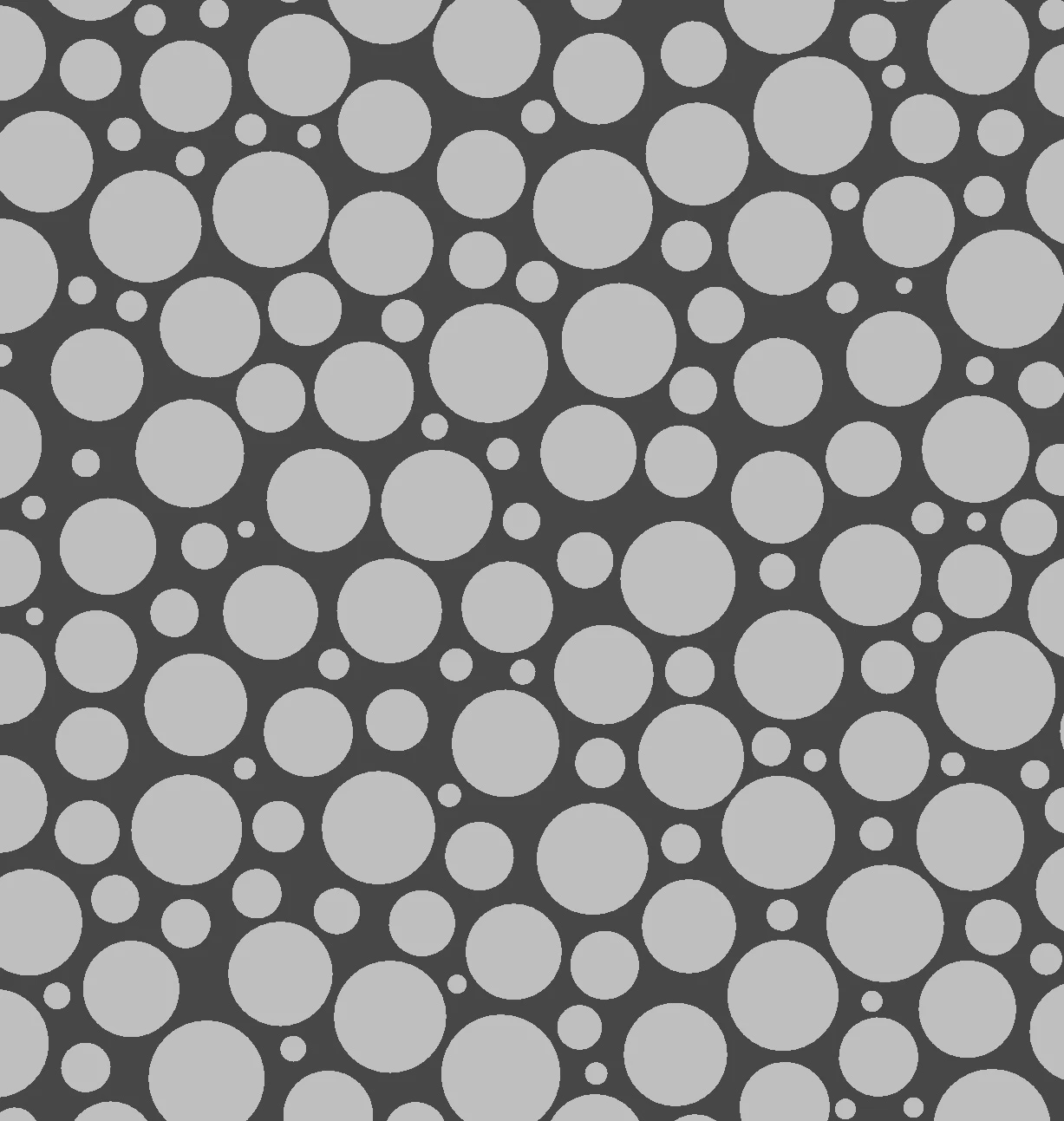
How can I get a bunch of different size circles packed together closely (but not touching)?

Something like this (which was created manually elsewhere):
 

This topic has been closed for replies.
Correct answer Luca Giarrizzo

Hello!


The new While Loop node unlocks a lot of techniques for us to add more tools and content in Designer's library, which includes more sophisticated point distributions such as Poisson.


Exciting things are coming to Designer!


Best regards.

2 replies

Luca Giarrizzo
Community Manager
Luca GiarrizzoCommunity ManagerCorrect answer
Community Manager
June 12, 2023

Hello!


The new While Loop node unlocks a lot of techniques for us to add more tools and content in Designer's library, which includes more sophisticated point distributions such as Poisson.


Exciting things are coming to Designer!


Best regards.

Luca Giarrizzo | Quality Engineer - Substance 3D Designer | Adobe
davescm
Community Expert
Community Expert
June 7, 2023

You could try a variation of this which uses a cascading series of Tile Samplers with the output of each feeding into both the background and the mask input of the next (with an edge detect added to control the border width). As long as you keep position randomness fairly low, it works.


Dave

Participant
June 8, 2023

Thanks but I did need them to be randomly placed

I did it manually and imported the image into SD to detail and it worked well

Still a noob so just wanted to make sure there wasn't an easy way to distribute the circles

davescm
Community Expert
Community Expert
June 8, 2023

Hi

Glad to hear you got it sorted.

Note - the positioning is random in the above (as can be seen if the random seed is altered). I just had to limit the individual variation on the tile sampler for each size to stop crashes between circles of the same size.

Dave

