Hello!
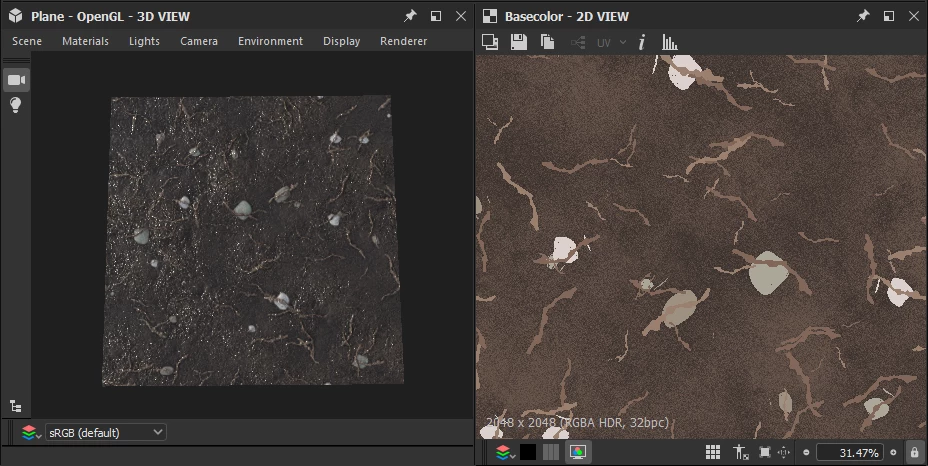
You can save an image out of the 3D Viewby following these steps:
- In the 3D View panel, open the Camera menu
- Select the Save Render... or Save Viewport Image... option
- Select a location, name and image file type for the output file
- Click Save
While the Save Viewport Image... option is a strict WYSIWYG of the 3D View viewport, the Save Render... uses the Camera settings to define the output resolution of the image. This option is preferable if you need a specific resolution and image ratio for your image, which you can set thusly:
- In the 3D View panel, open the Camera menu
- Select the Edit Selected option
- In the Properties panel, set the Use Window Resolution parameter to False
- Adjust the Perspective parameter to Perspective or Orthographic depending on your needs
- Set the desired output resolution in the Resolution parameter
- You may then use the Save Render... option as described above to export an image at that resolution
The Camera menu also holds options to place your camera with precision on specific axes of the scene – e.g. Top is helpful for framing the default Plane.
I hope this is helpful!




 AdChoices