



Expose colors
Hello! I am working on an eyeball material in Designer. The idea is that i should be able to use this material to create custom eyeball textures for my characters without having to export a whole different material every time. Im having some trouble with exposing the color for the eyeball, as right now im using a color gradient and i've read that those cannot be exposed. Im therefore curious if there are any other methods of creating exposed colors that can be customized in Painter?
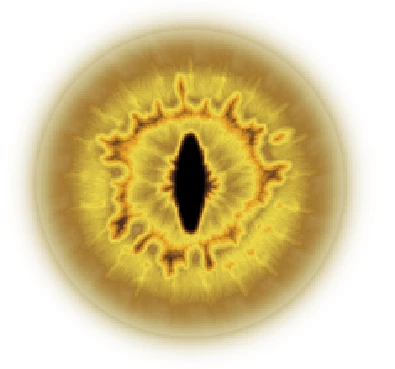
The attached pictures show the gradient im currently using and what the eye currently looks like, i want to be able to keep the same amount of "levels" on the material somehow. I had a thought that maybe i could separate each of the colors on this gradient into "uniform color" nodes and blend them back together to create a similar result, but i have not been successful in doing so as of yet.
Any suggestions are very welcome, thank you!


 AdChoices