

Inspiring
January 30, 2023
Answered

Expose if...How to please

  • January 30, 2023
  • 2 replies
  • 246 views

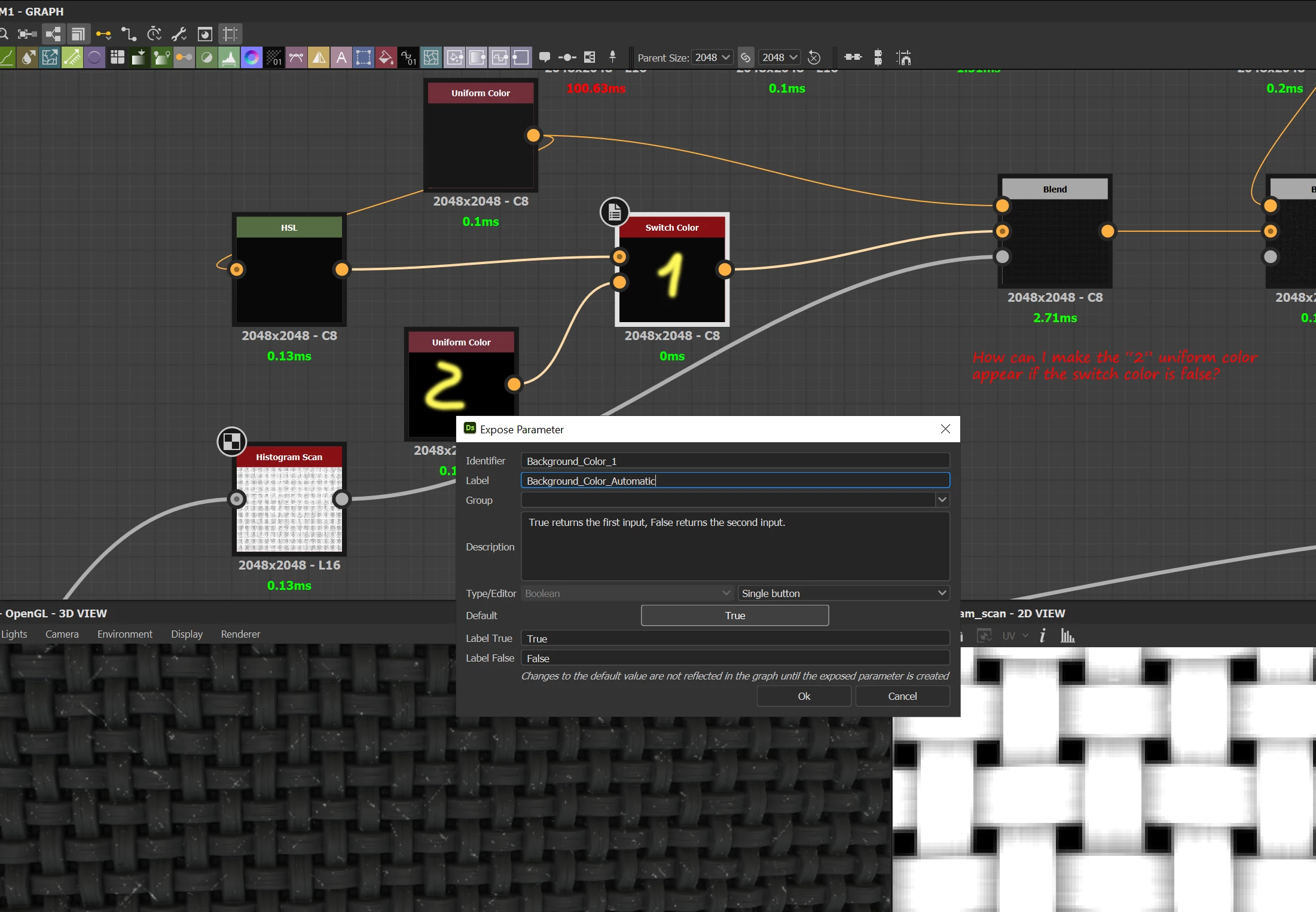
Need some help please, how can I expose (sbsar) "2" only if "1" is changed to false? Thanks
 

This topic is closed to new replies. Start a new post to keep the conversation going.
Correct answer Luca Giarrizzo

Hello,


You can simplify it as:

!input["Background_Color_Auto"]

or:

!input.Backgroung_Color_Auto


Learn more in the Visible if page of our documentation.


Best regards.

2 replies

Inspiring
January 30, 2023

I think I solved my own problem, is this how you would do it also? 

input["Background_Color_Auto"] == false


Thank you.

Luca Giarrizzo
Community Manager
Luca GiarrizzoCommunity ManagerCorrect answer
Community Manager
January 30, 2023

Hello,


You can simplify it as:

!input["Background_Color_Auto"]

or:

!input.Backgroung_Color_Auto


Learn more in the Visible if page of our documentation.


Best regards.

Luca Giarrizzo | Quality Engineer - Substance 3D Designer | Adobe

