


Flood Fill Mapper Filtering Modes
Hi there,
I've been using substance designer to help me with distributing patterns with gradients to be used in an application that animates based on RGBA values. It's been helpful, but the default flood fill mapper node doesn't seem to have options to change pixel filtering. As the animation is based on the RGBA values of my final texture, the filtering causes artifacts that are out of time. I would like to have a flood fill mapper with nearest filtering. I think that I see where in the pixel processor functions for the mapper I might be able to edit this in; however, I'm somewhat new to designer and I haven't been able to find a way to easily create an editable copy of the flood fill mapper.
If anyone has any ideas for how to correct my filtering or go about editing the existing function, I'd very much appreciate it 🙂
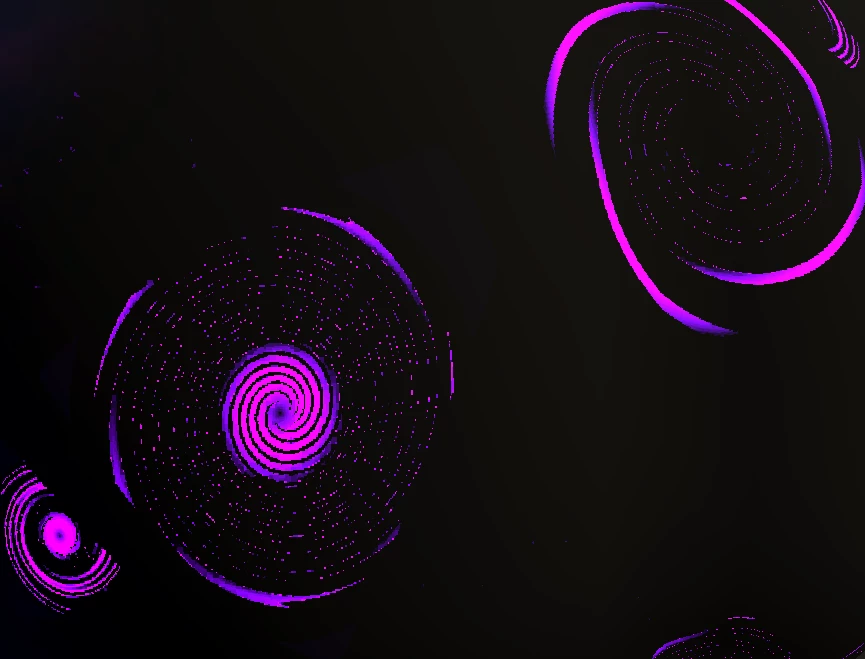
The filtering present from the mapper node:

Resulting artifacts in final application:

 AdChoices