



Getting Alpha out from Tile Sampler Color node
Hey people! =D
The pattern input I'm using in 'Tile sampler color' holds RGBA data. The output from the node however doesn't come with alpha (white alpha). Is it normal or is there a way to get the Alpha?
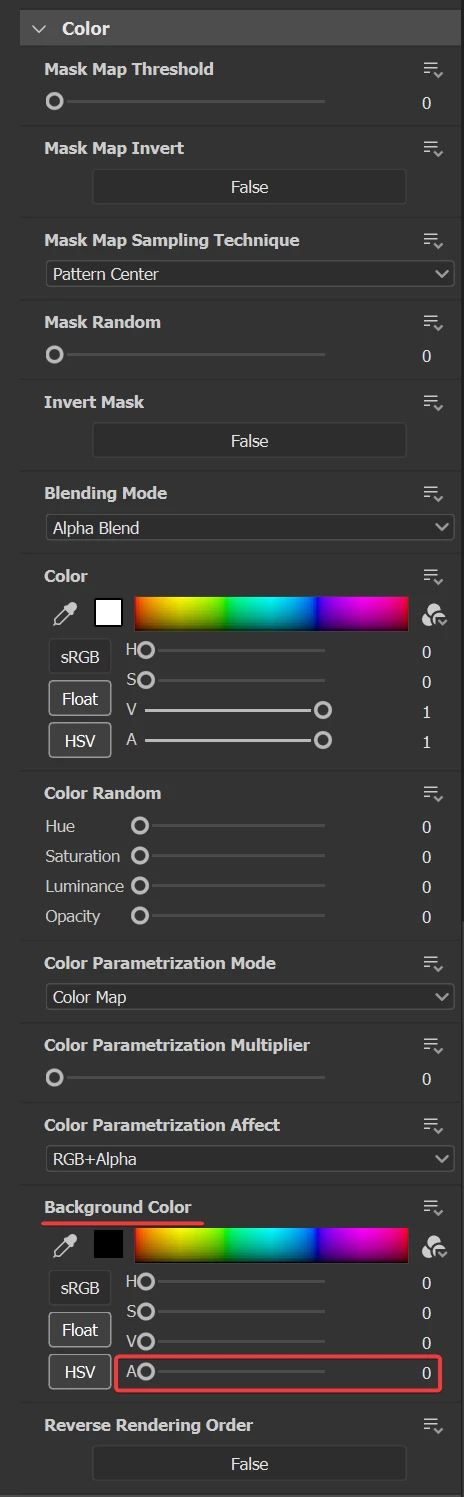
If user puts a color in BG input then it works fine within the Tile Sampler Color stating that the node does holds Alpha data. How do I get it out?
In the end, I want to send the output in Base Color channel without the black background.
I can take the color output from Tile Sampler and convert it into grayscale → Apply levels etc to get a mask for Alpha merge node but.. it's not the most accurate way.
I've read that splatter shape is more apt for such scenerios. Unfortunately I've set up a huge part of my tool around tile sampler node :')
Thanks!

 AdChoices