
Inspiring
November 13, 2023
Answered

Height to Normals node creates thin outline around the edges

  • November 13, 2023
  • 1 reply
  • 2519 views

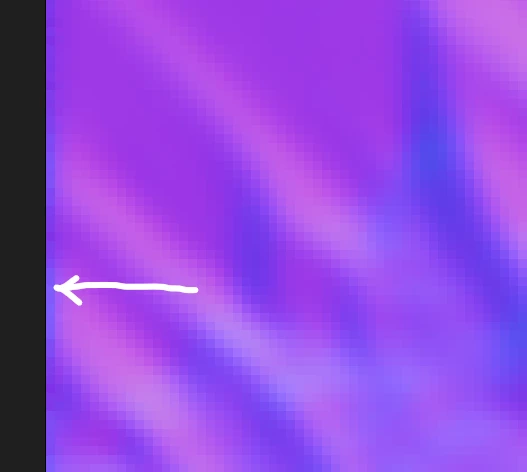
Hi, does anyone know why Height to Normals node creates thin outline around the edges? This is an issue for me cos then they create thin bump lines in areas where these normal maps meat. Here's the zoomed in example:
 

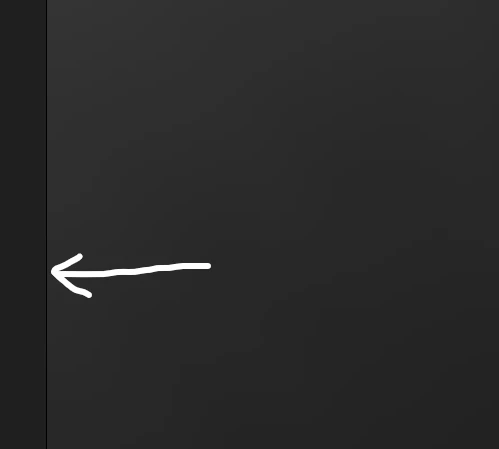
The heightmap I'm using is a 16bit single-channel grayscale map and it doesn't have any edges along its edges at all. Here's that same area in the heightmap:
(P.S. Of course I have TiIling turned off for all of my nodes.)


Is there any workaround for this? Thanks!


This topic has been closed for replies.
Correct answer Cyril Dellenbach

Hello @Defonten,


I know Kirkr already helped with your issue (Thanks Kirkr by the way), but as I've investigated with the team, I wanted to keep you updated.


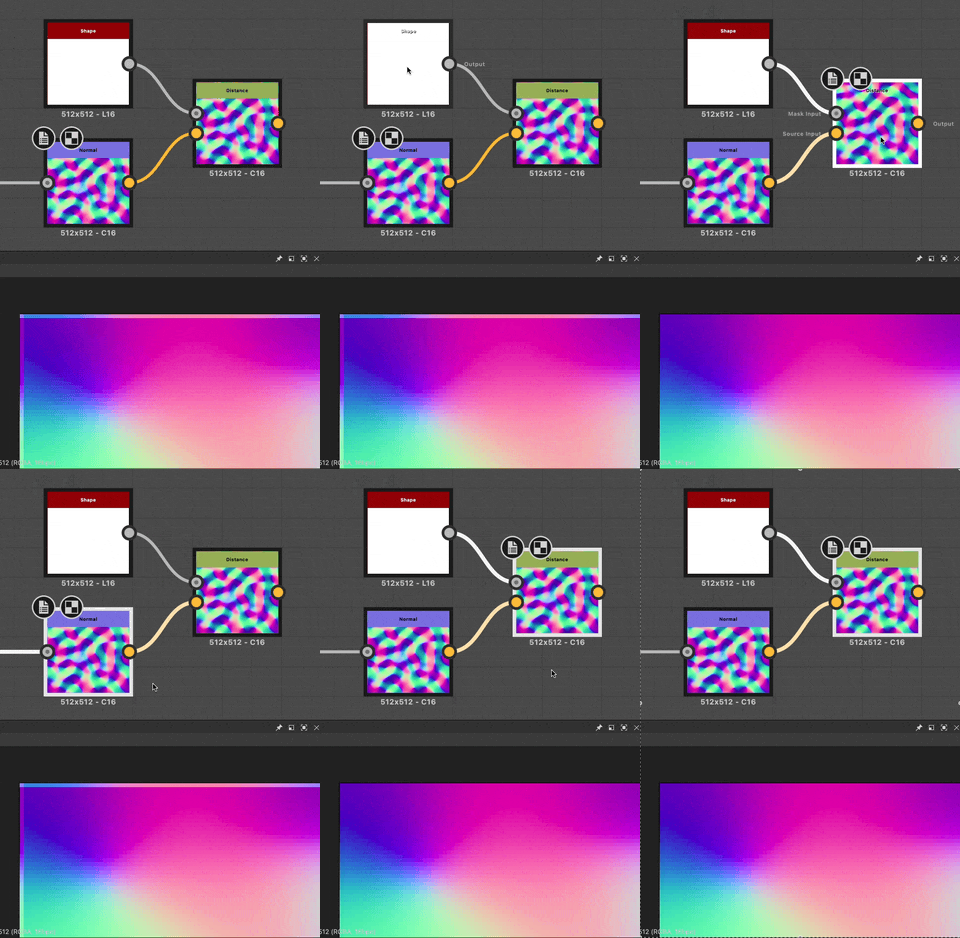
The problem partially comes from the Normal nodes. These nodes were buit for tiling maps and don't support the deactivation of H and V Tiling mode. Considering your map doesn't tile, it creates a one pixel line. An additionnal workaround to the one shared by Kirkr is to use the Distance node in order to dilate the texture on this pixel line.


Best regards,


1 reply

Cyril Dellenbach
Community Manager
Community Manager
November 14, 2023

Hello @Defonten,


What do you mean by "I have Tiling turned off for all of my nodes"? In order to avoid this kind of artifact, make sure the Tiling parameter in the nodes Properties is set to "H and V Tiling".


Best regards,


Cyril Dellenbach (Micro) | QA Support Artist | Adobe
Nitroleum
Known Participant
November 20, 2023

Hi @Cyril Dellenbach, sorry for bothering, do you have any assumptions or thoughts on my previous post please?

DefontenAuthor
Inspiring
November 23, 2023

Hello @Defonten,


I know Kirkr already helped with your issue (Thanks Kirkr by the way), but as I've investigated with the team, I wanted to keep you updated.


The problem partially comes from the Normal nodes. These nodes were buit for tiling maps and don't support the deactivation of H and V Tiling mode. Considering your map doesn't tile, it creates a one pixel line. An additionnal workaround to the one shared by Kirkr is to use the Distance node in order to dilate the texture on this pixel line.


Best regards,


@Cyril Dellenbach Awesome this is a great and much simpler alternative actually! Thanks a lot!