


Participant
November 12, 2021
Question

Help needed: Textures look flat outside of Substance Designer

  • November 12, 2021
  • 1 reply
  • 1063 views

I've been following various SD tutorials, including the official Adobe ones. The problem I'm having is that all of my textures look awful outside of Designer. When I export them to Blender, they just look horrifically flat. I have no idea what I'm doing wrong. 


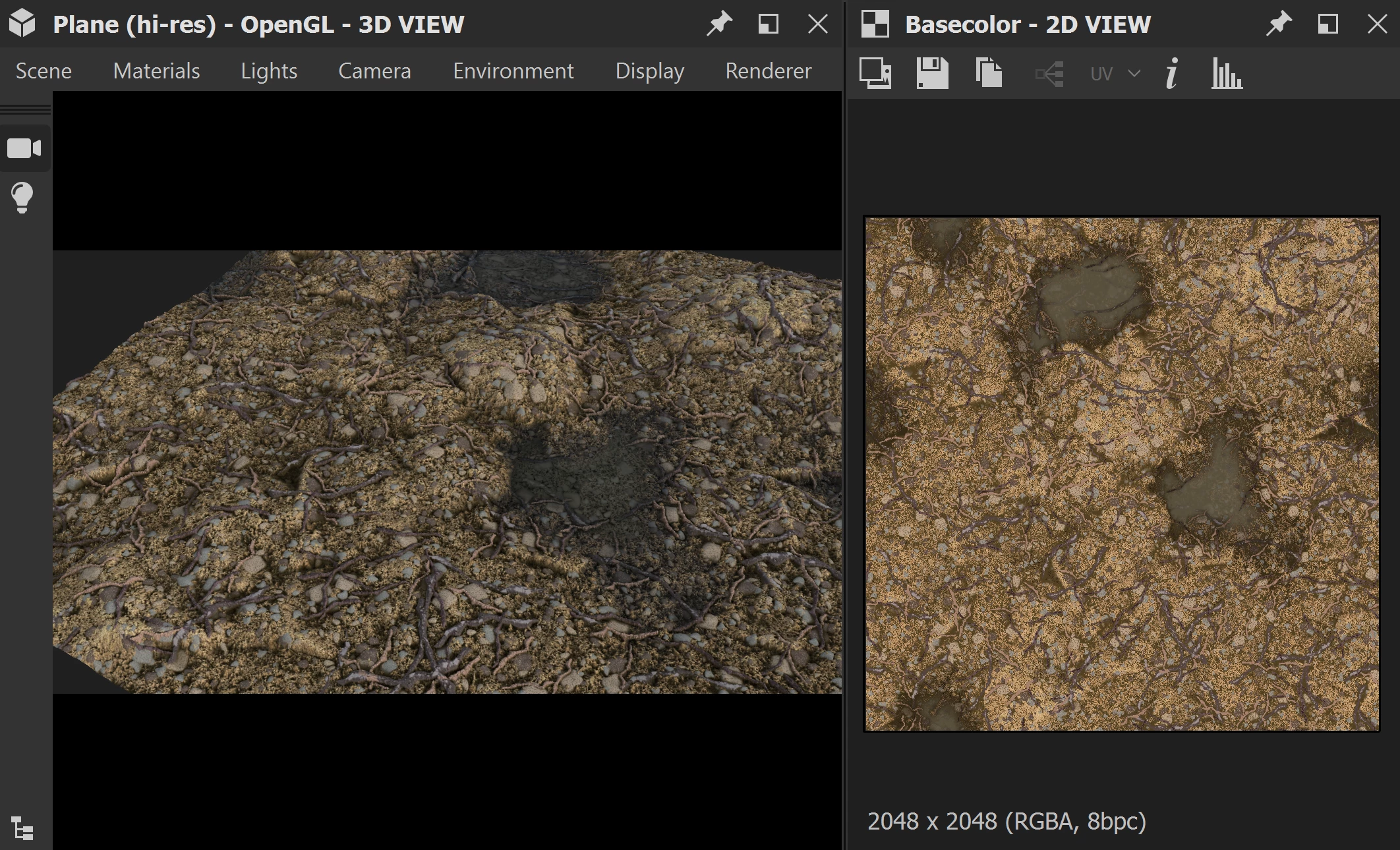
Here's how it looks in SD:


Here's how it looks in Blender:
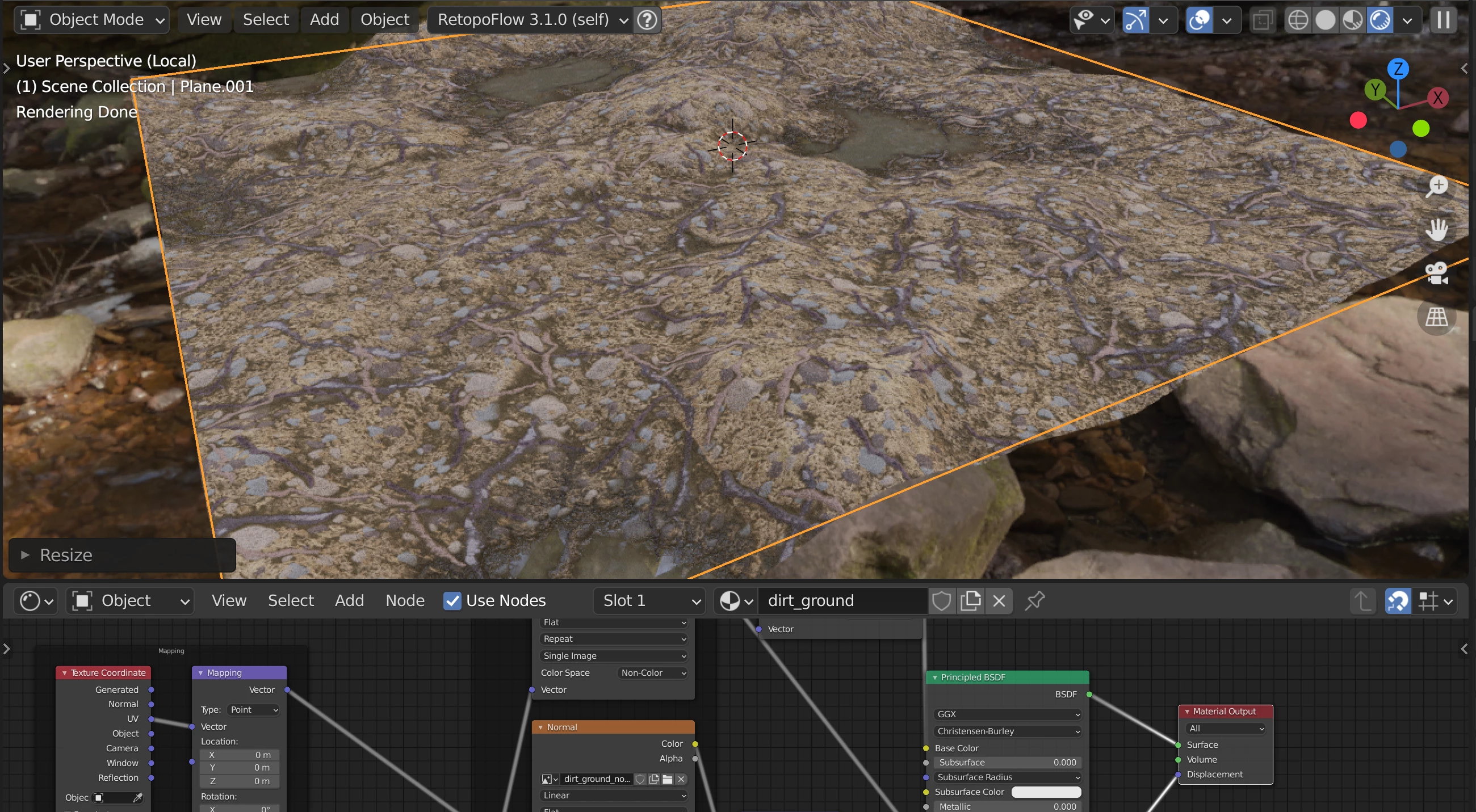


This is in Cycles, so I dread to think how bad it will look in Unity. Any idea what I'm doing wrong?

This topic has been closed for replies.

1 reply

davescm
Community Expert
Community Expert
November 13, 2021

Hi

I can't from your screenshots how you are using the material in Blender. For example:

a. Are you using just bump (it looks like it) or adaptive subdivision to divide the mesh and then using displacement (if so it will only give full tesellation on render not preview)

b. What are the displacement and normal node settings?

c. Filmic rendering can look flat at default and will need a curve on rendering (or try a more contrasty setting)