Artbenco
Participant
February 17, 2022
Question

How can I apply a blend just to the slope / step face?

  • February 17, 2022
  • 1 reply
  • 132 views

Hi 

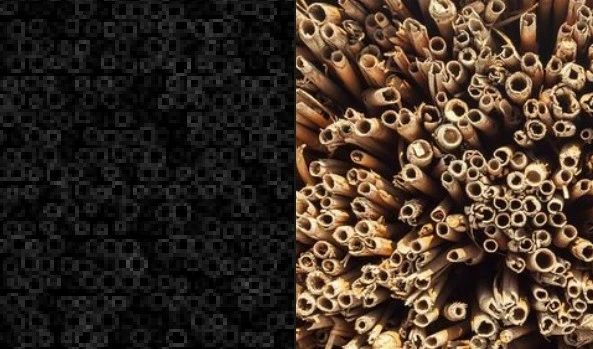
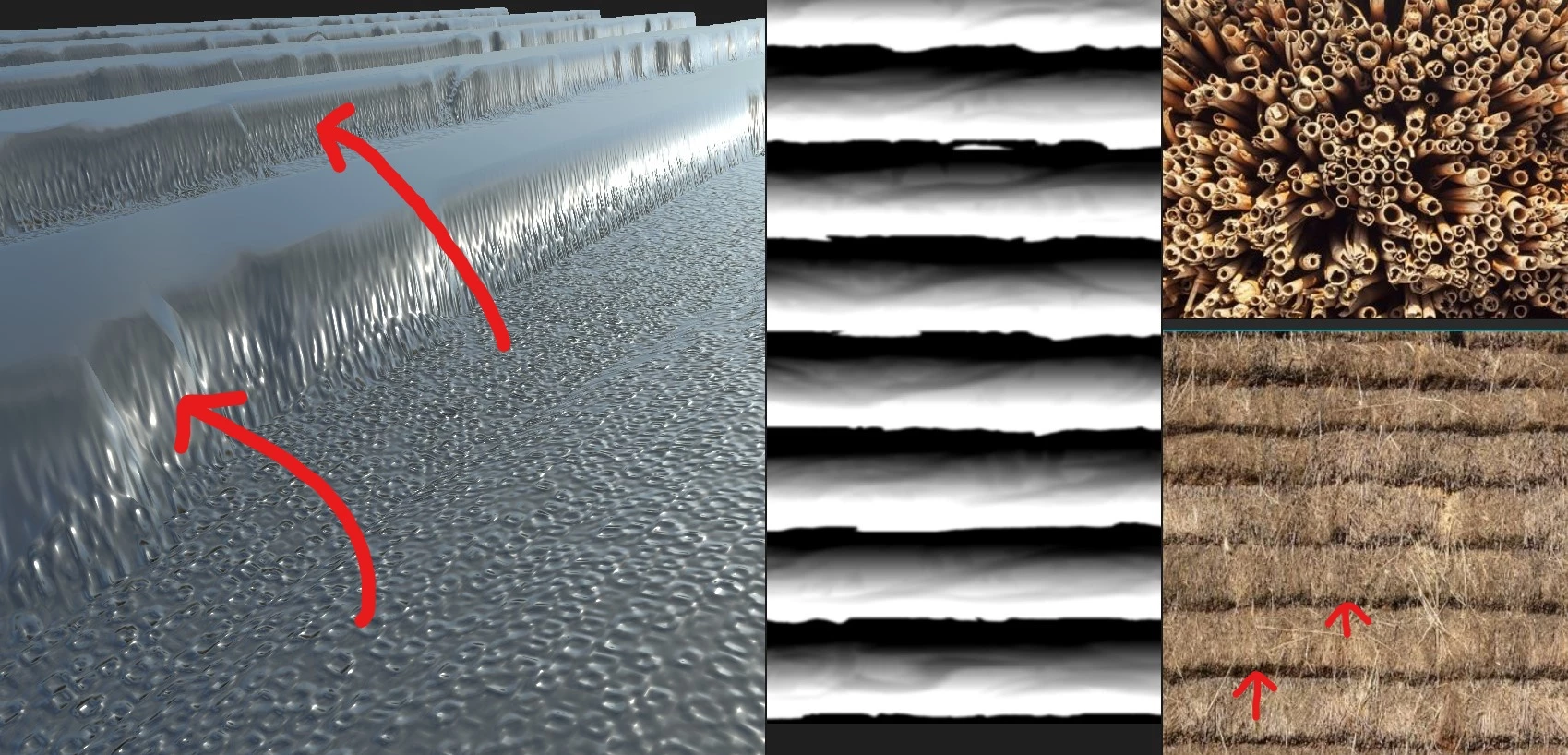
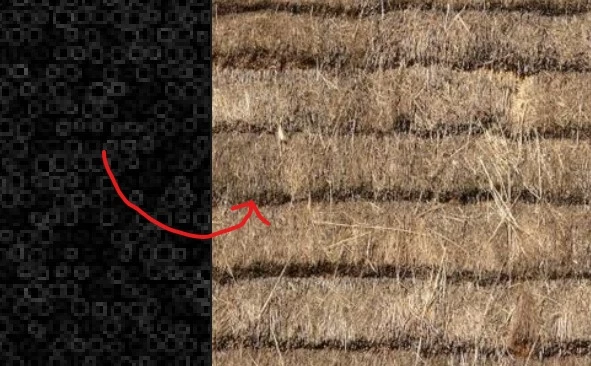
I am probably trying to do the impossible here but I have seen many times what looks to be impossible acheived in Designer. I am trying to create a thatched roof texture. The ref pic I am using has steps in the thatch which I have managed to create. However here comes the problem - I want to apply a pattern just to the slopped area (Edge face of step). The reed ends (circles) need to be just on the slope as you can see in the images below. The reed ends would be visible only in the slope. I cannot get them just to appear in the slope and when they do they look distorted. I hope there is a simple solution to this, please let me know if you need further explanation. Cheers!


This topic has been closed for replies.

1 reply

Luca Giarrizzo
Community Manager
Community Manager
February 17, 2022

Hello @Artbenco,


The tessellation displacement technique only moves the vertices in the direction of their normal vector by the amount resulting from Height map * Height scale. All textures are still applied on the original UVs of the mesh – i.e. without accounting for the result of the subdivision and displacement.

This means textures will indeed appear stretched in the areas where height changes by a significant amount.


While stretching cannot be avoided, you may isolate the slopes and use that mask in your textures, and maybe scale the texture to compensate for the stretching in these areas, although you will still be limited by resolution.


There are ways to apply textures on a mesh which are UV-agnostic and rely on world-space or object-space coordinates instead of UV-space. In that case, the UV-space mask of the slopes can be combined with an object-space projected texture to apply crips detail in the sloped areas. However, Designer does not include shaders which support these capabilities.


I hope this is informative!


Best regards.


Luca Giarrizzo | Quality Engineer - Substance 3D Designer | Adobe