


Answered

davescmCorrect answer
Community Expert
September 4, 2025
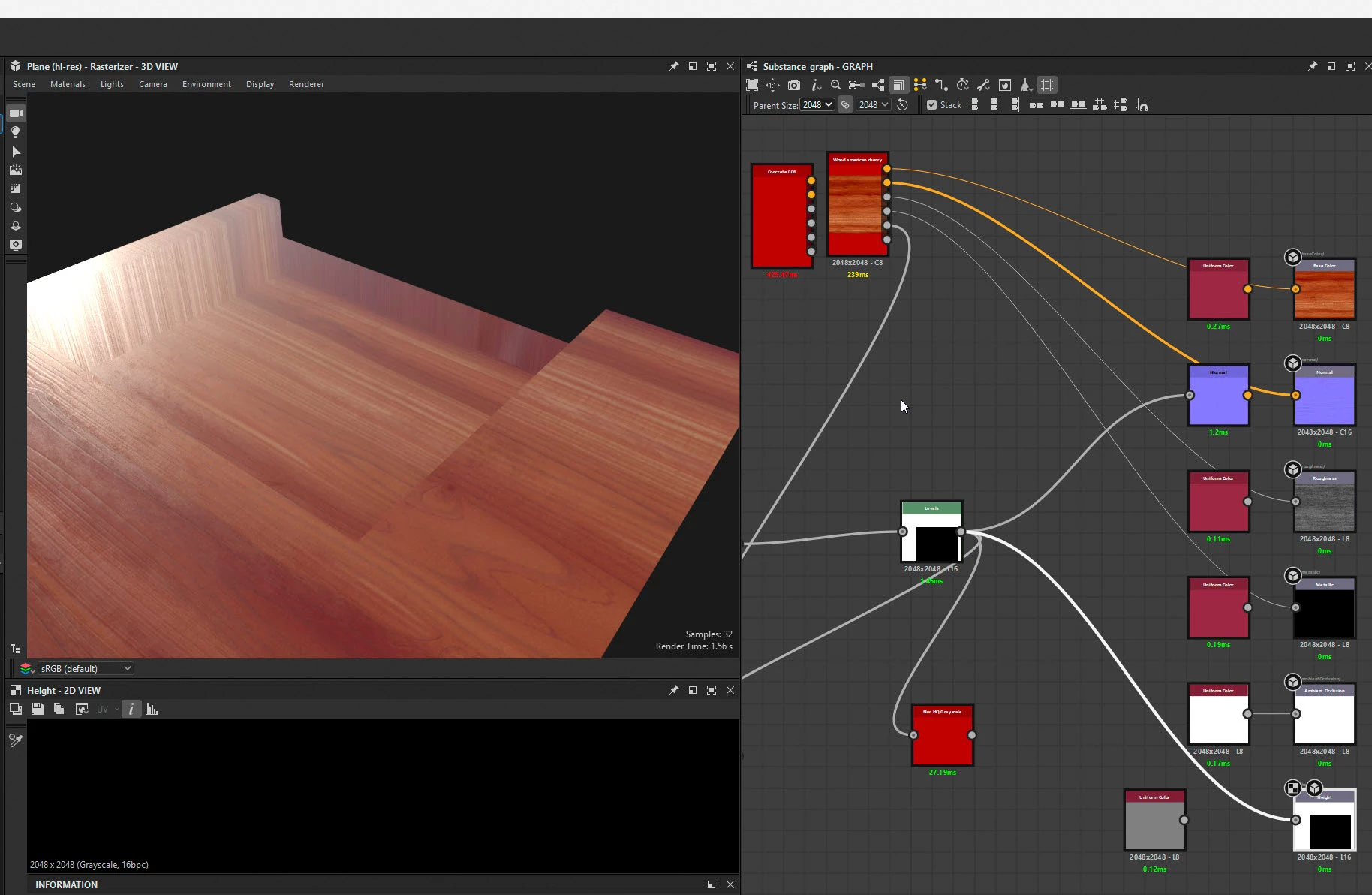
It is an artifact of the rendering engine when edge pixels are not at the default height but some interpolation is needed to set the transition to the next texel which of course is outside the boundary of the material. Render engines will either, treat the next texel as a tiled image (which for a tiled material is a good assumption), treat it as the default height, or provide options. I cannot see any options in 3D Designers render options.
In Blender this is taken care of in the material's displacement node by setting the extrapolation method which sets how pixels outside the image boundary are treated. Changing from the default 'Repeat' which works well for tiled materials, to either 'Extend' or 'Clip' resolves the rendering issue.
Substance 3D Render:
The same outputs rendered in Blender with displacement set to 'Extend' (for demo of the issue only, no attempt to match lighting etc)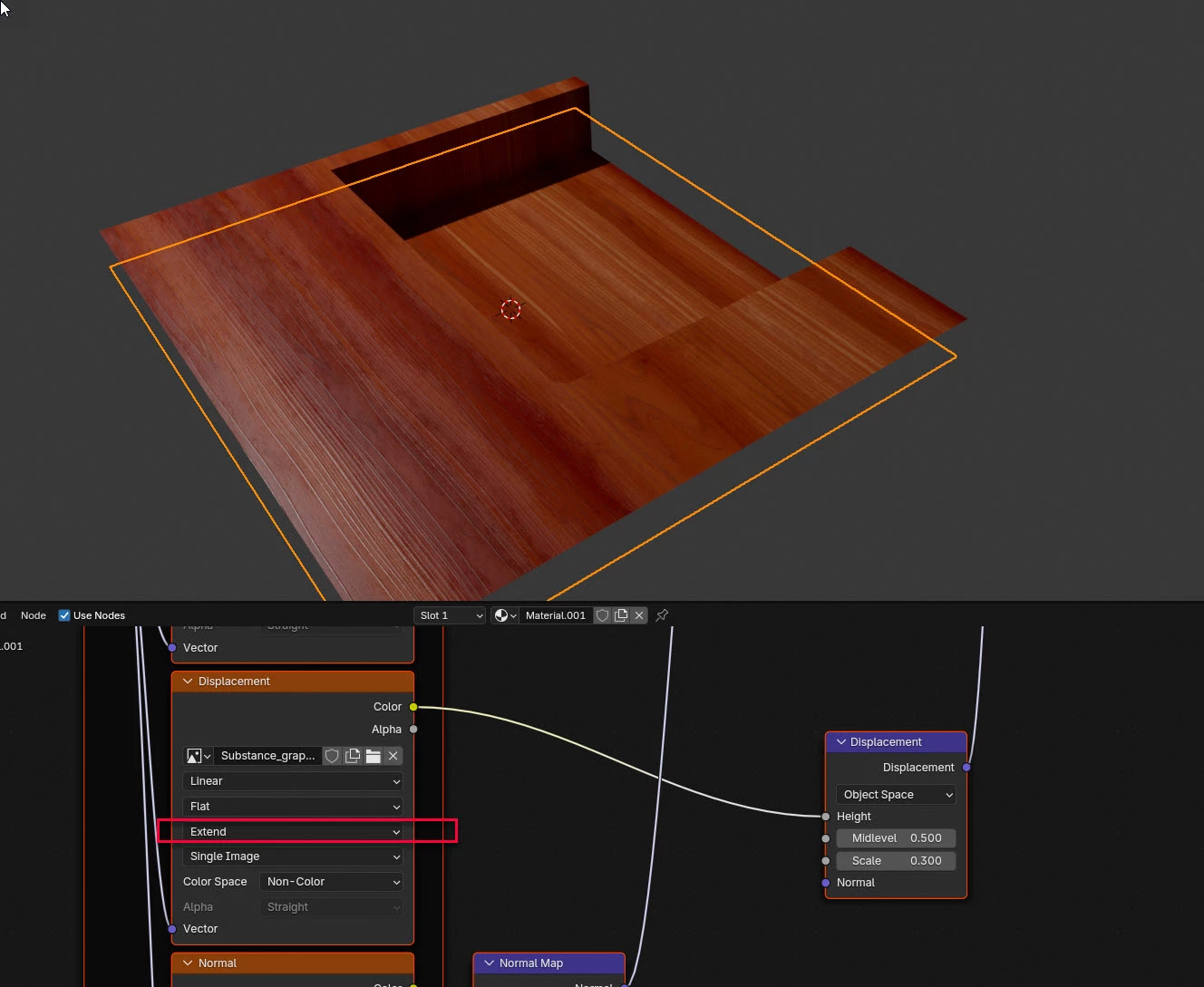
Dave
 AdChoices