


Participant
July 12, 2023
Answered

How to export substance designer grunge texture into substance painter as a texture category
  • July 12, 2023
  • 1 reply
  • 736 views

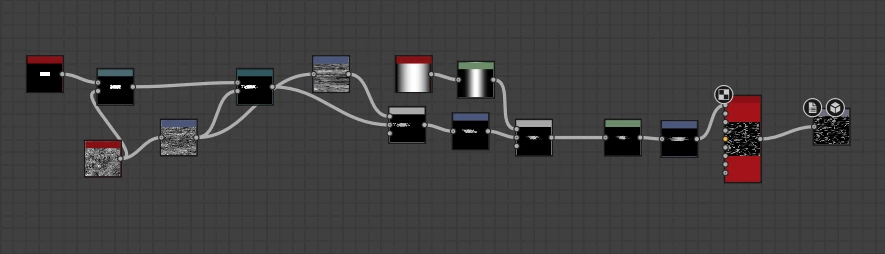
In Designer, I created a simple Grunge texture and want to use it as a texture (with exposed parameters ) in Substance Painter. In its texture category, my problem is that when I export the sbsar file, Substance Painter recognizes the package as the base material, but I want it to be added in the texture category (texture below)
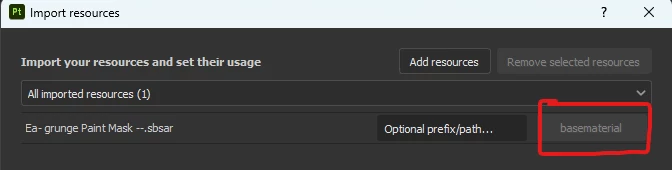
 

In previous versions of Substance Painter, we could manually use the category, but in newer versions, I can't change it manually.

I'd appreciate it if you helped fix it.

This topic has been closed for replies.
Correct answer davescm

What graph type did you choose in Designer graph 'Attributes' (double click on an empty space in the graph to bring up the graph properties and check under Attributes > Type.


If you use Unspecified you can choose on import.

If you use Procedural then, on import, it is added as a texture generator in the shelf

If you use Standard Material then it works as per your screenshots


Dave

1 reply

davescm
Community Expert
davescmCommunity ExpertCorrect answer
Community Expert
July 12, 2023

What graph type did you choose in Designer graph 'Attributes' (double click on an empty space in the graph to bring up the graph properties and check under Attributes > Type.


If you use Unspecified you can choose on import.

If you use Procedural then, on import, it is added as a texture generator in the shelf

If you use Standard Material then it works as per your screenshots


Dave