
Participant
October 20, 2024
Question

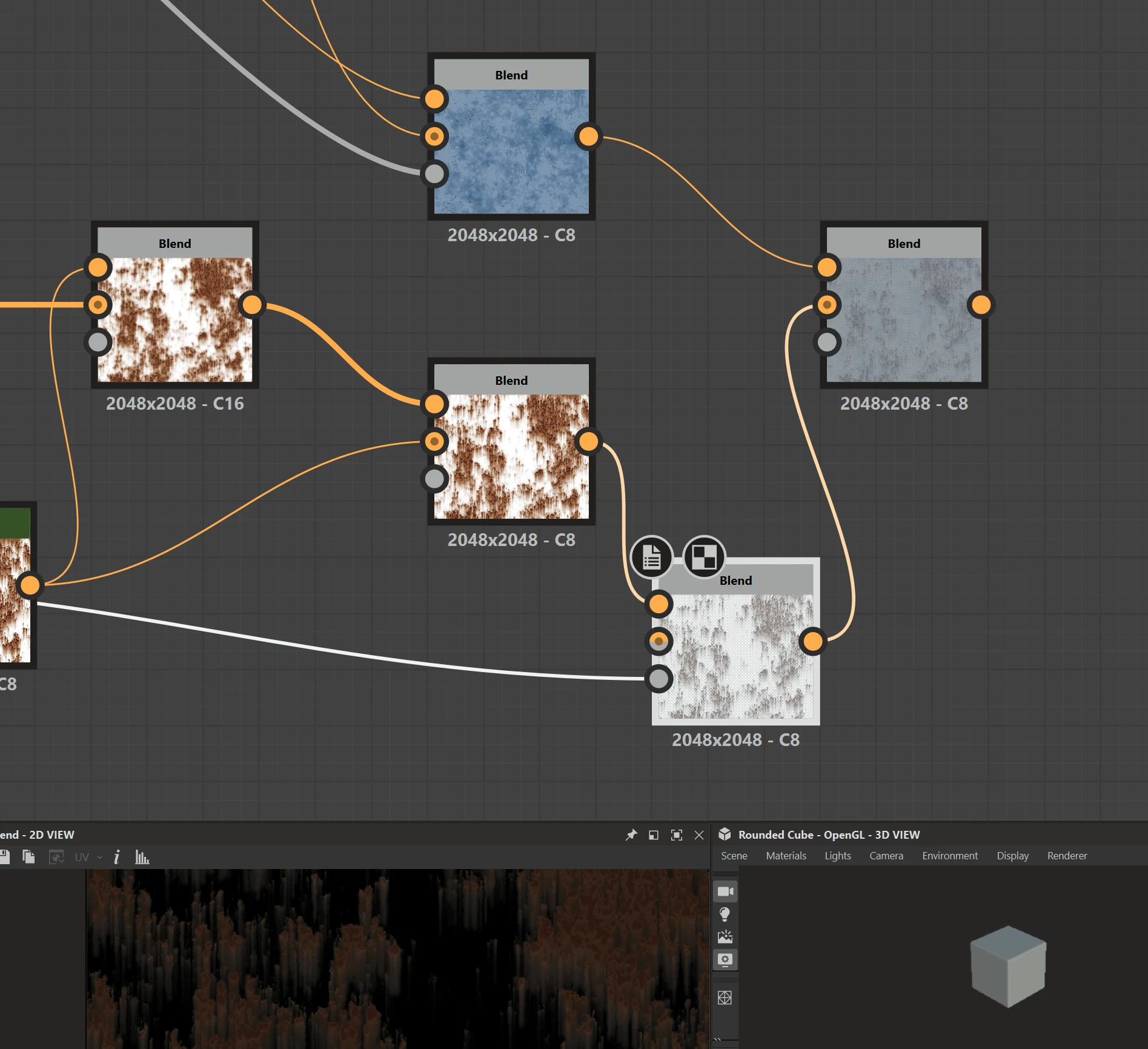
How to lay 2 layers on top of eachother without deforming any colors?
  • October 20, 2024
  • 1 reply
  • 393 views

I want to overlay the rustnode on top of the node with the blue material, without transforming the color information from the blue material in any way. How can this be achieved?

This topic has been closed for replies.

1 reply

Community Expert
October 20, 2024

To achieve warten you want, you need to use a mask for your rust and use the mask input of the final blend, set the blend mode to copy or switch and let the b/w mask drive the areas, where the rust layer is used.

Stay healthy and creative Marco 

Luca Giarrizzo
Community Manager
Community Manager
October 21, 2024

Hi! 


That is correct, thank you @Marco Vitale!


If I may, here is a little nugget of information that can help in the future: the difference between 'Copy' and 'Switch' blending modes is that 'Switch' is specifically optimised to only use one of the inputs of the 'Blend' mode if 'Opacity' is set to 0 or 1. In that case, the other input is not computed at all. This can significantly optimise graphs.


So you can think of 'Switch' as a hard 0/1 branching device, whereas 'Copy' is for any blend in between.


Additionally, 'Switch' performs a straight linear interpolation on all RGBA channels (precisely because it is purely a lerp we can optimise), whereas Alpha can be managed differently in 'Copy' mode according to the 'Alpha Blending' parameter.


I hope this is helpful and informative!


Best regards.

Luca Giarrizzo | Quality Engineer - Substance 3D Designer | Adobe
Community Expert
October 21, 2024

I was guessing so, but now you confirmed it. Thank you, stay healthy and creative Marco