Participant
August 16, 2021
Answered

How to Select Specific Mesh Using Index?

  • August 16, 2021
  • 1 reply
  • 335 views

Hi,

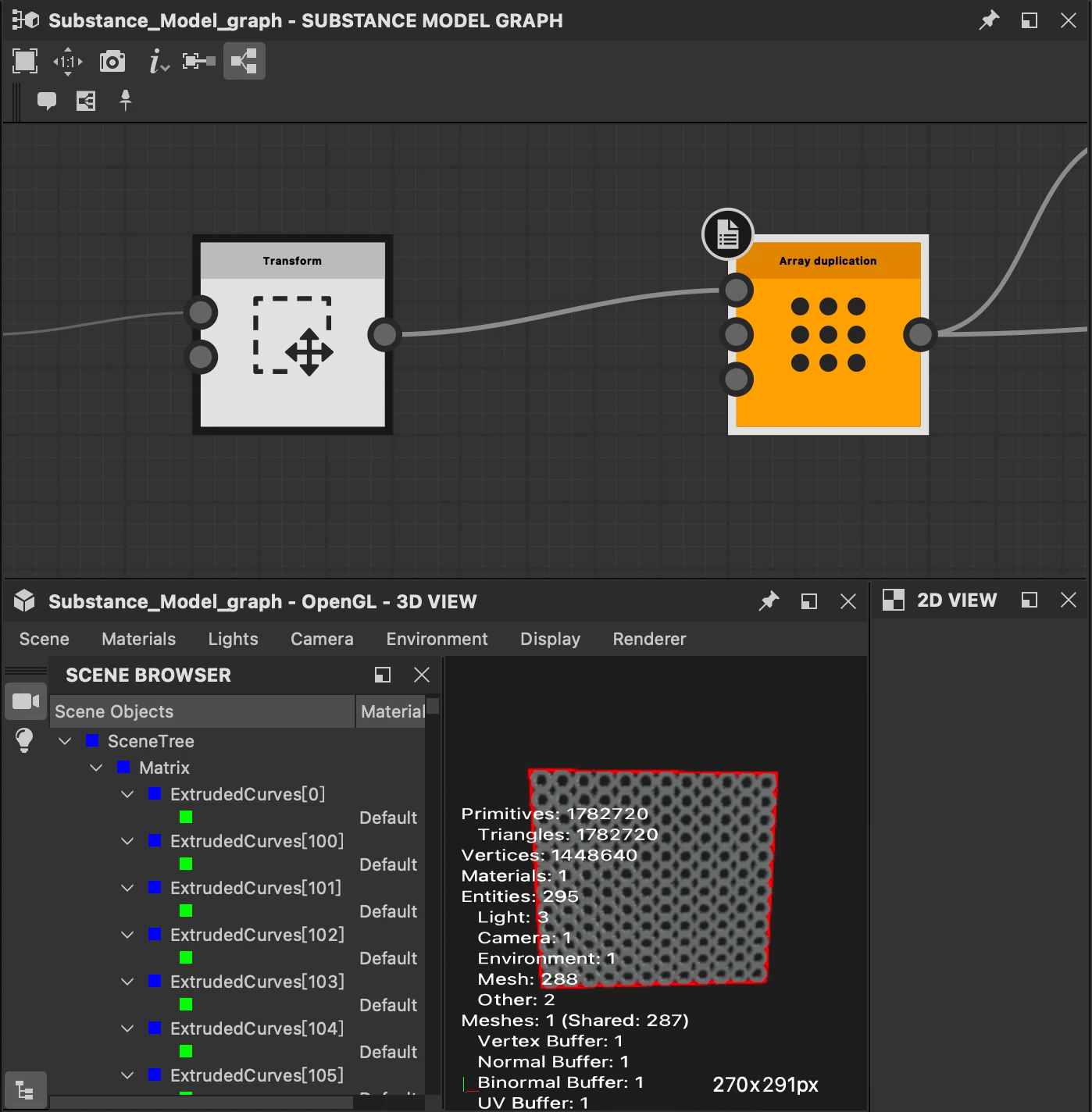
I am trying a substance 3d procedure modeling, and i duplicated a couple of meshes by using a curve and Array duplication node, and i am wondering that can i select a single mesh using a index like scene browser show?  

Another question is that is there any way that i can display a vertices of curve just like the documantation link shows below.


https://substance3d.adobe.com/documentation/sddoc/split-curve-215286519.html#section2


Thx.

This topic has been closed for replies.
Correct answer Luca Giarrizzo

Hello @WilliamWU,


In the Scene browser, Items followed by a number between brackets mean these are instances of a source Item, Instances cannot be individually manipulated and are always processed together.

Instances need to be broken apart into separate Items before they can be manipulated individually. You may do this using the Expand group instances node.


Then, you can use the Filtering expression property of some nodes – e.g. Set material – to select which Item should be impacted by its effect. Alternatively, you may use the Filter scene node to split Items into separate scenes according to a filtering expression*.


* There is currently a bug in the Filter scene node which prevents filtering individual Items in specific cases, which includes the result of the Expand group instances node. This issue is already fixed internally and the problem should thus be solved in a future version of Substance 3D Designer. I appreciate your patience in the meantime!


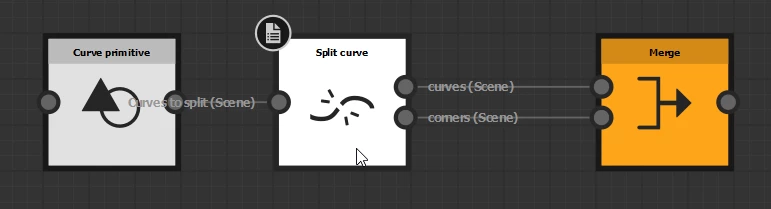
Regarding how to display curves and their vertices, I used a trick to get this result: I merged together the Corners and Curves resulting from a Split curve node into a single Scene.


We are working on improving the 3D View for better usability. Stay tuned!

 

1 reply

Luca Giarrizzo
Community Manager
Luca GiarrizzoCommunity ManagerCorrect answer
Community Manager
August 26, 2021

Hello @WilliamWU,


In the Scene browser, Items followed by a number between brackets mean these are instances of a source Item, Instances cannot be individually manipulated and are always processed together.

Instances need to be broken apart into separate Items before they can be manipulated individually. You may do this using the Expand group instances node.


Then, you can use the Filtering expression property of some nodes – e.g. Set material – to select which Item should be impacted by its effect. Alternatively, you may use the Filter scene node to split Items into separate scenes according to a filtering expression*.


* There is currently a bug in the Filter scene node which prevents filtering individual Items in specific cases, which includes the result of the Expand group instances node. This issue is already fixed internally and the problem should thus be solved in a future version of Substance 3D Designer. I appreciate your patience in the meantime!


Regarding how to display curves and their vertices, I used a trick to get this result: I merged together the Corners and Curves resulting from a Split curve node into a single Scene.


We are working on improving the 3D View for better usability. Stay tuned!

 

Luca Giarrizzo | Quality Engineer - Substance 3D Designer | Adobe