


Nitroleum
Known Participant
May 6, 2023
Answered

How to stitch two height maps by averaging their near-edge pixels?

  • May 6, 2023
  • 1 reply
  • 338 views

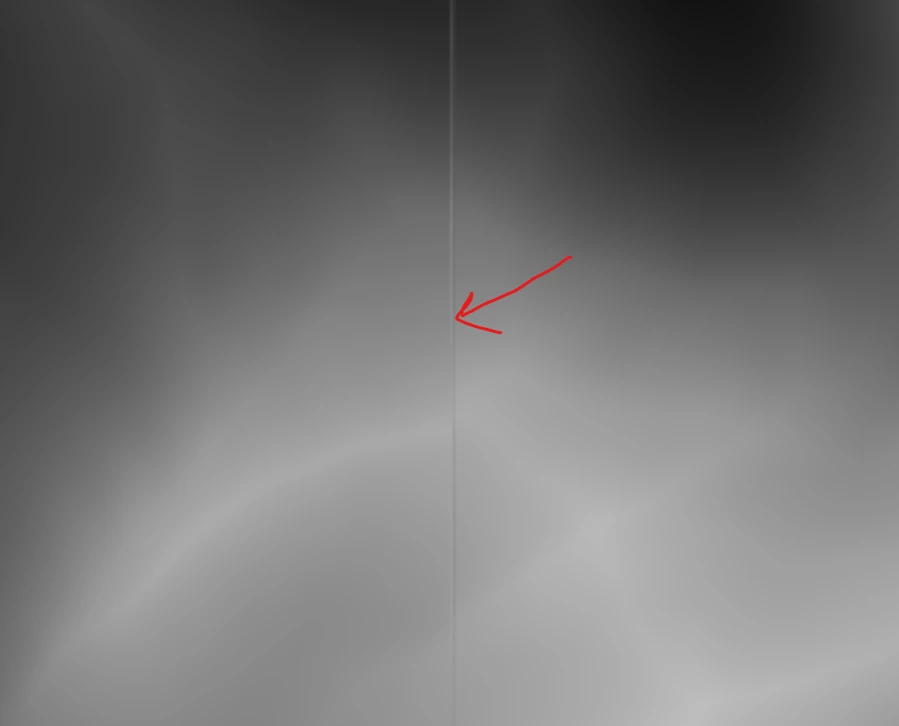
Hey guys, I got two height maps that are seamless in regards to each other but for some reason both maps have a thin (5-6 px wide) outline around the edges that creates ugly bump when used as a displacement map un UE5. Is there some magic node or a workflow you could suggest in Substance Designer that would average out pixels near the edges of both maps to eliminate this thin artefacty outline? Thanks in advance!

 

This topic has been closed for replies.
Correct answer Cyril Dellenbach

Hi @Nitroleum,


Thanks for the message.


The outlines appear in UE5 or are they already in the image? If so, I would simply try to link them to a transformation 2D node and slightly increase Width and Height stretch. Another type of seam will probably appear, but it should be more subtle.


But the most convenient option would obviously be to check the issue at the source.


Keep me updated.


1 reply

Cyril Dellenbach
Community Manager
Cyril DellenbachCommunity ManagerCorrect answer
Community Manager
May 8, 2023

Hi @Nitroleum,


Thanks for the message.


The outlines appear in UE5 or are they already in the image? If so, I would simply try to link them to a transformation 2D node and slightly increase Width and Height stretch. Another type of seam will probably appear, but it should be more subtle.


But the most convenient option would obviously be to check the issue at the source.


Keep me updated.


Cyril Dellenbach (Micro) | QA Support Artist | Adobe
Nitroleum
NitroleumAuthor
Known Participant
May 8, 2023

Hi Cyril, thanks for the reply! Actually this Transform 2D trick sounds as a very good solution to me at least till I figure out what's happening in the source height map. Thanks a lot!