


Answered
HSL Working by Zones
Hello there!
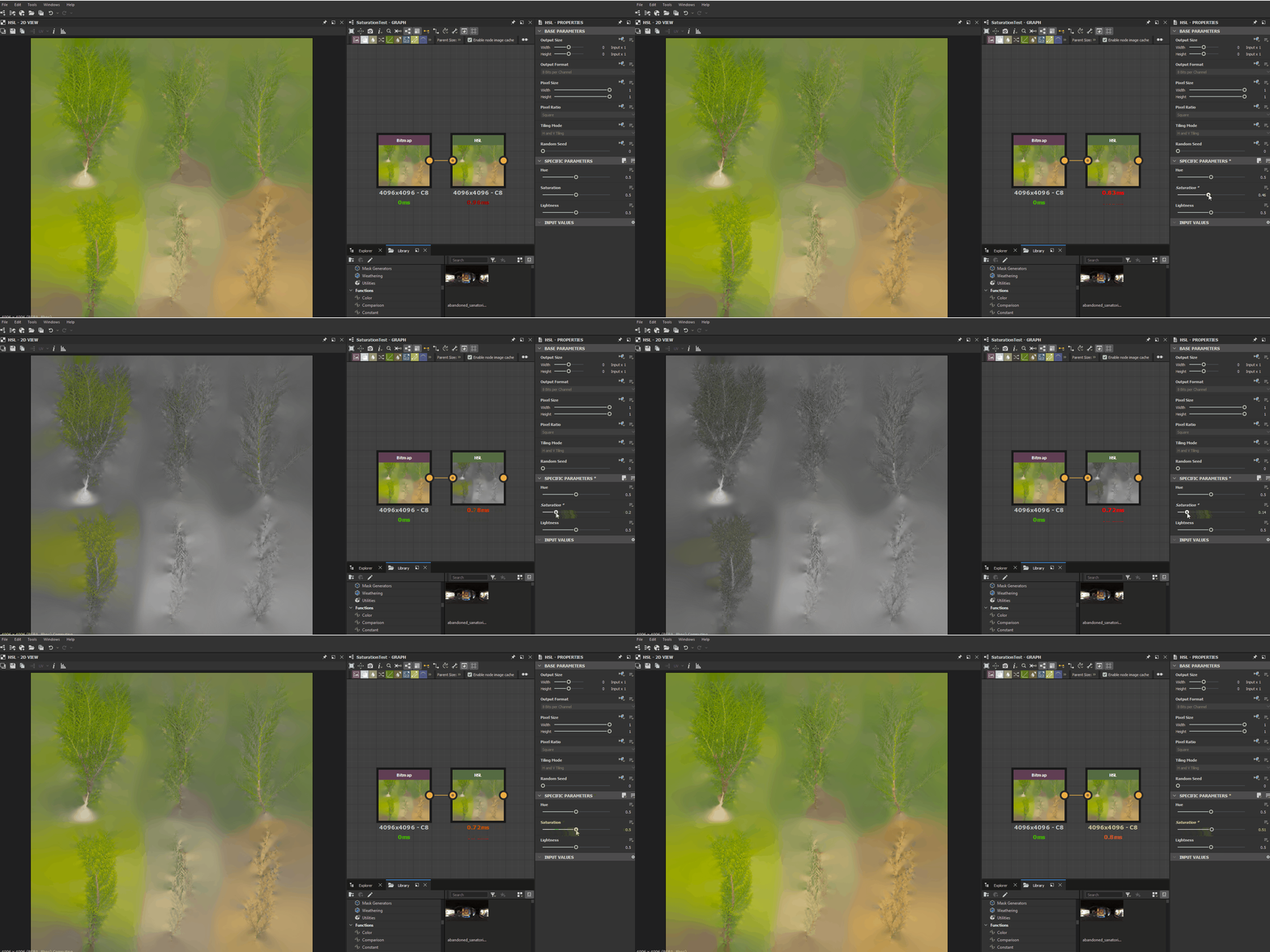
I was working with one of the megascan textures (JPG format) that i wanted to edit to desaturate it and I found this weird effect: The desaturation was being applied by zones, just like if there was a mask. Here you have a gif with the example within Designer:
Here you have the same image being edited in Photoshop:
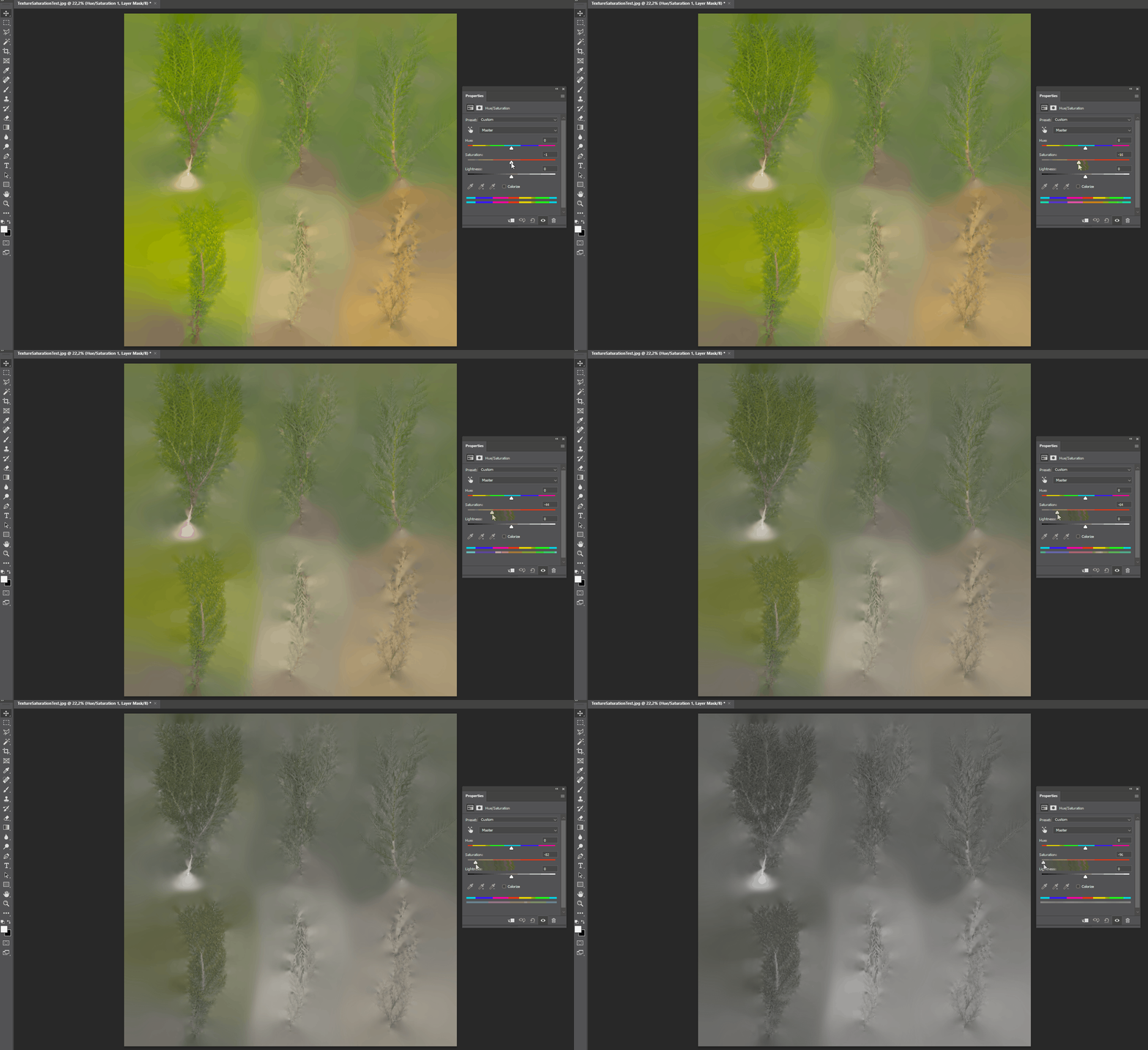
Is there any reason why this is happening? How can I get a more general/uniform desaturation effect in Designer?
Thanks for the help! 🙂
 AdChoices